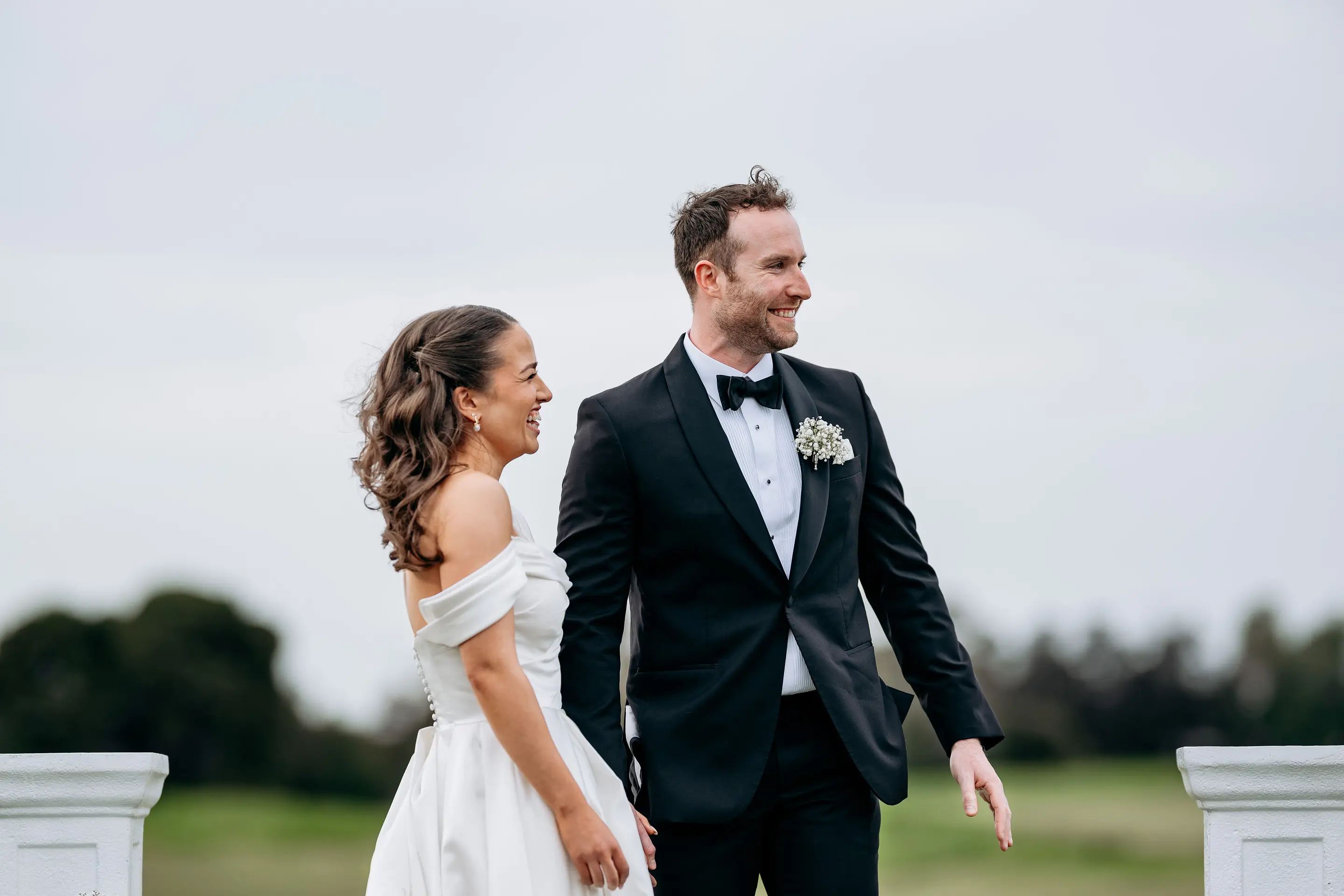
Henry and Elise, who built WedBuild, smiling at each other at their wedding ceremony

Your whole wedding,
in one place.

Your website, invites, RSVPs, seating, dietaries and vendors all connected in one place, one app, one payment.

Try Pro freeGo to your dashboard

As seen inSA WeddingsandSA Style

Beautifully designed. Uniquely yours.

Your Wedding Website

Choose your favourite design, customise every detail and create a wedding website that captures the feeling of your day, right from the very beginning.

Seven steps, one guest list.

From the first name on your list to the last guest in their seat. Every tool reads the same list, so one reply updates everything.

  1. Add your guest list

    Households, plus-ones and dietaries.

    The guest list in a browser: Add guests opens, Couple is chosen, Mia Cooper is typed in, then Adrian Carter below, Add 2 Guests is pressed, and a search for Mia finds their party in the list
  2. Website and invitations

    A template, your story, a save the date.

    The website editor in a browser: Countdown is opened in the sections list, the Sleeps to go design is pressed and appears on Gianna and Theo's page, and the line under it is double-clicked and retyped
  3. Email your invitations

    Send to everyone. See who opened.

    The invitation email in a browser: its preview with Gianna and Theo's photo, then the Send tab, Select all, and Send pressed for all 221 guests
  4. Collect RSVPs

    Replies file themselves into your list.

    Mia's RSVP on her phone: she types her name, finds her party of two, and marks both attending the ceremony and the reception
  5. Design the room, seat everyone

    Press Seat everyone, or drag by hand.

    The seating chart in a browser: Garden reception's tables with each guest's initials in a seat, Add Table pressed in the tools, and the new table dragged across the room into place
  6. Find their seat by QR

    Scan, type a name, see the table.

    Find My Seat on Mia's phone: she types her name, and it says Welcome, Mia Cooper, you are seated at table 5, seat 12, with the reception layout below
  7. Guests share the day

    Photos, notes and voice messages. No app.
    Find My Seat's Guest Memories tab on Mia's phone: she takes a photo with Tonight's camera, and it joins her photos, developing with everyone else's
Henry and Elise, who built WedBuild, walking together on their wedding day

Why we built it

Built by a couple, for couples.

Henry and Elise, an accountant and an engineer, built WedBuild while planning their own wedding. They wanted the guest list, the budget and the seating chart in one place, talking to each other. So they made it.

Read our story

Before you sign up

Is there a catch?

No. Every Pro tool is free for your first 7 days, with no guest limit. After that it stays free for up to 50 guests, or you pay once to upgrade.

Essentials

Free

No time limit

  • Up to 50 guests
  • Website, RSVPs and guest list
  • Invitations and checklist
Start planning free

Standard

A$99

Pay once, for 2 years

Everything in Essentials, plus

  • Unlimited guests
  • Drag and drop seating chart
  • Budget planner and RSVP reminders
Choose Standard
Free for 7 days

Pro

A$199

Pay once, for 2 years

Everything in Standard, plus

  • Room designer and Smart Seating
  • QR Find My Seat for guests
  • Your own domain and Guest Memories
Try Pro free for 7 days
  • No card needed to start
  • Pay once, never a subscription
  • 14-day money-back guarantee
Compare every plan

What couples say

Couples who planned with it.

  • Visual seating chart was a lifesaver. Printed the dietaries straight for the caterer. 10/10.

    Bill & Rachel122 guests · Seating chart
  • Guests scanned a QR code and found their seat. No chaos. Genius.

    Ellie & Alo63 guests · Find My Seat
  • Vendor comparison made picking our photographer actually easy. Loved it.

    Karlee & Jim160 guests · Vendor comparison

Questions

Good questions, short answers.

No. Every new account gets every Pro tool free for its first 7 days, with no card needed. You only pay if you choose to upgrade.
Read every FAQ

Your whole wedding, in one place.

Free for 7 days, every Pro tool. Then pay once, or stay free for up to 50 guests.

Try Pro freeGo to your dashboard