Wedding Websites
Wedding Website Builders That Actually Work for Australian Couples
What Australian couples actually need from a wedding website builder (AUD pricing, connected RSVPs, dietary capture, guests who aren't tech-savvy) and how to choose in 20 minutes.
By Elise Schofield
· 13 min read
Here's the thing nobody tells you before you get engaged: half the wedding website builders you find with a quick Google search are built for someone in Ohio, not Orange. That matters more than you'd think, because this piece is about what actually works for Australian couples: AUD pricing, sane date formats, RSVP flows that don't confuse your Nan, and a website that talks to your guest list instead of sitting next to it looking pretty.
What Actually Matters in a Wedding Website Builder
Strip away the fonts and the confetti animations, and a wedding website has one job: get accurate information from you to your guests, and accurate information (RSVPs, meal choices, plus-ones) back from your guests to you. Everything else is decoration.
A few things separate a website that works from one that just exists:
- RSVP collection that feeds your guest list. If your RSVPs land in a separate inbox from your guest list, you're doing manual data entry at 11pm three weeks out from the wedding. The RSVP and the guest list should be the same system, not two systems you reconcile by hand.
- Dietary requirements captured properly, not buried in a "leave a message" box where Uncle Robert writes "I'll eat anything" and then doesn't eat anything at the reception.
- Mobile-first design. Most of your guests will open the link from a text message on their phone, standing in a servo queue or half-watching the footy. If the site's not built for that screen first, you've lost them.
- Easy updates. Venue changes. Times shift. COVID taught an entire generation of couples that flexibility isn't optional, it's the whole game, and you need to edit the site yourself, in minutes, without emailing a developer.
- No ads on your page. Nothing says "romance" quite like a banner ad for car insurance sitting under your engagement photo.
None of this is exotic. It's the bare minimum, yet an enormous number of builders on the market fail at least one of these, usually the RSVP-to-guest-list link, because that's the boring backend work that doesn't show up in a demo video.
The Australian-Specific Checklist
This is where things get pointed, because most of the wedding website market was built for Americans, and Australians get treated as an afterthought at best.
AUD pricing, shown upfront. Plenty of builders quote in USD and only convert at checkout, so you think you're paying $12 and you're actually paying $18.40 once the bank's foreign transaction fee lands. If a builder can't show you an Australian dollar figure before you enter your card details, that's a flag, not a footnote.
Date formats that make sense. In Australia, 5/8 means the 5th of August. In the US, it means May 8. This sounds trivial until Aunty Carol books flights for the wrong day because the website builder defaulted to American formatting and nobody caught it. Your wedding date should read as DD/MM/YYYY, full stop.
RSVP expectations that suit Australian guests. Australian wedding culture still leans on physical invites and a fairly formal RSVP window, but the follow-through tends to be casual, a text, a phone call, a "yeah we'll be there mate." A good website needs to make online RSVP so easy that it beats the group chat, otherwise guests will just default to messaging you directly and you're back to manual tracking.
Guests who are not tech-savvy. Your guest list isn't just your uni mates who live on their phones. It's grandparents, it's the second cousin who still prints out emails, and the RSVP flow needs to work without an account, a password, or an app download. One link, one page, done.
Time zone handling for overseas guests. If you've got family in London or Auckland flying in, your website needs to show event times in a way that doesn't require someone doing mental maths at 2am. AEST, AEDT, ACST: pick a clear, plain-English display, not just a raw UTC offset that means nothing to your future mother-in-law.
Privacy of guest data. You're collecting names, phone numbers, dietary and access needs, sometimes home addresses for gifts, and that data should live somewhere that isn't a public Google Sheet with the link floating around group chats. Ask where the data is stored and who can see it. If the answer's vague, that's your answer.
The Three Categories of Wedding Website Builders
Broadly, every option on the market falls into one of three buckets. None of them are "wrong," but each comes with a trade-off you should walk in knowing about.
1. Generic site builders repurposed for weddings
These are the drag-and-drop website tools originally built for small businesses or portfolios, with a "wedding template" bolted on.
Pros: enormous design flexibility, you can make it look exactly how you want, and you've probably used one before for something else.
Cons: RSVP is usually a bolt-on form, not a real guest management system, and it typically dumps responses into an email or a spreadsheet with zero connection to a broader guest list. You end up doing the admin work the software should be doing, and pricing is often in USD, with support that has no idea what an "esky" is.
2. US wedding platforms
Purpose-built for weddings, slicker than the generic builders, with proper templates and often registry integrations.
Pros: genuinely nice design, wedding-specific features like gift registries and guest messaging, a polished RSVP experience for guests.
Cons: built around American conventions from the ground up. USD checkout, US date formats, US-style RSVP etiquette baked into the copy ("kindly respond by," "black tie optional" wording that reads oddly here). Time zone displays often assume the couple and guests are all in the same US time zone, which falls apart the moment you've got family in Perth and a venue in the Hunter Valley.
3. Dedicated wedding planning platforms with a website included
These treat the website as one module inside a bigger planning tool, sitting alongside your budget tracker, seating chart, and guest list.
Pros: the website is properly wired into your RSVP data and guest list, because it's the same system, not a separate product pretending to talk to another separate product, and updates to the website often flow straight into your planning tools, so a venue change updates everywhere at once instead of in three different places.
Cons: you're committing to more of the platform's ecosystem, which is only a downside if you wanted total design freedom and nothing else. Also worth checking, same as anywhere, that the specific platform you land on actually does AUD pricing and Australian date formats, because being "wedding-specific" doesn't automatically mean "Australia-specific."
How to Decide in 20 Minutes
You don't need a spreadsheet with forty rows to make this decision. You need four questions, asked in order, and you're done before the kettle finishes boiling.
One: does it show AUD pricing without me creating an account first? If you have to sign up just to see the price, that's a website designed to convert you before you've compared it to anything else.
Two: does the RSVP feed directly into a guest list I can export? Ask this literally, in their help docs or by emailing support. If the answer involves "you can copy and paste the responses," that's not integration, that's data entry with extra steps.
Three: can I test it on my phone right now, for free? Open the demo on your actual phone, not a laptop. If the RSVP form is fiddly with your thumb, so is it for your guests.
Four: is there a free trial or free tier that doesn't demand a card number? If a company is confident their product is good, they let you kick the tyres first, because card-number-required "free trials" are a subscription with a delay button.
Answer those four, and you'll know within twenty minutes which category you're in and whether the specific tool in front of you clears the Australian-specific bar. This isn't a decision that deserves three weeks of research, it's a website, not a mortgage.
The Short Answer, by What You Actually Need
Best for total design control: a general website builder. You can make it look like anything. Accept that the RSVP will be a bolt-on form and that you will be doing the guest-list admin yourself.
Best for a polished guest experience if you don't mind US conventions: a US wedding-website platform. Lovely design and wedding-specific features, but USD checkout, American date formats and time-zone handling that assumes everyone is in one US zone.
Best for Australian couples who want the RSVPs to actually go somewhere: a connected wedding planning platform, where the website, guest list, RSVPs and seating are one system. AUD pricing, DD/MM dates, and no re-entering the same guest three times.
Best free wedding website for a small Australian wedding: any option whose free tier includes real RSVP collection rather than a contact form. That is a much shorter list than the marketing suggests. Check it before you build the whole site.
Best Free Wedding Website in Australia
If the guest list is 50 or under, WedBuild's free plan is the one to beat. It costs $0 with no time limit and no card to start, and it covers the wedding website itself plus online RSVPs, the guest list, the checklist, the event schedule, announcements and AI Help. That is the whole planning spine for a smaller ceremony or an elopement, not a stripped demo of one.
The catch on most free builders is what happens when you outgrow them, because the free tier is usually the front end of a recurring plan. Past 50 guests WedBuild moves to Standard at a one-time A$99 or Pro at a one-time A$199, each with two years of access and no subscription. You upgrade once, pay once, and the transaction is finished. The pricing page sets out exactly what lands in each tier.
How WedBuild Compares
Being straight about it: WedBuild sits in the third category, and it was built in Australia by a couple who planned their own wedding here, which is why the Australian-specific checklist above reads the way it does.
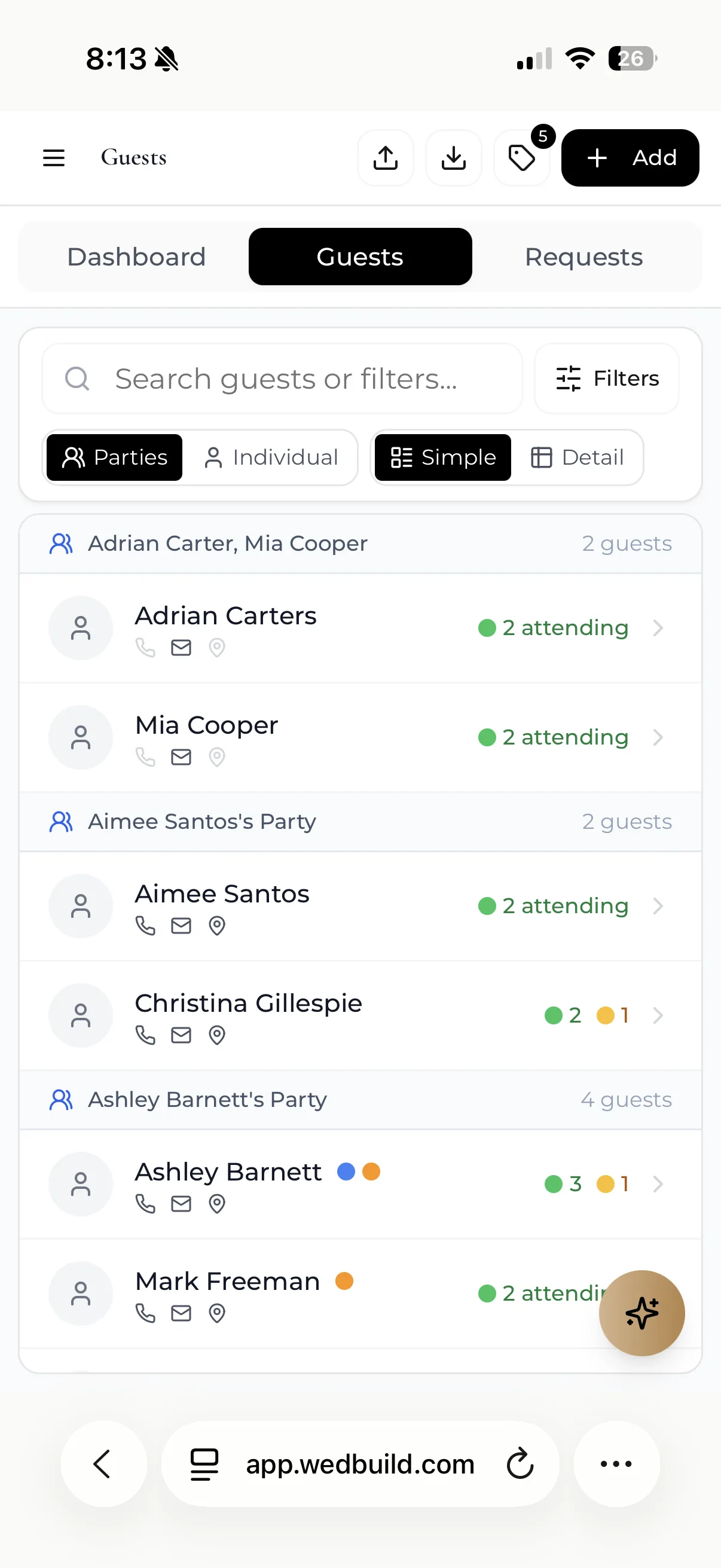
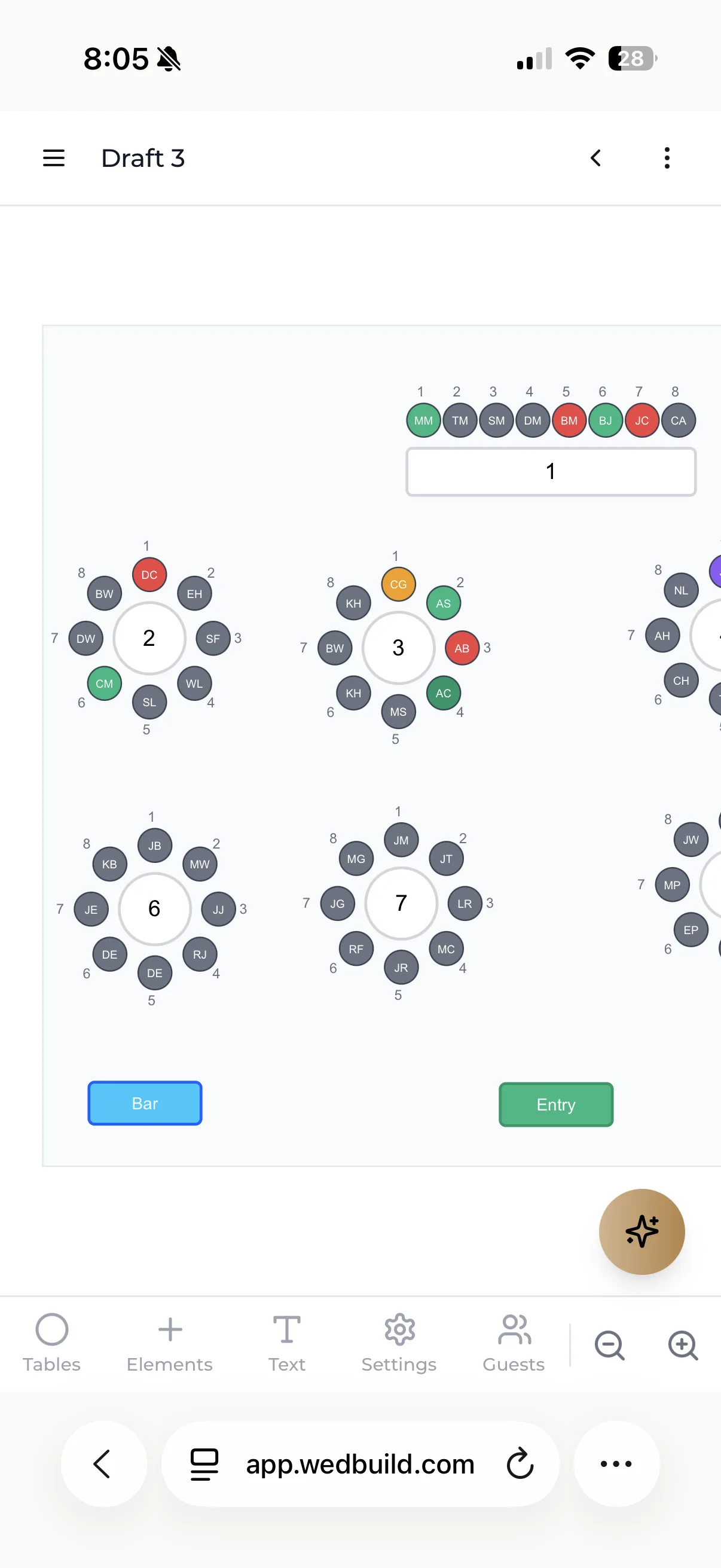
The wedding website is not a separate product that syncs with your planning tools. It is the same data. An RSVP submitted on the site lands in your guest list with its meal choice and dietary note attached, and that dietary note follows the guest all the way to their seat on the seating chart. Change the ceremony time once and the website shows the new time. Prices are in AUD and shown before you create an account, dates render as DD/MM/YYYY, and guests RSVP from one link with no account, password or app download.
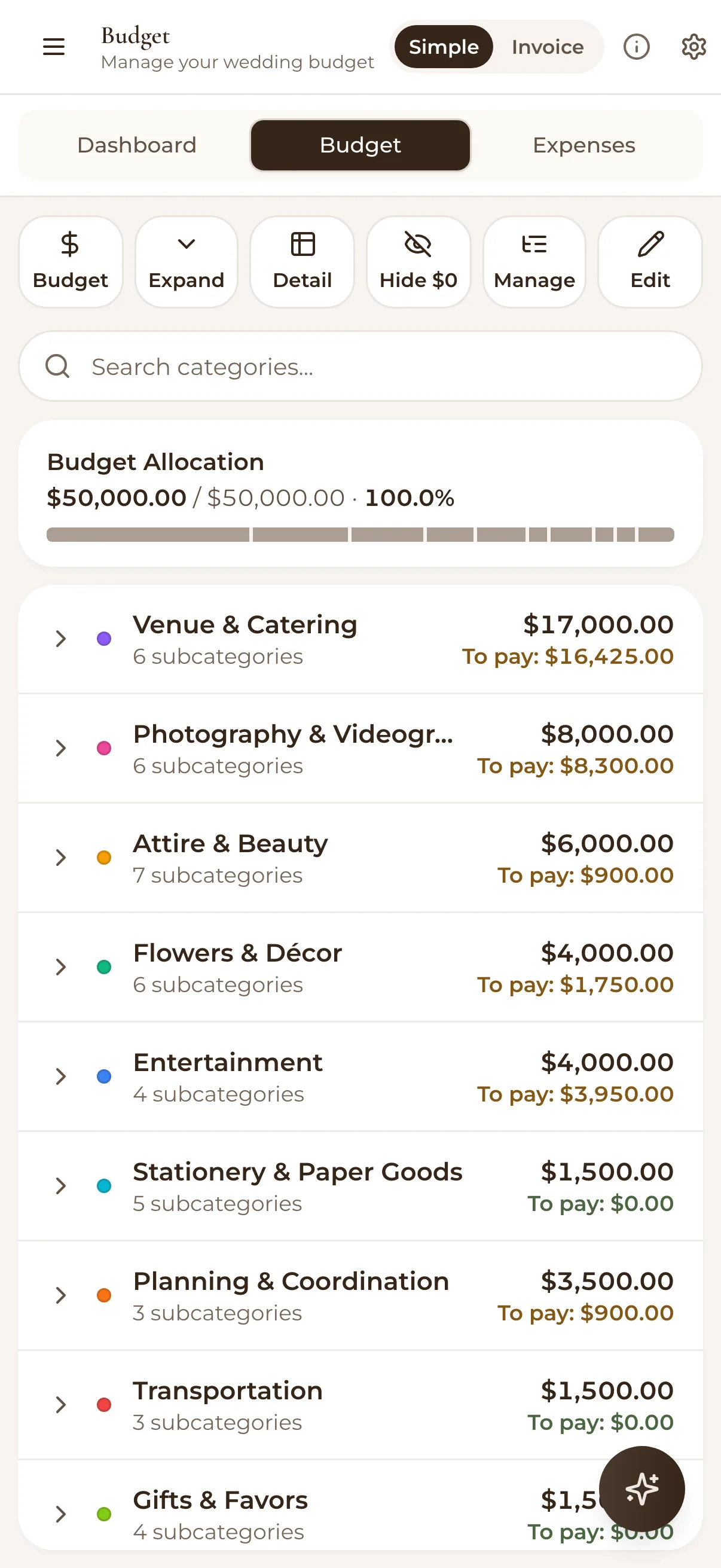
The numbers, in AUD: WedBuild is free for weddings up to 50 guests, including the website, online RSVPs, guest list and checklist. Standard is A$99 and removes the guest limit, adding the budget planner and drag-and-drop seating. Pro is A$199 and adds the visual room designer, QR Find My Seat and vendor comparison. Both are one-time payments (never a subscription), and the site stays live as long as you want it.
If you want the wider field with the alternatives named, our honest comparison of wedding planning apps in Australia goes through them one by one.
Before you go
Frequently asked questions
How much should a wedding website cost in Australia?
Expect either a free tier that genuinely covers the basics, or a modest one-off fee. WedBuild is free for weddings up to 50 guests and A$99 paid once above that. The number to watch for is whether it is quoted in AUD before checkout. Plenty of builders quote USD and convert at the last step, so a $12 site is really $18.40 once the bank's foreign transaction fee lands.
When should couples set up a wedding website?
As soon as you have locked in a date and venue. It does not need to be finished. Getting the shell live early means you have one link to send when save-the-dates go out, rather than juggling a group chat, a spreadsheet, and everyone's memory of what you told them verbally at Christmas.
Do guests actually use wedding websites?
Yes, when the link is easy to find and the RSVP takes under two minutes. Guests default to whatever is easiest: if your website's RSVP is faster than texting you back, they will use it. If it is clunky, they will text you back anyway and you are maintaining two systems instead of one. We went into what makes guests actually use the site separately.
Is there a free wedding website builder for Australian couples?
WedBuild's free plan covers weddings up to 50 guests and includes the wedding website with online RSVPs feeding straight into the guest list, not a contact form. Pricing is in AUD, and above 50 guests Standard is A$99 paid once rather than monthly. The thing to check on any free tier is whether RSVP collection is actually included or whether it is the feature that forces the upgrade.
Do wedding websites work with Australian date formats and time zones?
Not all of them, and it matters more than it sounds. A US-built platform will often render 5/8 as May 8 rather than the 5th of August, and show times in a single US zone. Check the date format on a live preview before you send the link, and make sure event times display as AEST, AEDT or ACST in plain English rather than a raw UTC offset. You have family in Perth and a venue in the Hunter Valley to think about.
Should the RSVP live on the website or somewhere separate?
On the website, and feeding the same guest list you plan from. If RSVPs land in a separate inbox or spreadsheet, you are doing manual data entry at 11pm three weeks out, and dietary requirements get retyped a second time when you build the seating chart. One system, entered once, is the whole point.
A wedding website should take an afternoon to set up properly, not a fortnight. Pick a builder in the right category, run it through the four questions above, and get back to the parts of wedding planning that are actually fun, like arguing about the seating chart.
Full disclosure: WedBuild is in the third category, a wedding planning platform built in Australia where the website is connected to your guest list, RSVPs and seating chart rather than standing alone. AUD pricing, one-time payment (never a subscription), free to start for up to 50 guests, and a site you can genuinely have live in an afternoon. If you are comparing the wider field, our honest comparison of wedding planning apps in Australia names names.

Written by
Elise Schofield
Co-founder, WedBuild
Elise is the co-founder of WedBuild and a newlywed who knows exactly what it’s like to be buried in wedding spreadsheets. Frustrated with outdated websites and messy planning tools, she helped build WedBuild so couples can plan their weddings with less chaos and more “this actually feels fun".