Features
Twelve tools, one guest list.
Step along the line to see each one on a phone, or jump straight to it below.
Seating chart
StandardPro
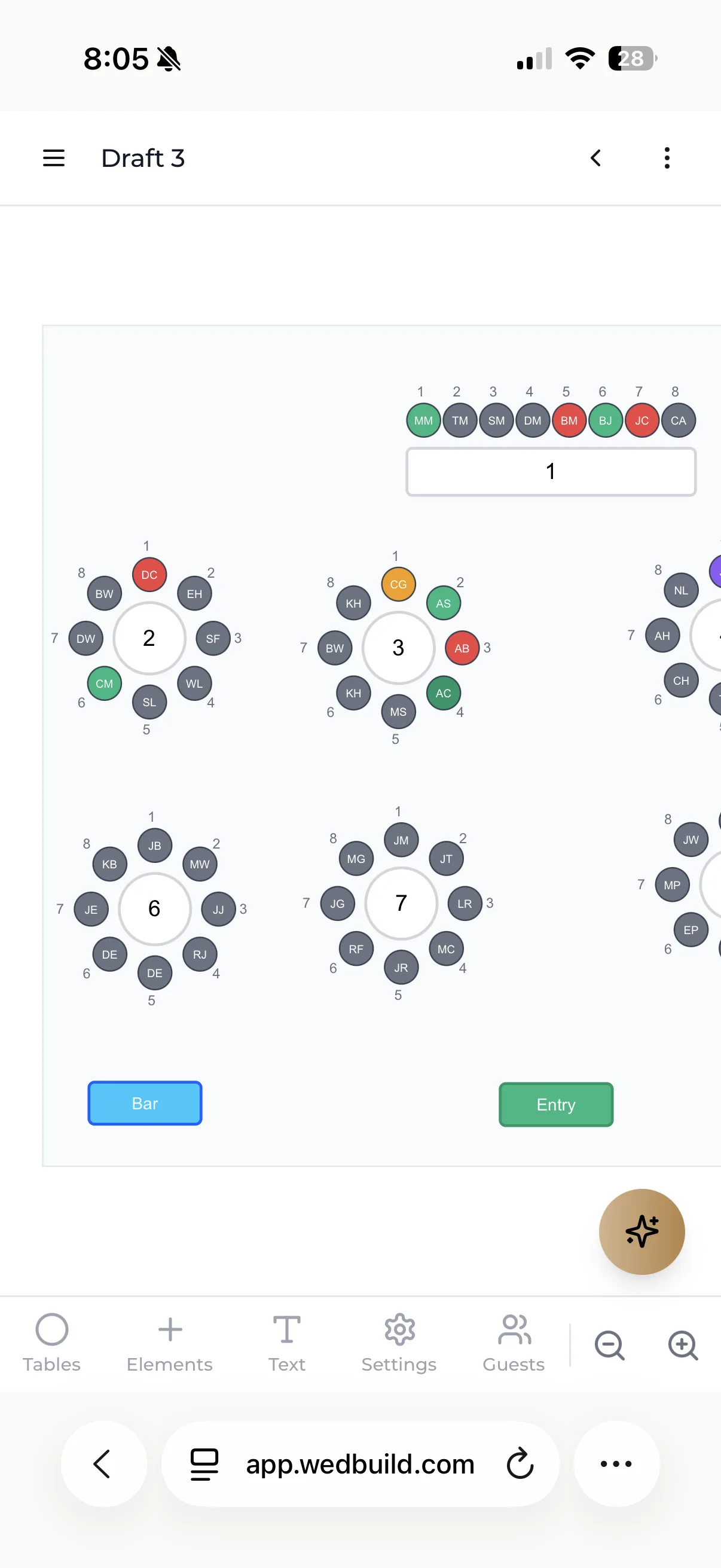
Drag guests onto tables, keep the right people apart (kindly) and hand your venue a plan that's never out of date, all from the guest list you already have.
Explore the seating chartFree for up to 50 guests, with every Pro tool for your first 7 days. No card needed. Pay once if you upgrade, never a subscription.
See what's included in
Every Pro tool is free for your first 7 days. No card needed.
Invite & reply
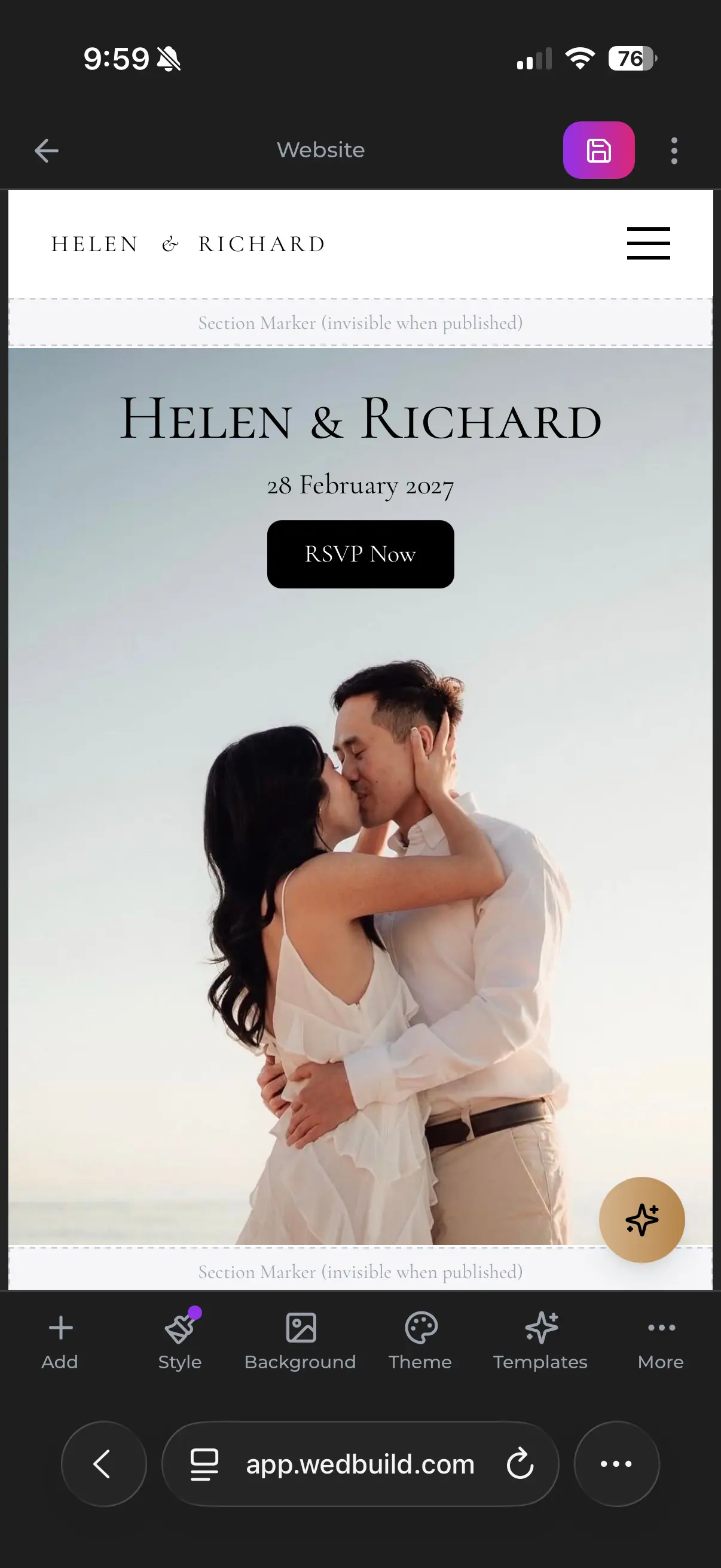
Your website, your invitations and every reply, landing in the same list.
Free
Online RSVPs
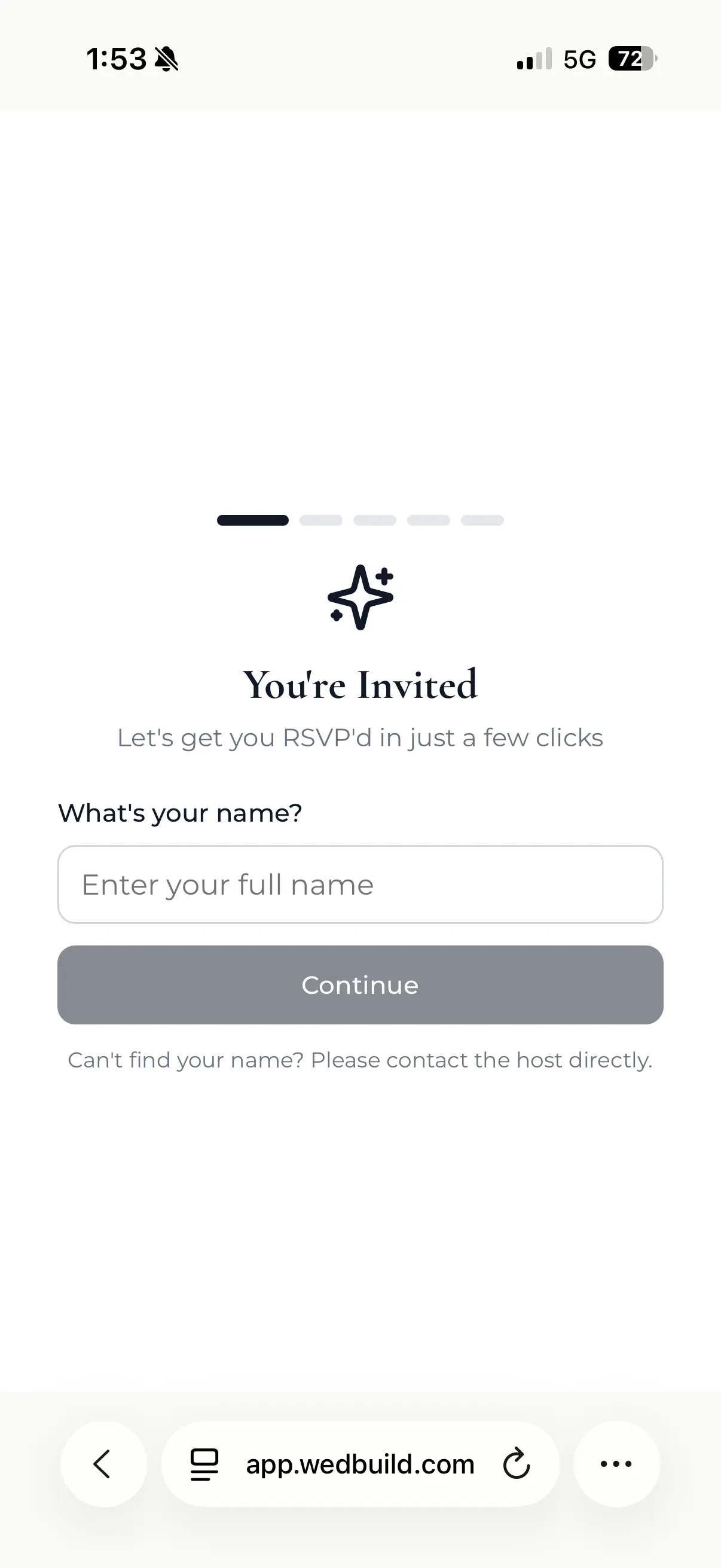
Guests reply from their phone, and every answer files itself into your guest list.
Explore online RSVPsFree
Invitations & emails
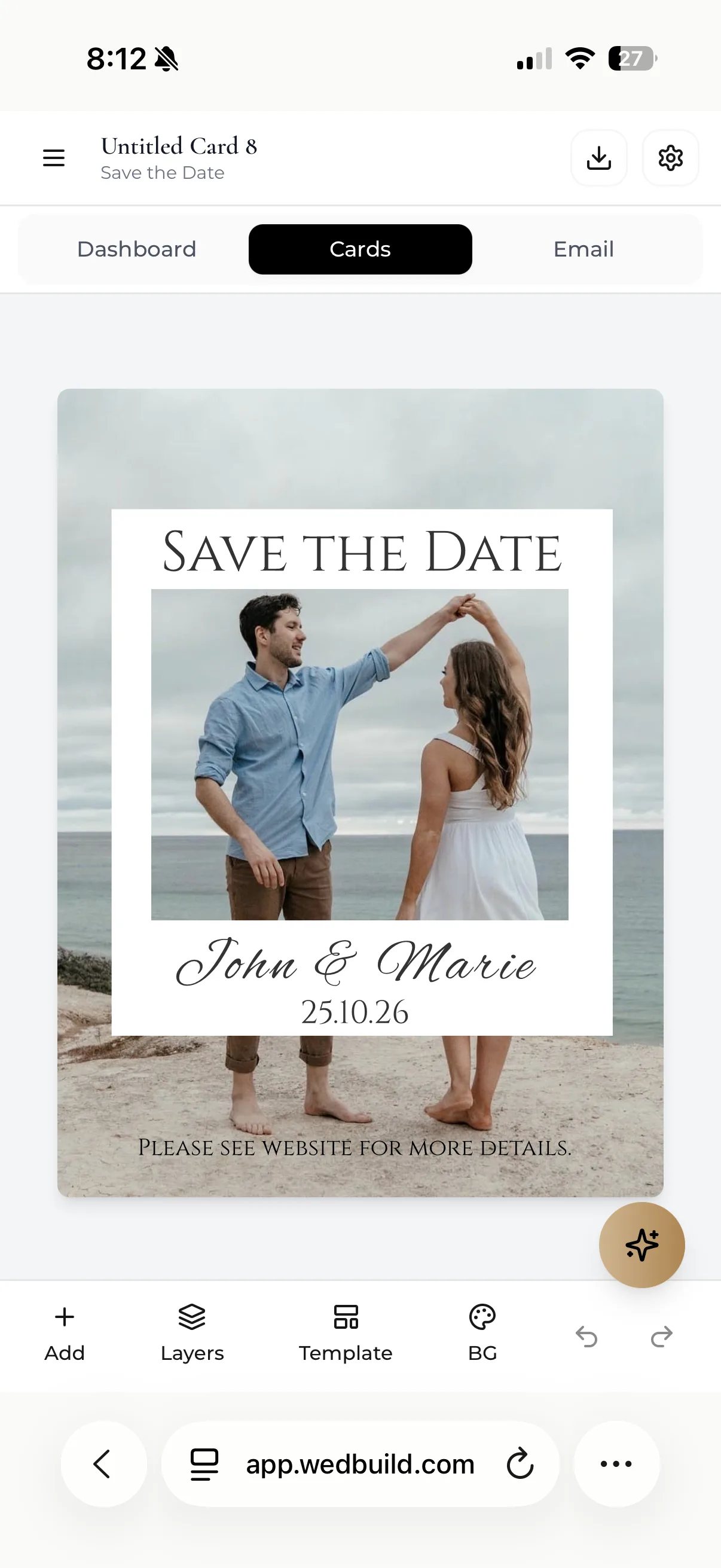
Design your cards, email your whole list, and see who's opened them.
Explore invitations & emailsSeat & feed
From who's coming, to where they sit, to what they eat.
StandardPro
Seating chart
Drag guests onto tables, keep the right people apart (kindly) and hand your venue a plan that's never out of date, all from the guest list you already have.
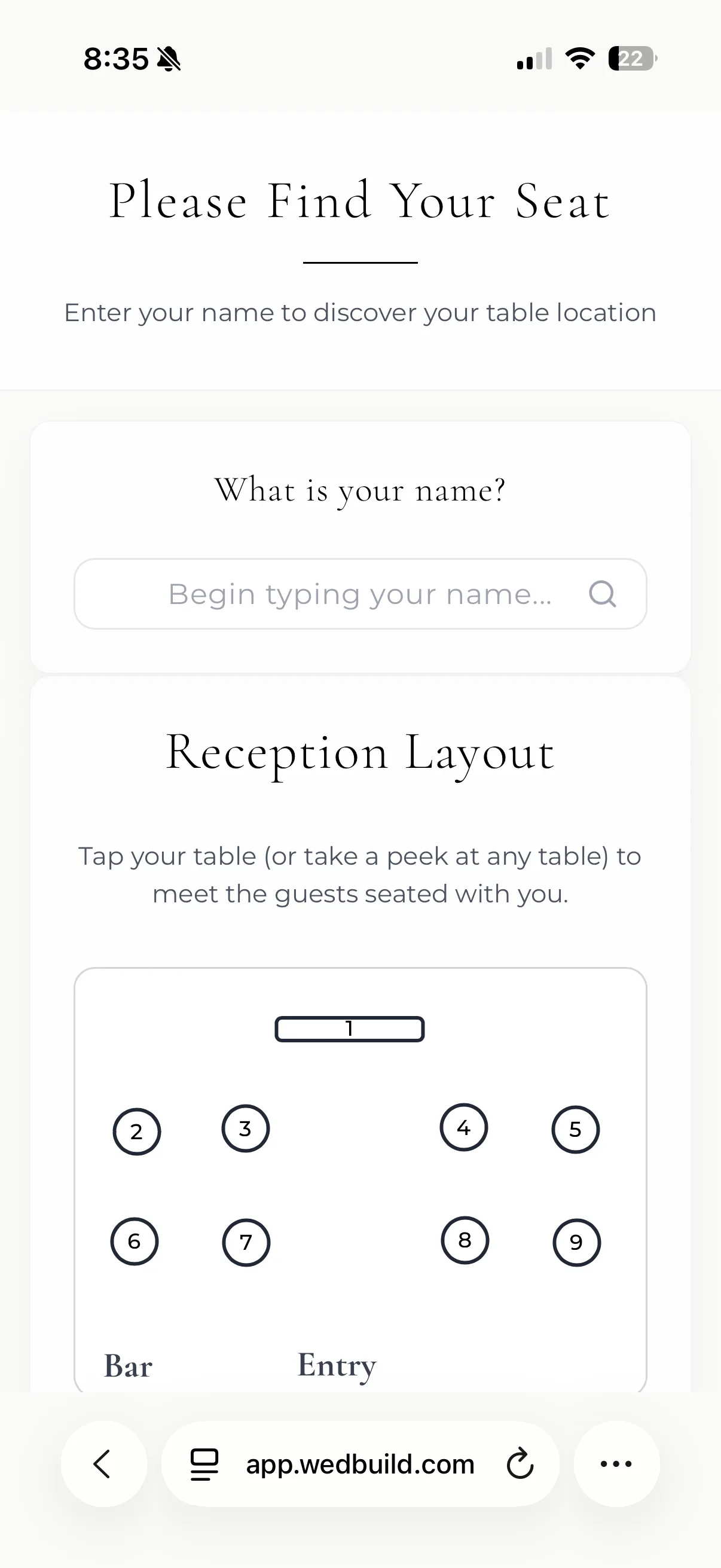
- Seats only the guests who said yes
- Plus-ones and parties move together
- Table cards with a dietary legend
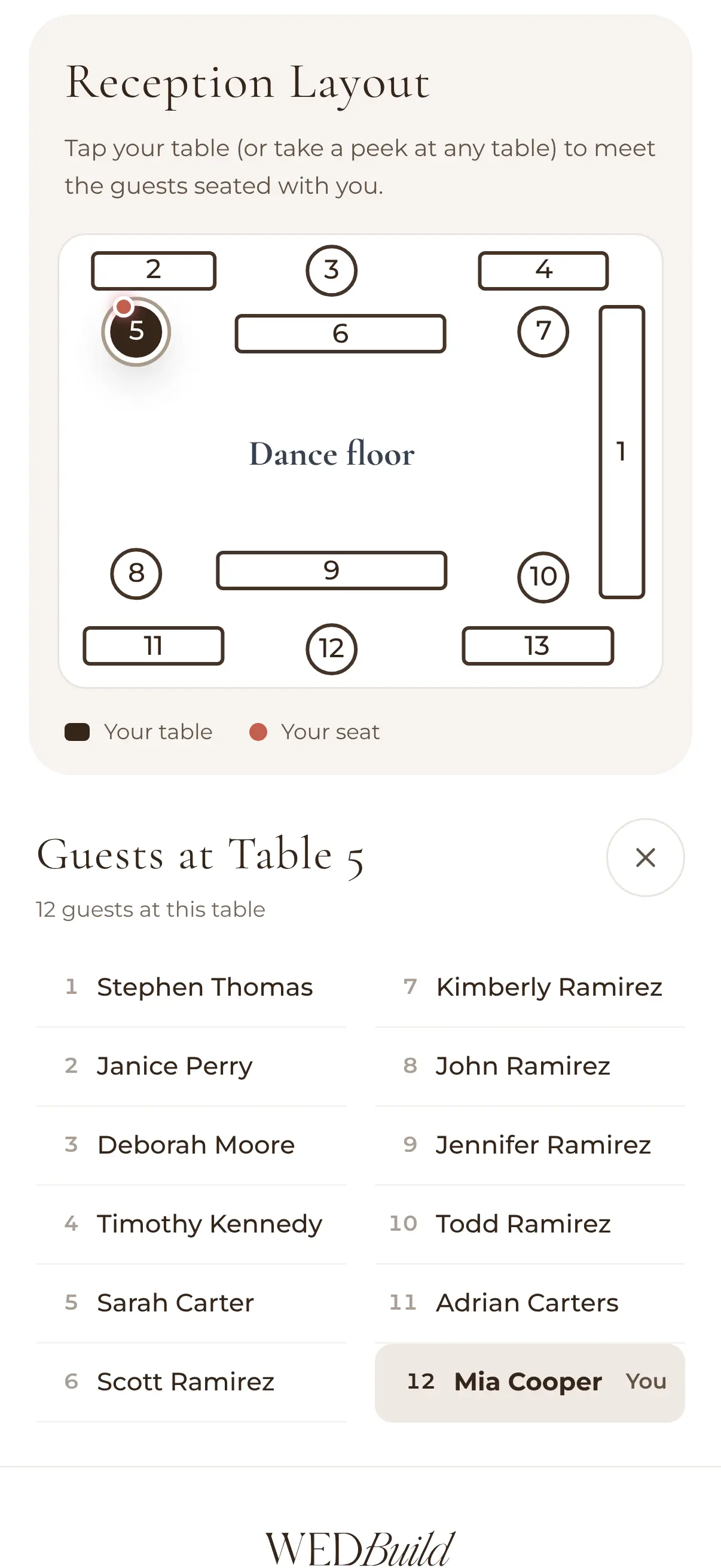
- QR Find My Seat on the night
Drag and drop seating is on Standard. The room designer, dietary table cards and Find My Seat are on Pro. All of it is free for your first 7 days.
Free
Guest list
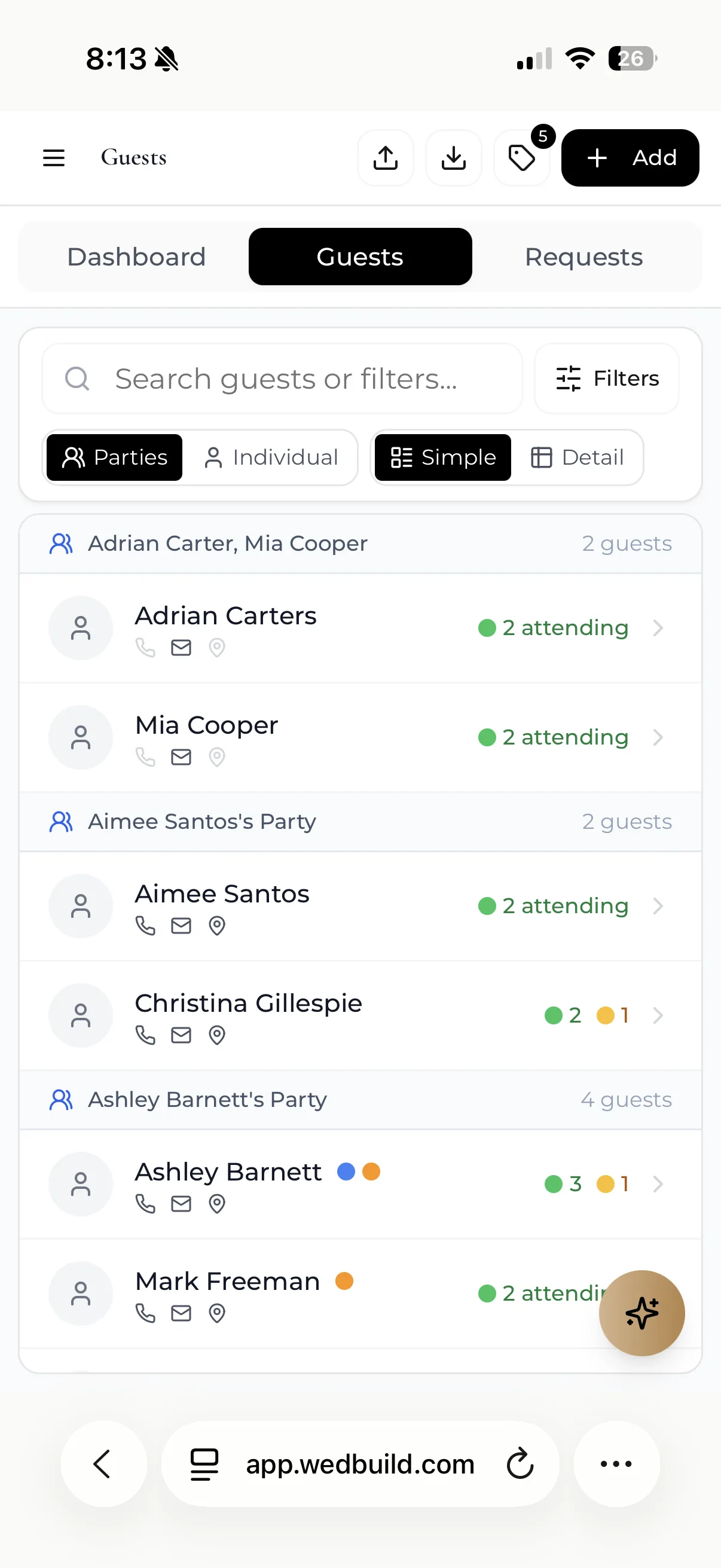
One live list of households, dietaries, RSVPs and addresses. Import it from Excel.
Explore the guest listPro
Find My Seat
Guests scan a QR code, type their name and see their table, their seat and where it is in the room.
Explore Find My SeatFree
Event schedule
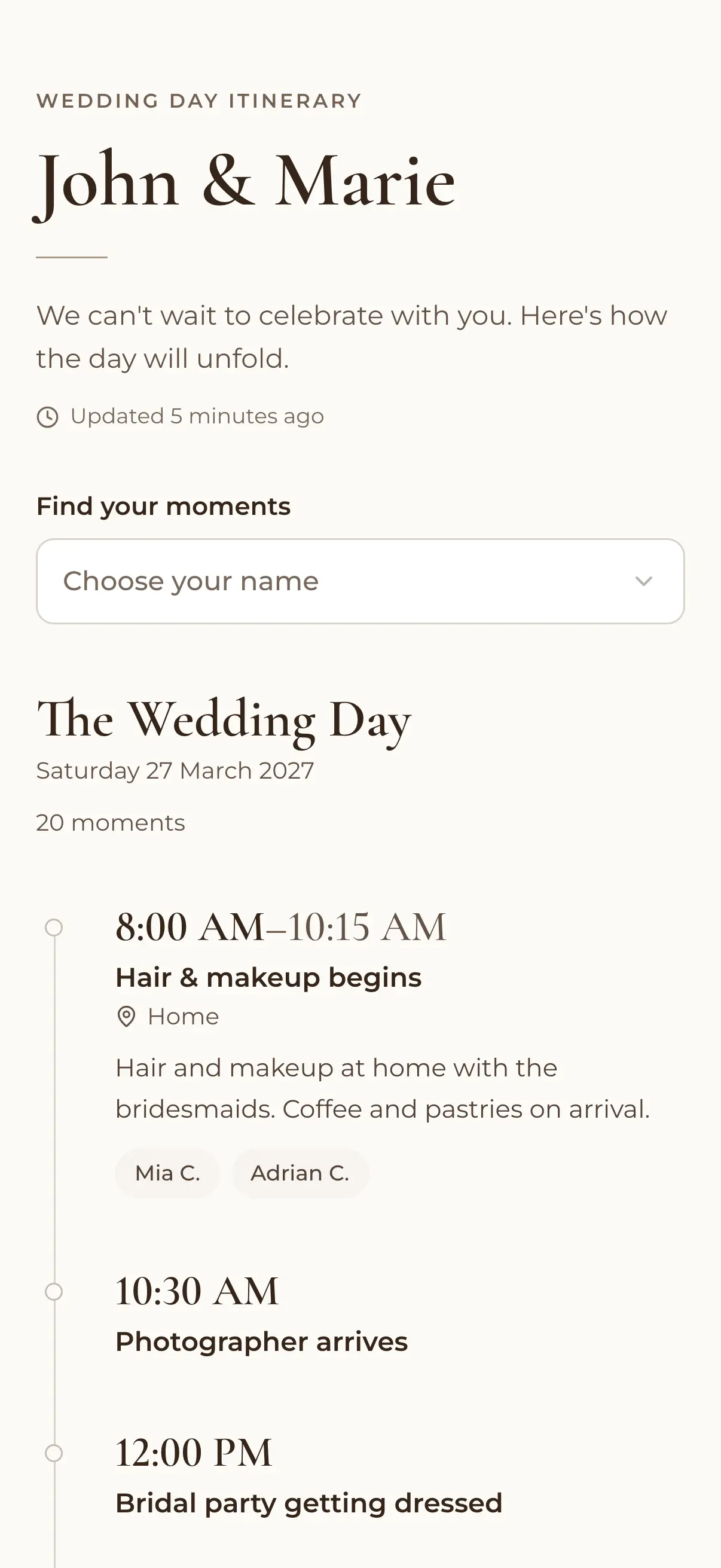
The whole weekend on one timeline, with RSVPs for each event.
Explore the event schedulePlan & pay
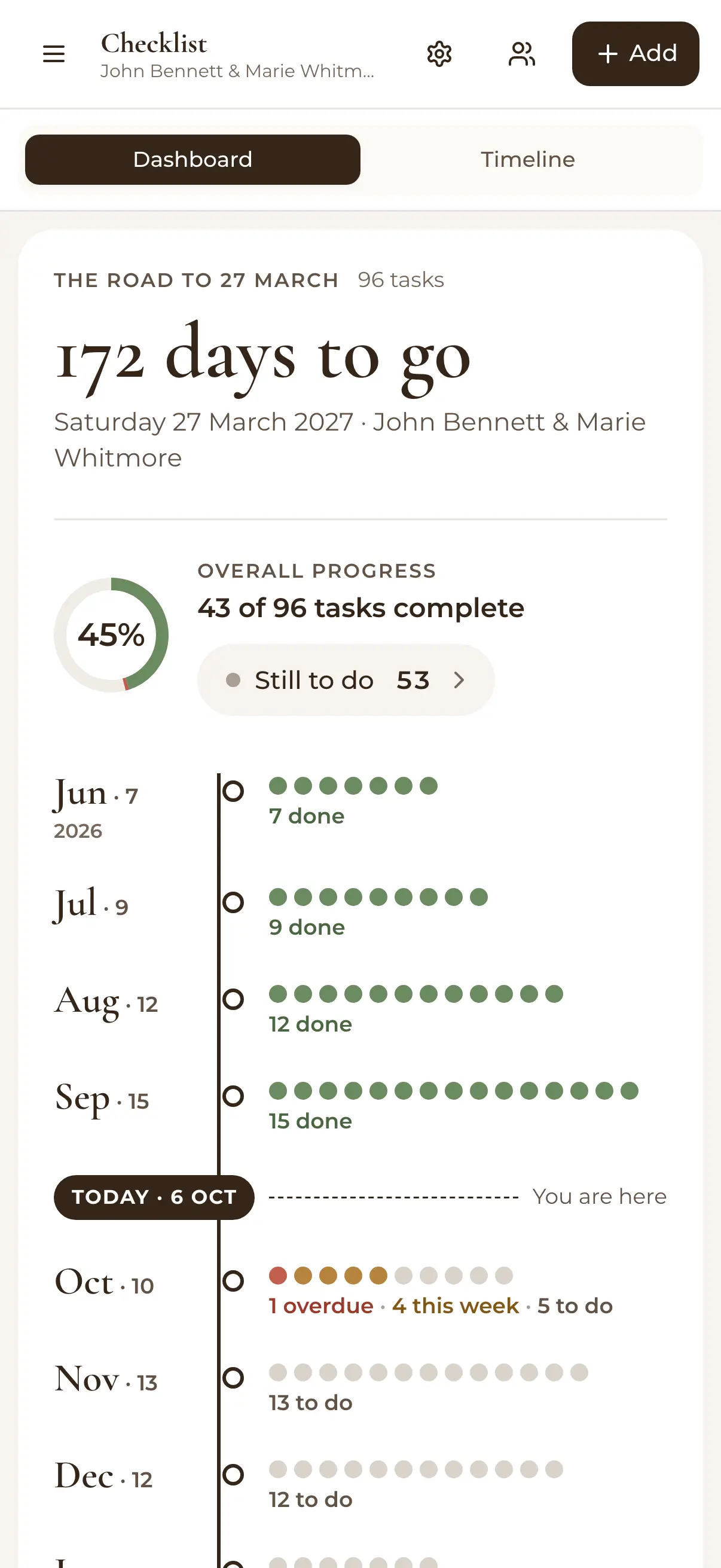
The money, the vendors you book and the jobs still to do.
Standard
Budget tracker
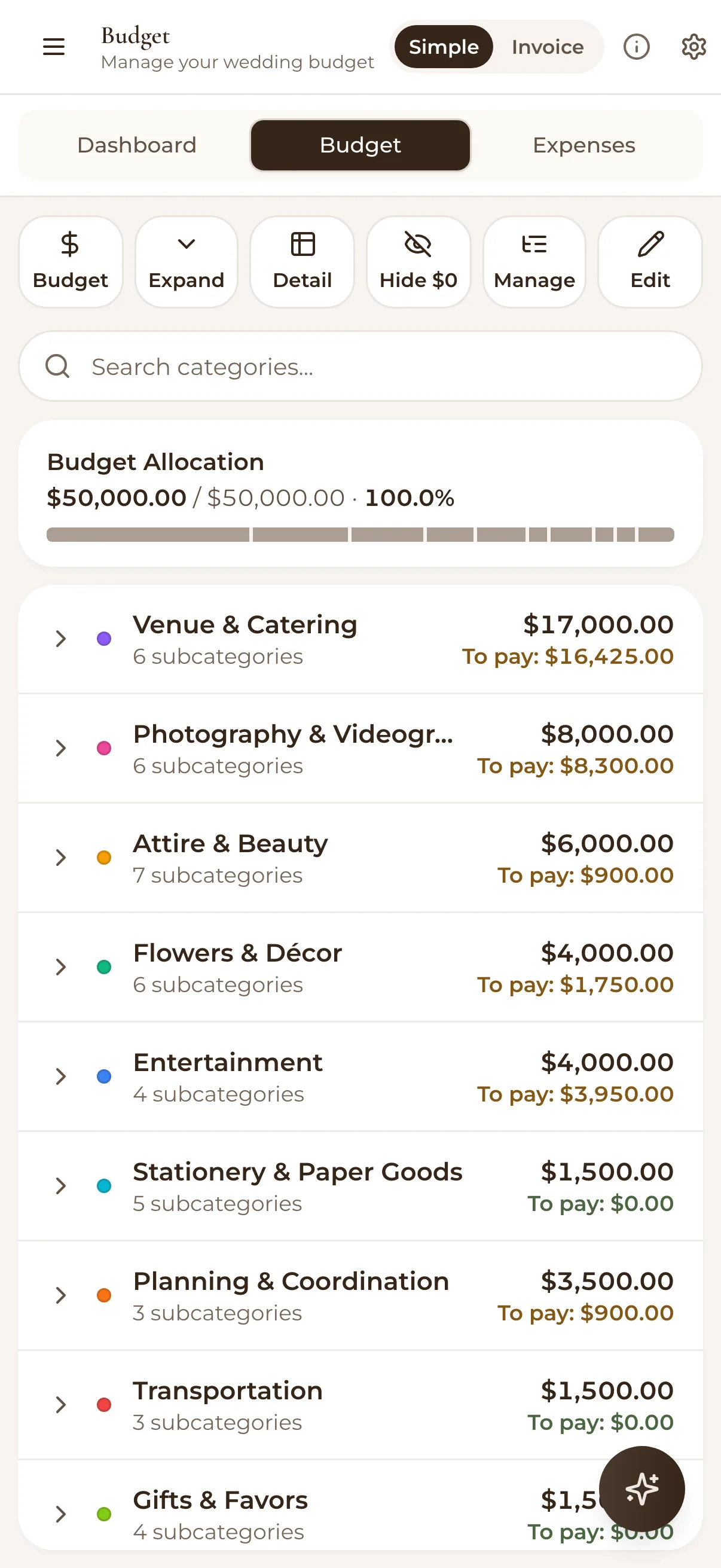
Categories, invoices and payments, with planned against actual at a glance.
Explore the budgetPro
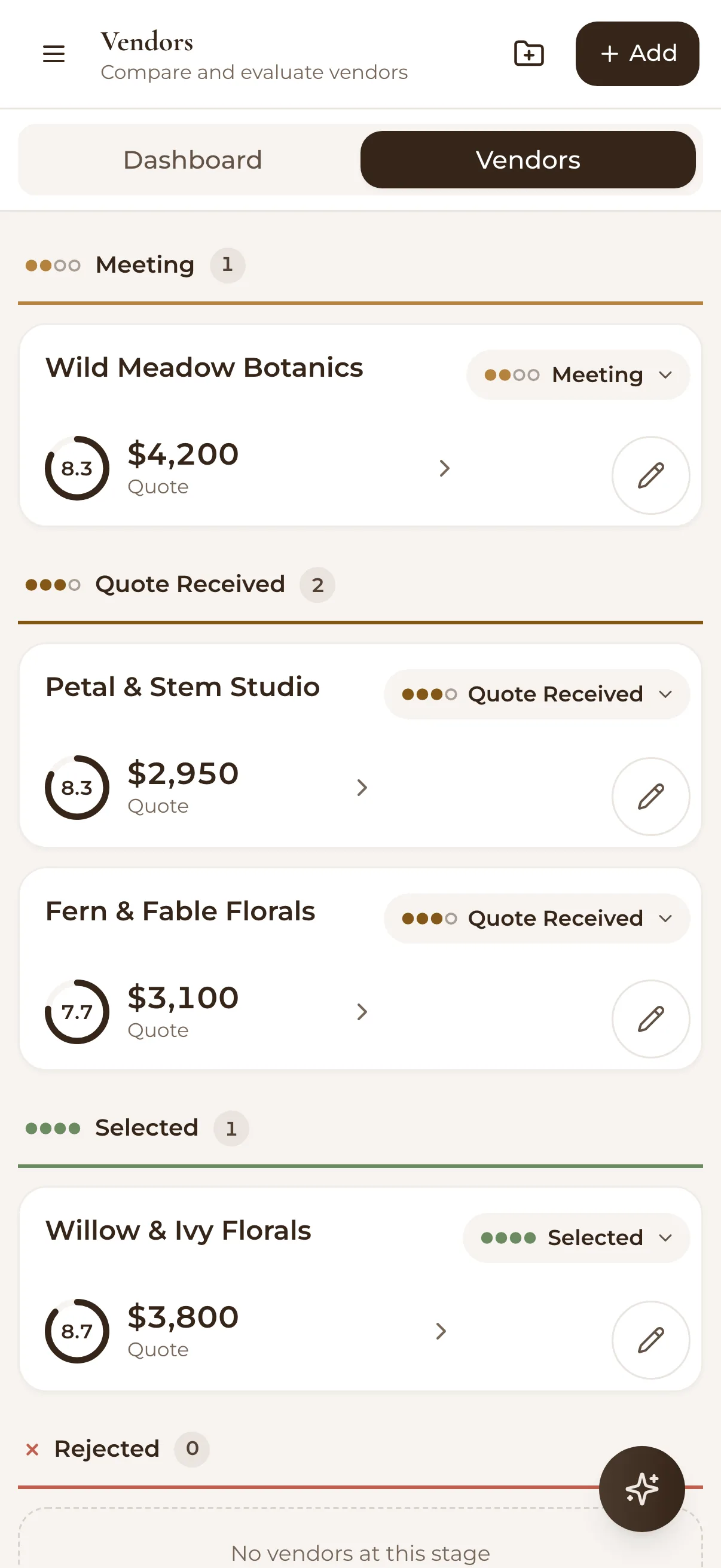
Vendor comparison
Photographers to florists, side by side and scored on your own criteria.
Explore vendorsFreePro
AI assistant
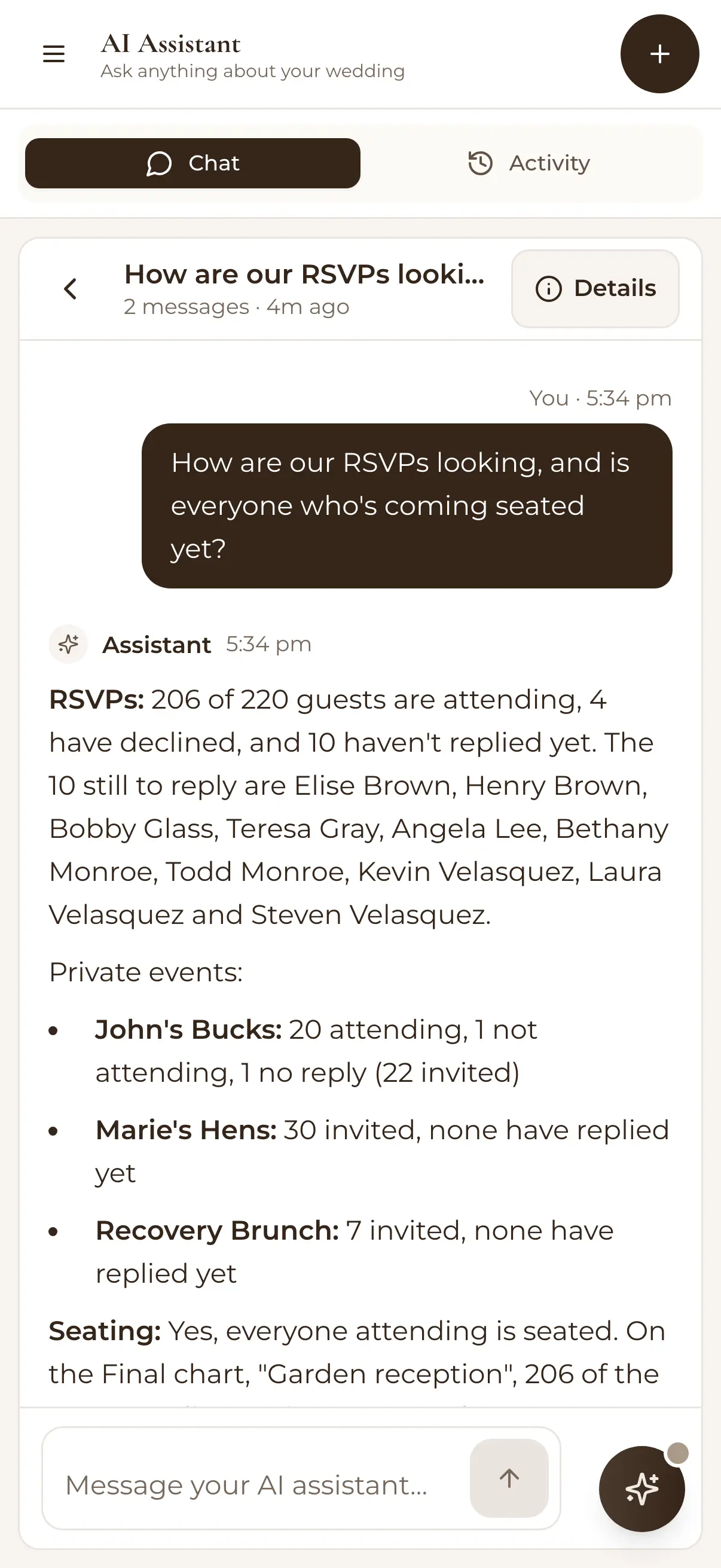
Step-by-step AI Help on every plan. On Pro, ask about your actual plan and get your numbers.
Explore the AI assistantIn their words
From couples who planned with WedBuild.
Seating chart
“Visual seating chart was a lifesaver. Printed the dietaries straight for the caterer. 10/10.”

Vendor comparison
“Vendor comparison made picking our photographer actually easy. Loved it.”

Find My Seat
“Guests scanned a QR code and found their seat. No chaos. Genius.”


Why we built it
Built by a couple, for couples.
Henry and Elise, an accountant and an engineer, built WedBuild while planning their own wedding. They wanted the guest list, the budget and the seating chart in one place, talking to each other. So they made it.
Henry & EliseRead our story
Ready when you are
Start with your guest list.
The rest follows.
Put your website up tonight, send the link, and watch replies fill your list. Add the seating chart when the yeses are in.Welcome back. Your guest list, budget and plans are right where you left them.
Free for up to 50 guests, with every Pro tool for your first 7 days. No card needed. Pay once if you upgrade, never a subscription.