Seating chart
The wedding seating chart app that does the awkward part for you
Drag guests onto tables, keep the right people apart (kindly), and hand your venue a plan that's never out of date — all from the guest list you already have.

A wedding seating plan starts out as a fun puzzle and ends with you moving the same cousin four times at 11pm. WedBuild's seating chart maker keeps the puzzle and removes the pain: your guest list and RSVPs already live in the same place, so you're seating real, confirmed guests — not maintaining a second spreadsheet that's out of date by Tuesday.
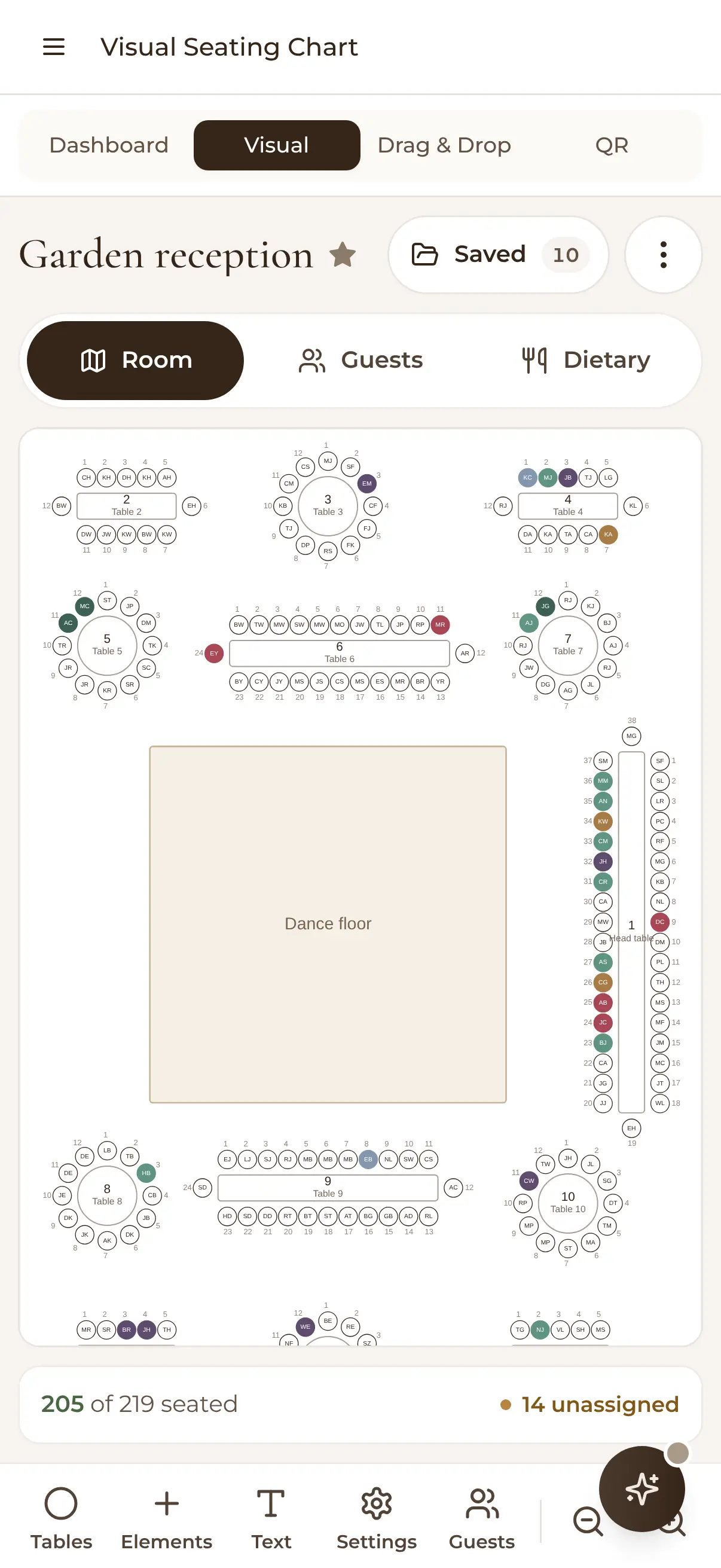
Start with the simple drag-and-drop table plan if you just need everyone allocated, or open the visual room designer and lay out the actual space — round tables, long tables, the head table, the lot.
A table plan that plans with you
Drag-and-drop tables and layouts
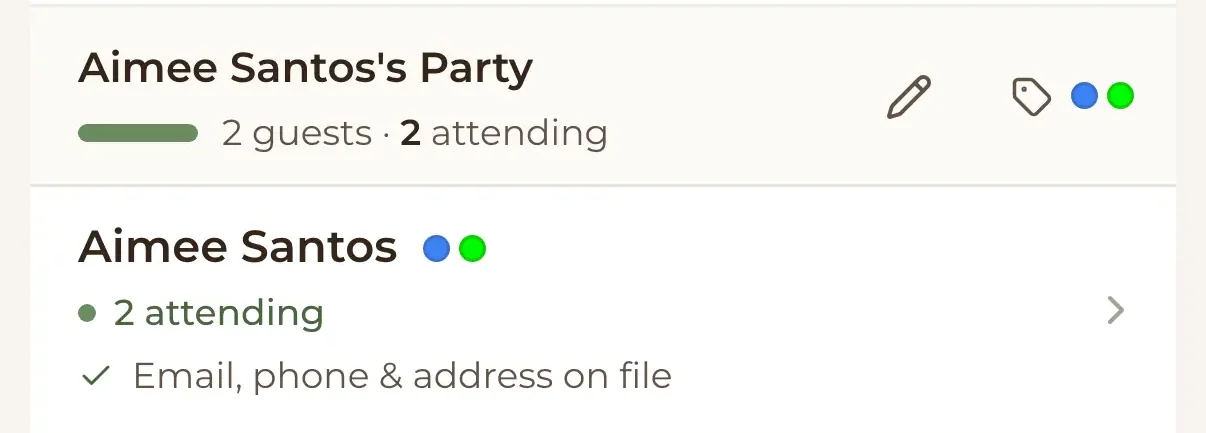
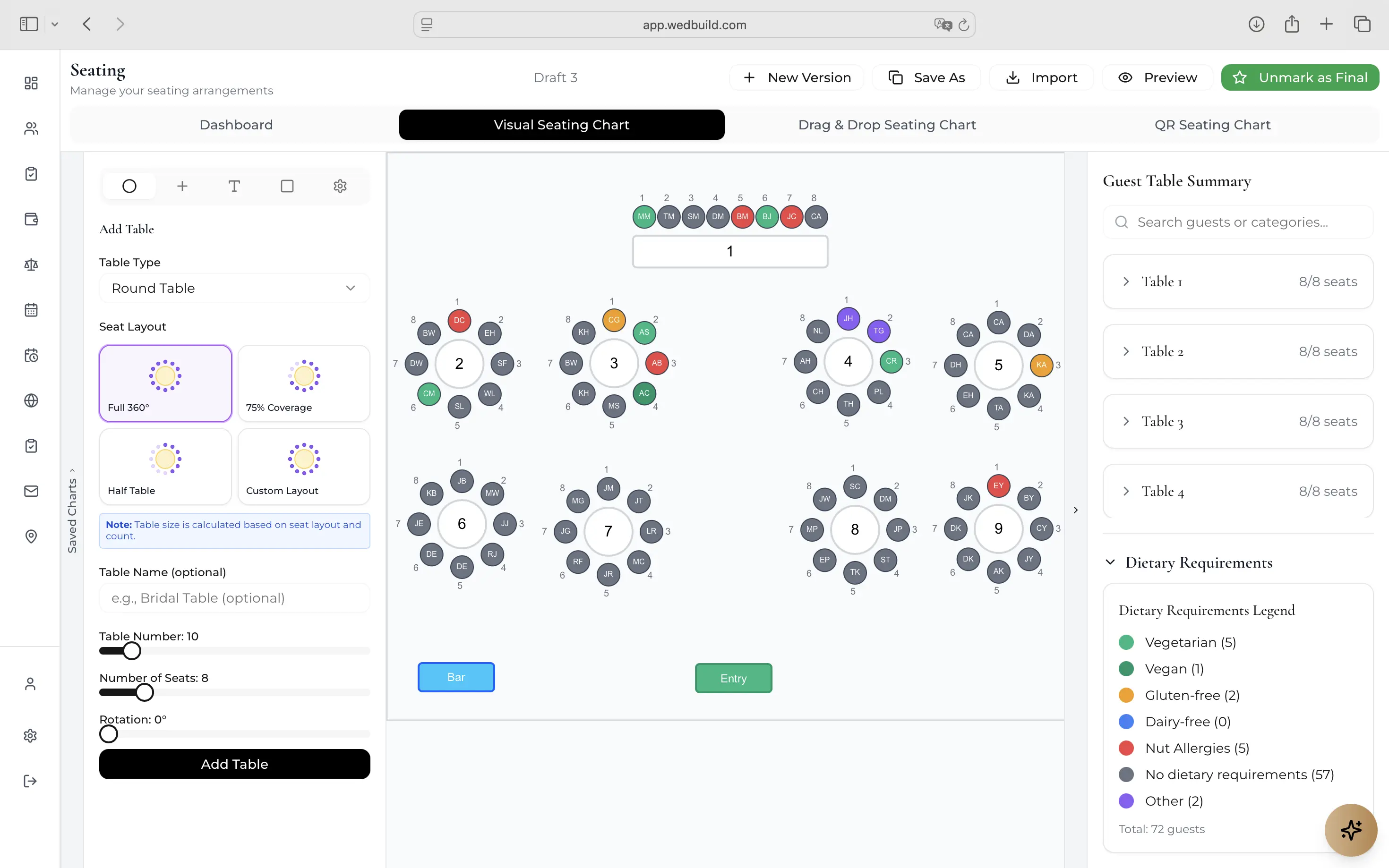
Lay out your room with round and rectangle tables, set each table's seat count, and drag guests — or whole parties in one click — onto seats. Prefer a simple wedding seating plan without the floor plan? List mode does the same job with less ceremony, and you can move to the visual designer later without starting over.

Synced with your guest list and RSVPs
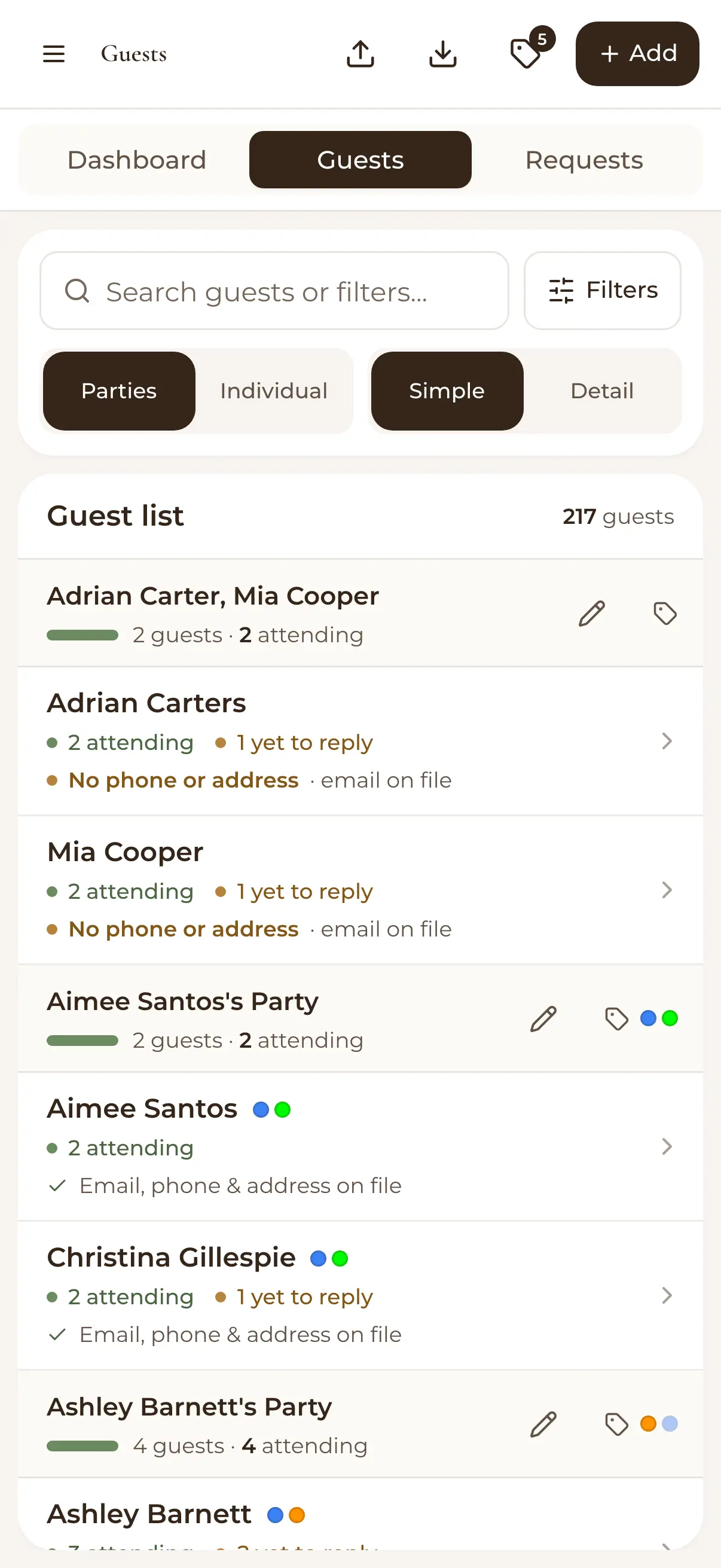
The chart works from the same guest list your RSVPs land in, so there's no re-typing names and no stale copies. As acceptances and regrets roll in, the seating dashboard shows how many confirmed guests are seated — and exactly who still needs a chair.

Plus-ones, dietaries and family politics — handled
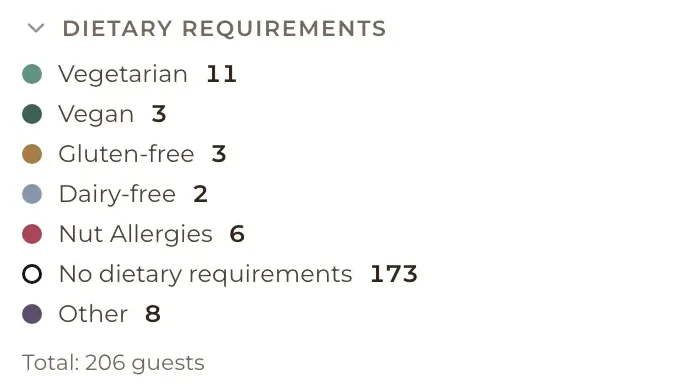
Group guests into parties so couples and families move together, and see dietary requirements right where you're seating. Save multiple versions of the chart, so 'the diplomatic option' and 'the fun option' can coexist peacefully until you have to commit.

Share it with your venue — and your guests
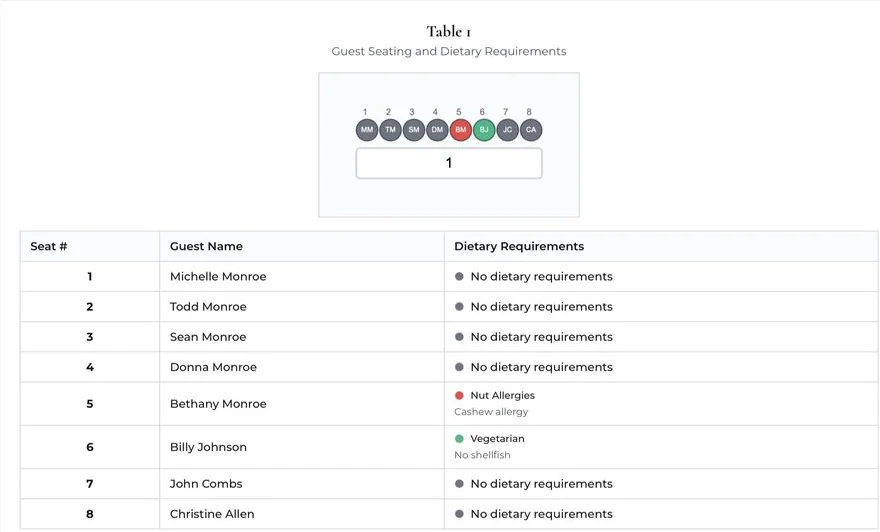
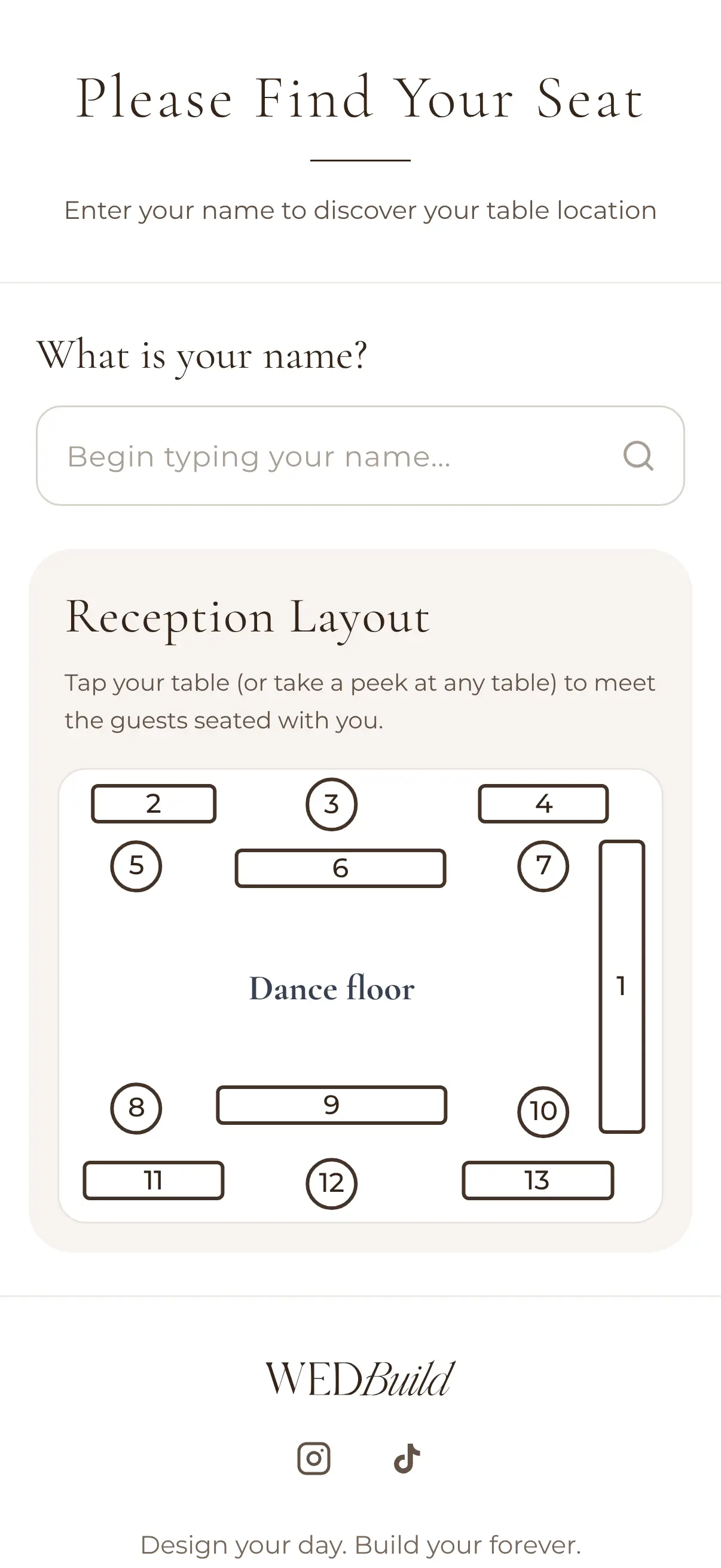
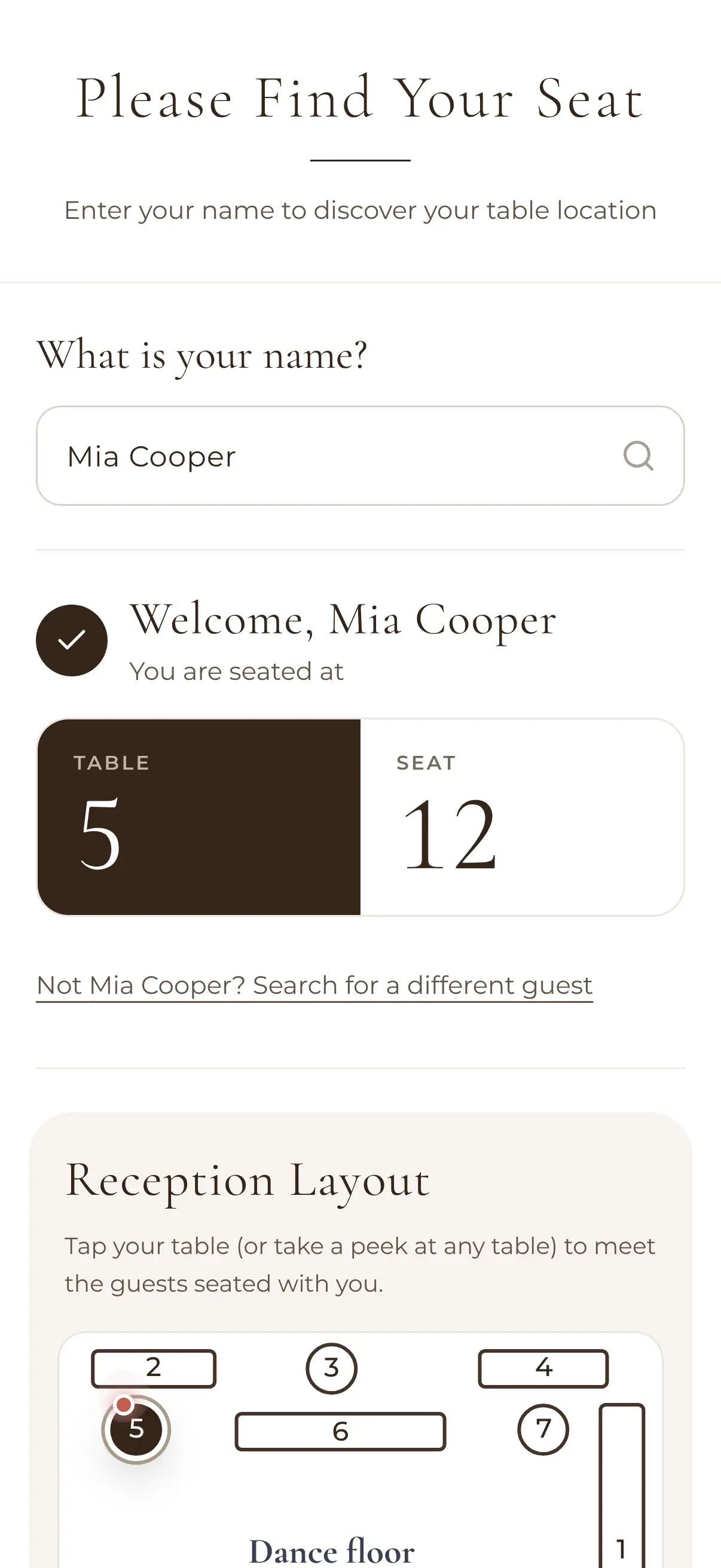
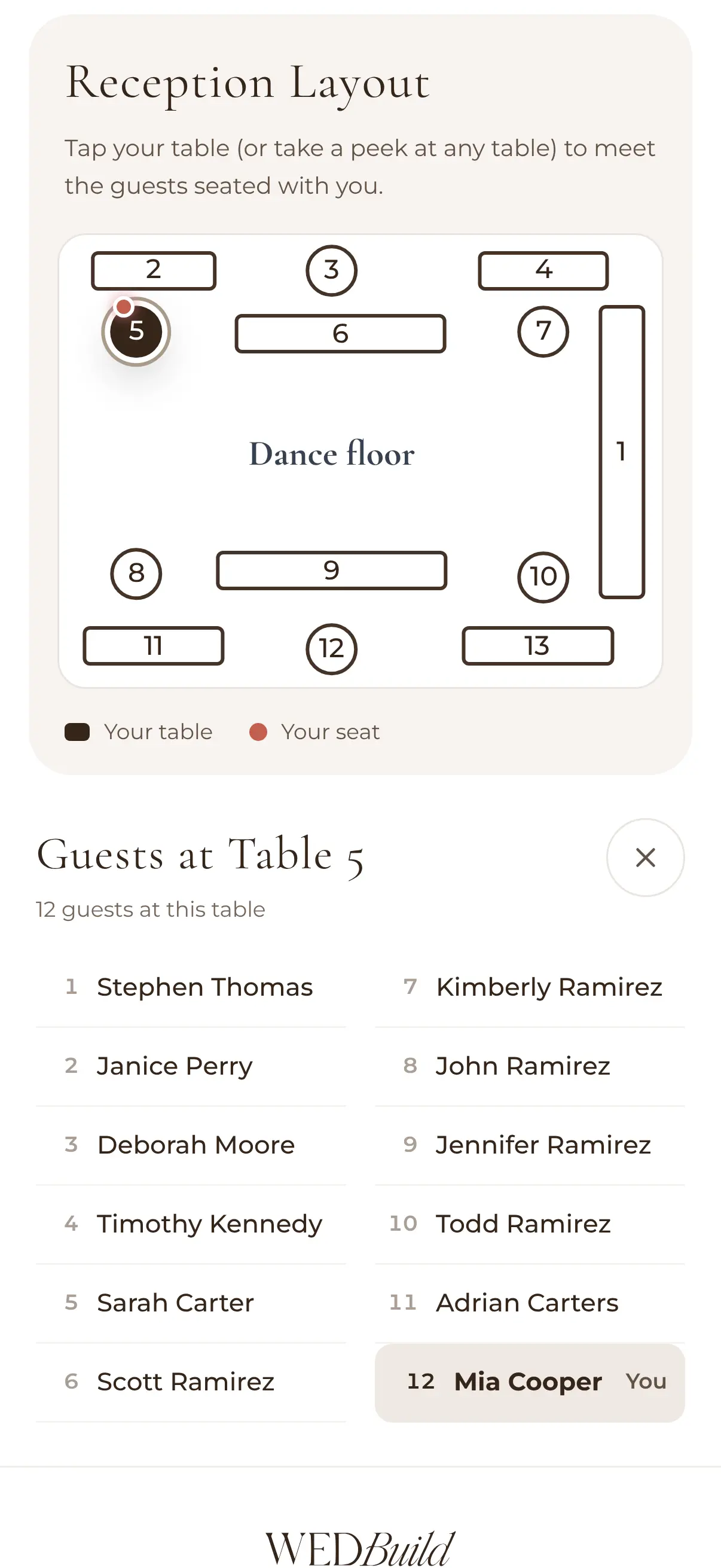
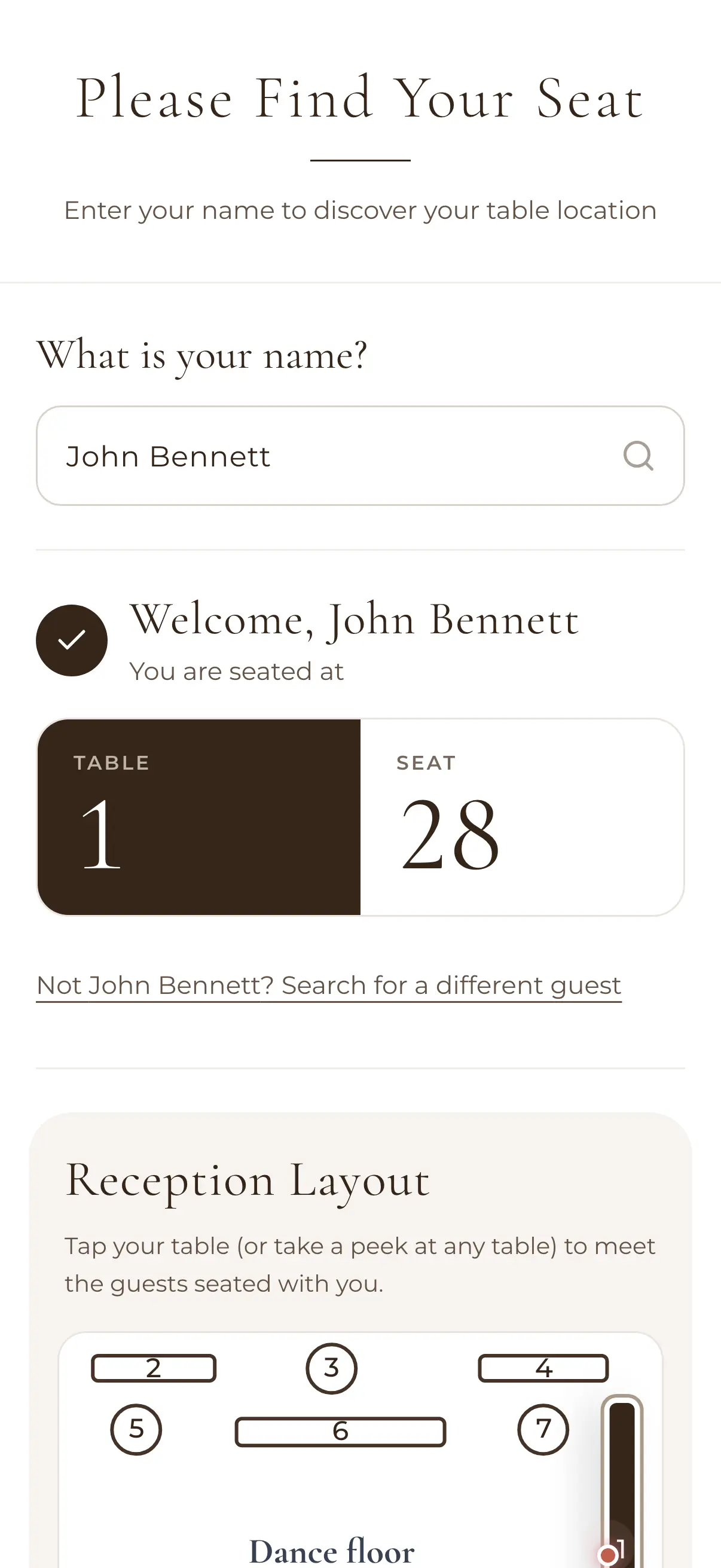
Print table cards with a dietary legend for your caterer, and give guests QR 'Find My Seat': they scan, search their name, and see their table and the room layout. Late change? Update the chart and everyone sees the latest version — no reprinting the run sheet at midnight.

How it works
Start with your guest list
Import guests from a spreadsheet or add them as RSVPs arrive — the seating tools read straight from the list, parties and dietaries included.
Drag guests onto tables
Lay out the room (or keep it simple in list mode), set seat counts, and place people — whole parties move together in one click.
Share the final plan
Print table cards with dietary legends, and share the QR Find My Seat link so your guests, venue and coordinator always see the current version.
Seating is the last domino
Your wedding guest list decides who's in the room, and your online RSVPs decide who actually shows up. Because WedBuild is one platform rather than five apps, the seating chart simply inherits both — see all the wedding planning tools for how the rest connects.
Loved by couples across Australia
Real weddings, brought together in one calm place.
“Visual seating chart was a lifesaver — printed the dietaries straight for the caterer. 10/10.”
“Vendor comparison made picking our photographer actually easy. Loved it.”
“Guests scanned a QR code and found their seat. No chaos. Genius.”
Frequently asked questions
Guides to go deeper
Wedding seating chart guide
A simple method for a seating plan that survives contact with your family.
Read the guide →Build your wedding guest list
Who makes the cut, and how to decide without the drama.
Read the guide →Collect wedding RSVPs online
Get responses in fast, so you're seating real numbers.
Read the guide →Seat everyone, skip the spreadsheet gymnastics
Start free with your guest list and RSVPs — the seating chart is one upgrade away when you're ready to put names on tables.
Start planning free