Checklist

The wedding checklist that already knows what's next

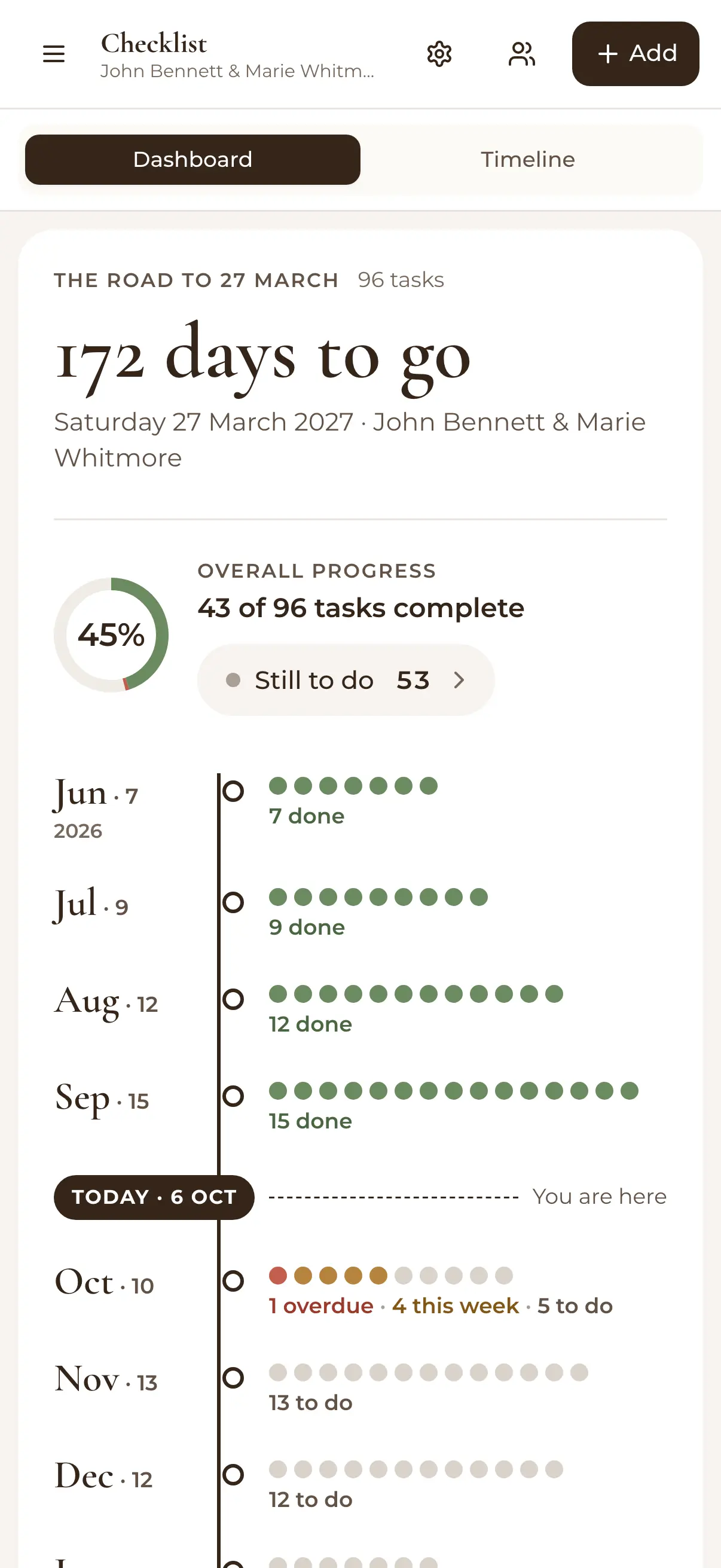
WedBuild's wedding checklist on a phone: 172 days to go, 43 of 96 tasks complete, and each month's tasks along a timeline to today
Timed to your date

Ninety-four pre-built tasks, scheduled around your wedding date, so 'what should we be doing right now?' always has an answer.

Free for up to 50 guests, with every Pro tool for your first 7 days. No card needed.

  • FreeThe whole checklist, with no time limit

Every couple starts with the same two questions: what do we need to do, and when? A generic printable checklist answers neither for long. It doesn't know your date, it can't tell you what's overdue, and it definitely can't tell you who was supposed to book the celebrant.

WedBuild's wedding checklist starts you with a complete task list, times everything to your actual wedding date, and keeps score as you go.

How it fits together

The checklist keeps the rest honest

Half your checklist points at the other tools anyway: 'finalise the guest list', 'chase RSVPs', 'lock the seating'. With WedBuild those tasks live next to your wedding schedule and your planning dashboard, so ticking them off is one click away. See all the wedding planning tools.

What you can do

Every task, in the right month.

Free on Essentials, with no time limit. Every new account also gets every Pro tool for 7 days.

EssentialsFree
  • 94 pre-built tasks, ready on day one
  • Add, edit or delete any task
  • Timed to your wedding date, and moved when it moves
  • A category view with progress bars
  • A month-by-month timeline
  • Overdue tasks you can't miss
  • An owner and a priority on every task

Up close

A to-do list that keeps up with you.

Wedding planning checklist task list with due dates and priorities

94 pre-built tasks, or start from scratch

Begin with a comprehensive, wedding-tested task list covering everything from 'set the budget' to 'confirm final numbers with the caterer', then add, edit or delete tasks until it's yours. Nothing generic survives if you don't want it to.
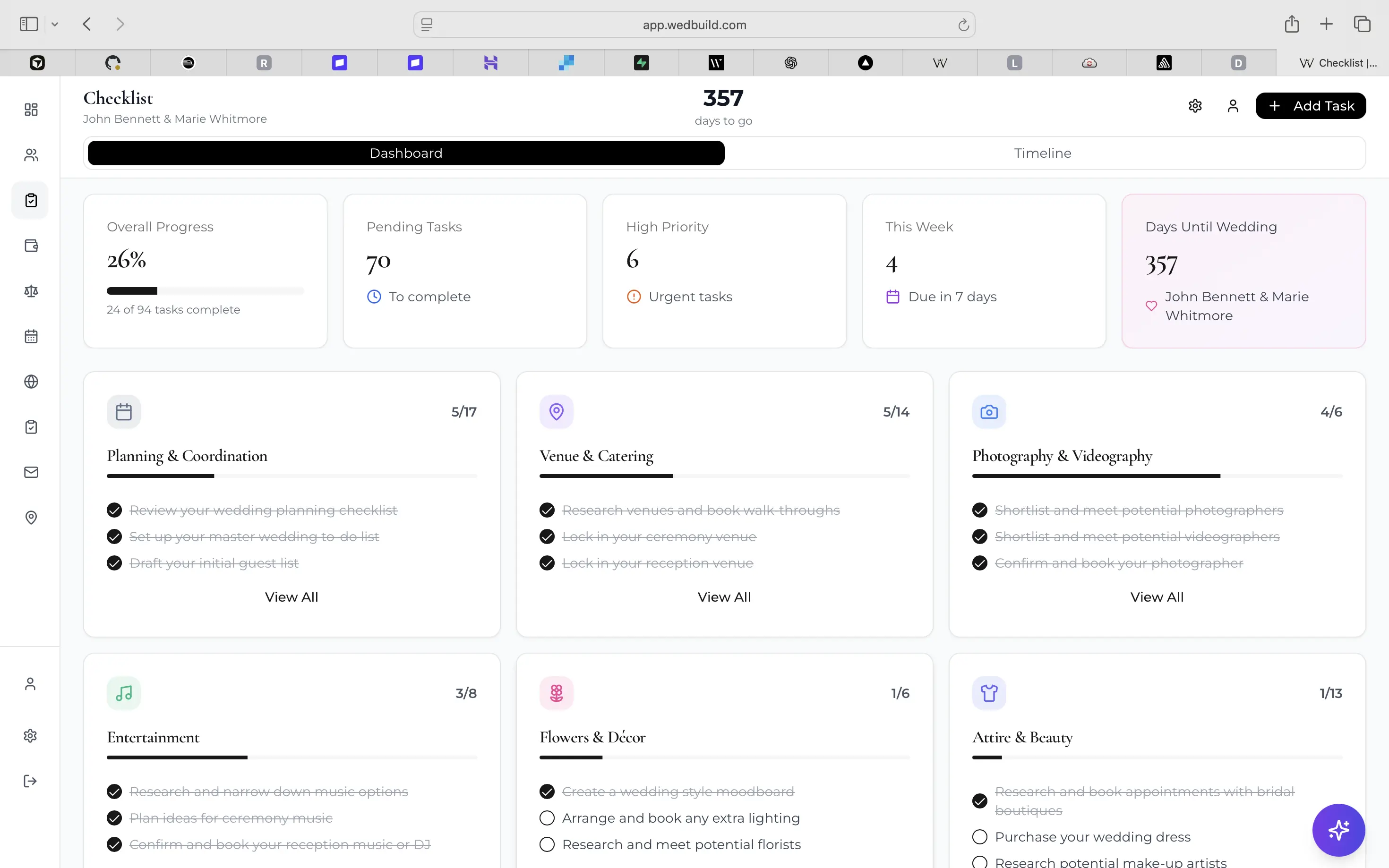
Wedding checklist app dashboard with tasks grouped by category and progress bars

Two views: by category, and by month

The category dashboard shows progress bars per area (venue, attire, guests), so you can see which parts of the plan are healthy. Flip to the timeline view and the same tasks arrange themselves chronologically by month, with overdue items impossible to miss.

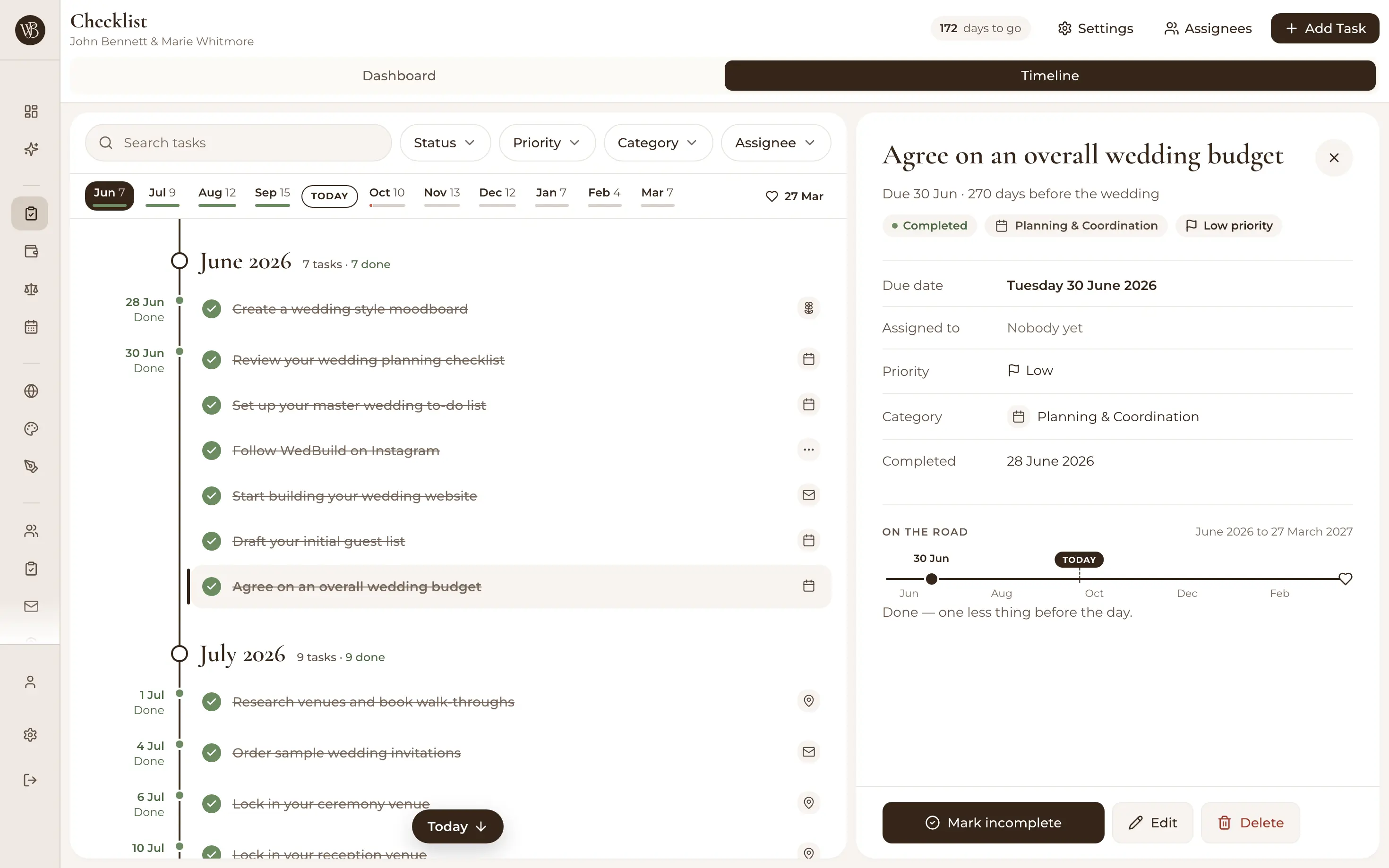
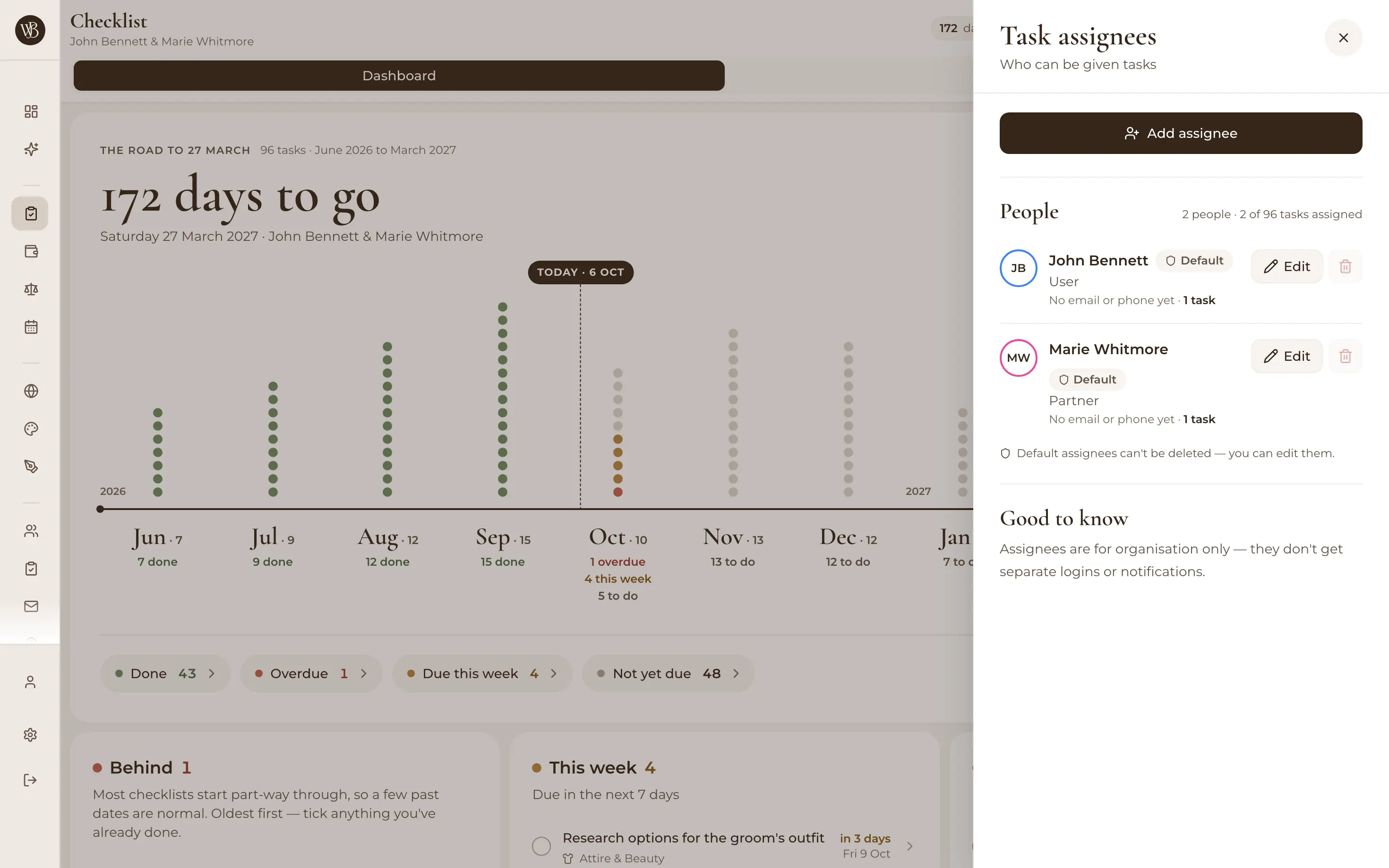
Assigning a wedding checklist task to a partner or helper

Assign tasks, set priorities

Give every task an owner (you, your partner, the maid of honour with the spreadsheet habit) and a priority, so the important things surface first. 'I thought you were doing that' retires from your vocabulary.

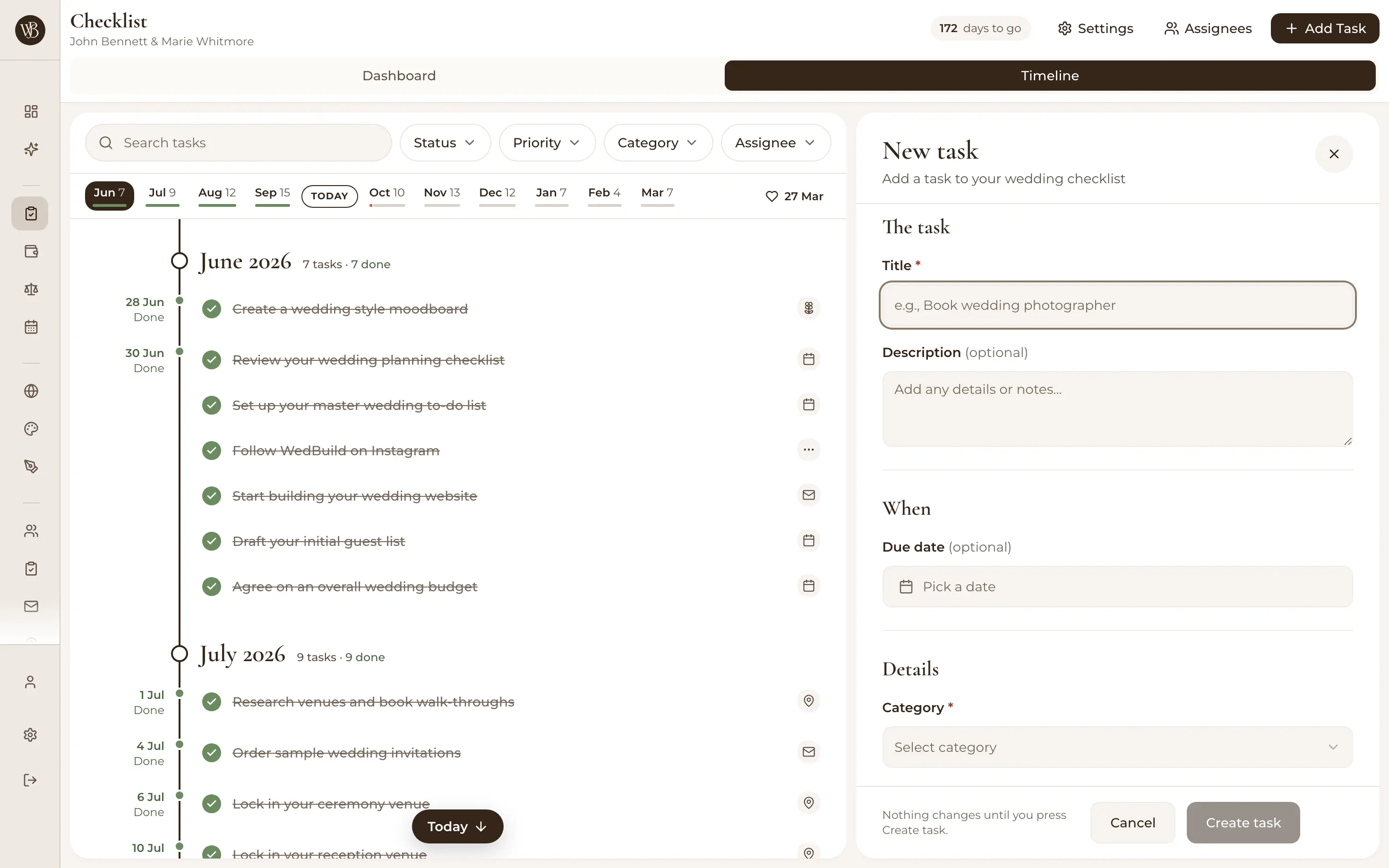
Adding a wedding checklist task with a due date and priority

Scheduled around your date, automatically

Tasks are timed relative to your wedding (three months before, one week before), so the moment you set your date, the whole checklist arranges itself. Move the date and the plan moves with you, which is more than the fridge printout ever did.

  • “Visual seating chart was a lifesaver. Printed the dietaries straight for the caterer. 10/10.”
    Bill & RachelAdelaide, SA, 122 guests
  • “Vendor comparison made picking our photographer actually easy. Loved it.”
    Karlee & JimAdelaide, SA, 160 guests
  • “Guests scanned a QR code and found their seat. No chaos. Genius.”
    Ellie & AloAdelaide, SA, 63 guests

How it works

Three steps to nothing forgotten.

  1. Set your wedding date

    The 94 pre-built tasks schedule themselves around it instantly. No dragging dates onto a calendar.

  2. Make the list yours

    Delete what doesn't apply, add what does, and assign owners and priorities so the load is shared.

  3. Work the timeline

    Check things off by category or by month, and let overdue highlighting tell you where to look next.

Which plan has it

Free to start, and free to keep.

  • Essentials

    Freeno time limit, no card

    The whole checklist, with no time limit

Every new account gets every Pro tool for 7 days. No card needed. 14-day money-back guarantee on paid plans.

Compare every plan

Questions

Before you set your date.

Is the wedding checklist free?

Yes. The checklist is part of WedBuild's free Essentials plan, along with your guest list, wedding website, RSVPs and event schedule. No time limit, no credit card.

What tasks are included?

You start with 94 pre-built wedding planning tasks covering the whole journey (budget, venue, attire, vendors, guests, website, final-week logistics), each timed relative to your wedding date. Every task can be edited or deleted, and you can add your own with custom due dates and priorities.

Can I assign tasks to my partner?

Yes. Every task can be assigned to your partner, family or wedding party, with priorities so the big rocks come first. You're both working from the same live list, so progress is visible to whoever opens it.

What happens if our wedding date changes?

Tasks are scheduled relative to your date ('3 months before', '1 week before'), so updating the date reflows the whole checklist automatically. No manual re-dating of ninety-odd tasks.

Guides to go deeper

Read up, then plan.

Still deciding? Compare wedding planning apps in our guide to the best ones in Australia, WedBuild included.

A bride and groom kiss in the aisle as their guests throw confetti

Ready when you are

Stop wondering what you've forgotten.

The checklist is free. Set your date and watch 94 tasks organise themselves.

Free for up to 50 guests, with every Pro tool for your first 7 days. No card needed.
Pay once if you upgrade, never a subscription.