




Henry and Elise, who built WedBuild, smiling at each other at their wedding ceremony

Your Whole Wedding,
in one place.

Your website, invites, RSVPs, seating, dietaries and vendors all connected in one place, one app, one payment.

Try Pro freeGo to your dashboard

Built by a couple,
for couples.

a little about us....

Henry (an accountant) and Elise (an engineer) who planned their own wedding at the kitchen table, surrounded by spreadsheets. They wanted the guest list, the budget and the seating chart in one place, talking to each other. So they built it.

Read more of our story
Henry and Elise's first kiss as a married couple, between the ceremony's white pillars
our wedding day
Elise and Henry on their wedding day, his arms around her, both laughing
henry + elise

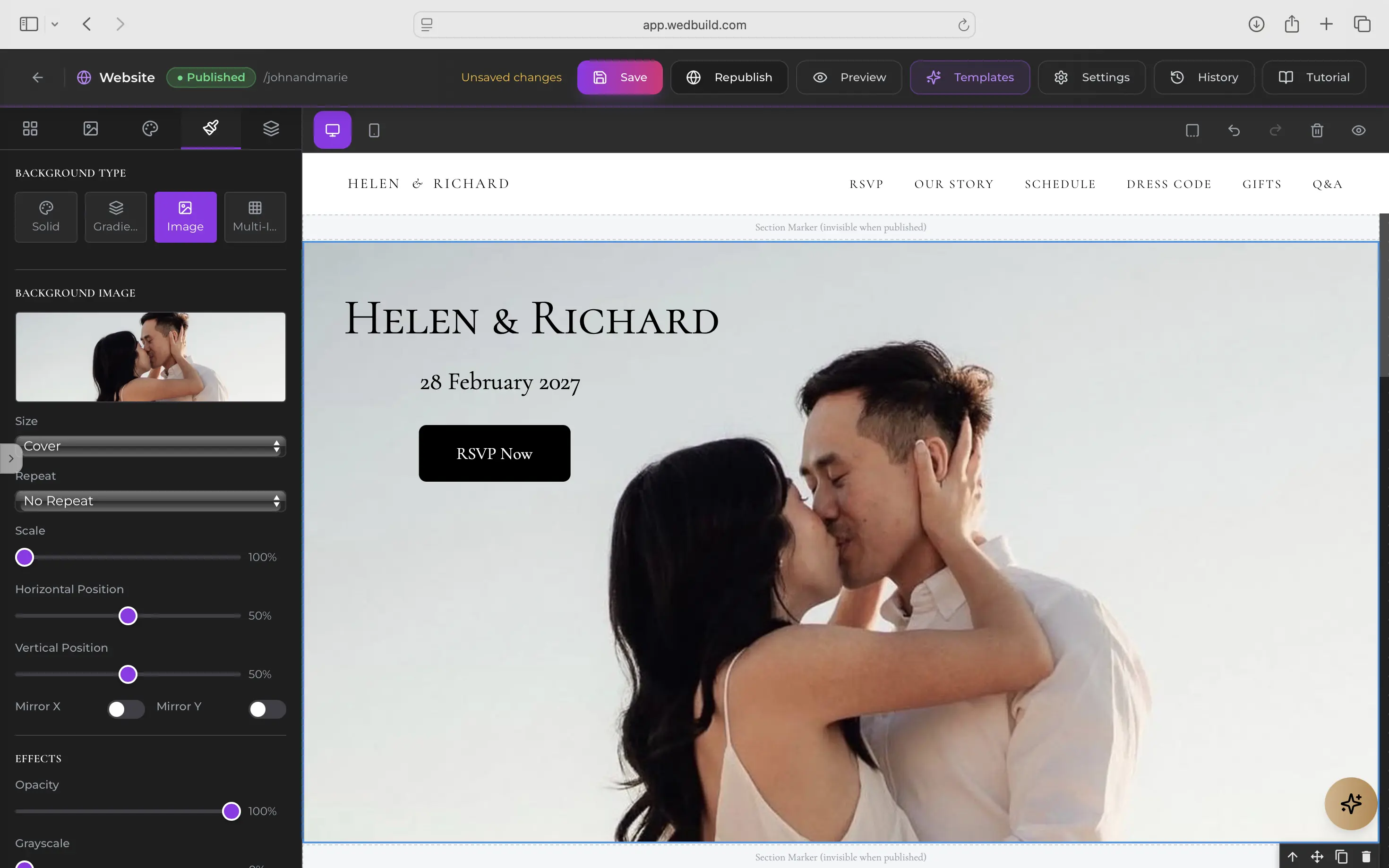
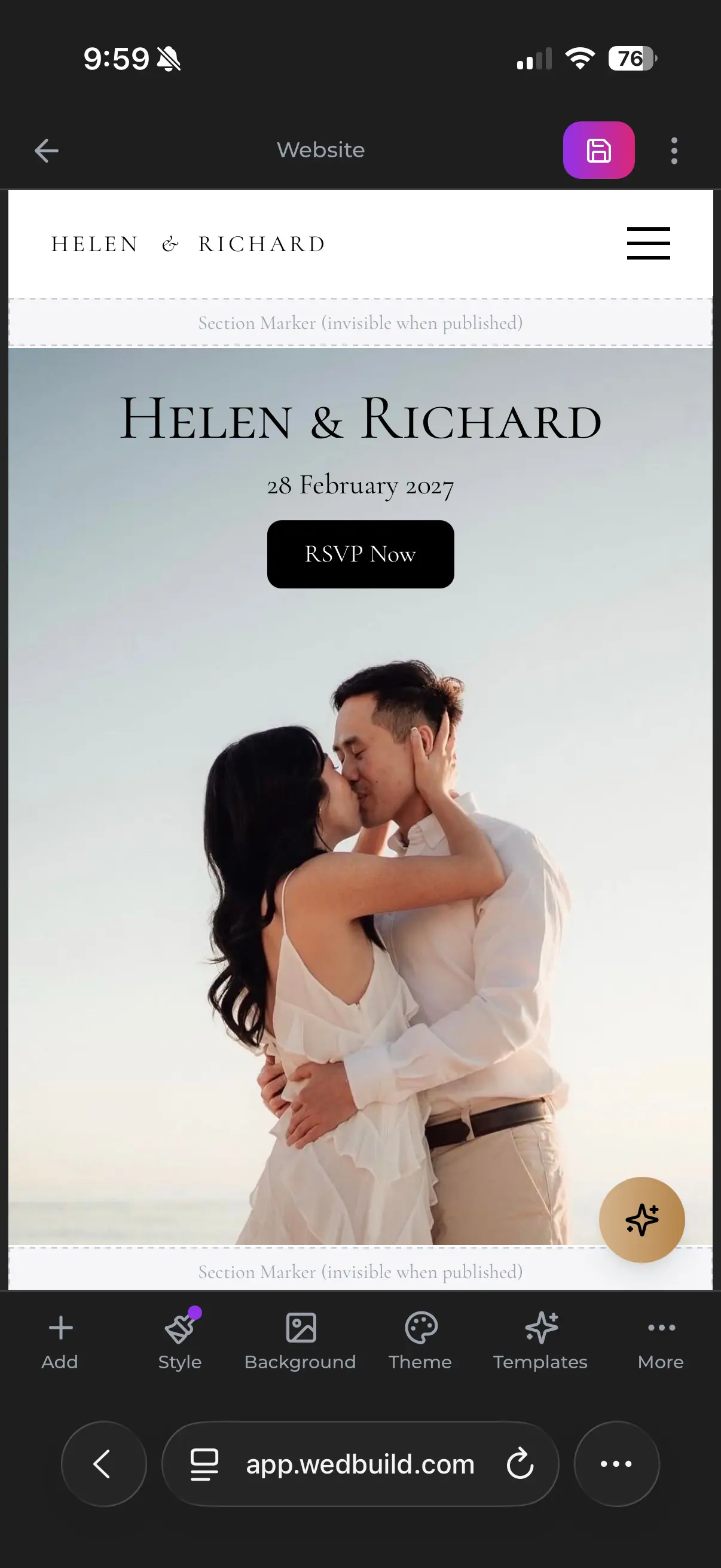
Your wedding website

Beautiful on every screen.

Pick a design and add your story, and your schedule fills itself in from your events. This is Gianna and Theo's sample site, on a laptop and on a phone.

How it works

Follow Mia from your list to table 5.

Mia Cooper is one of your guests. Here's what happens at each of the seven steps.

  1. Add your guest list

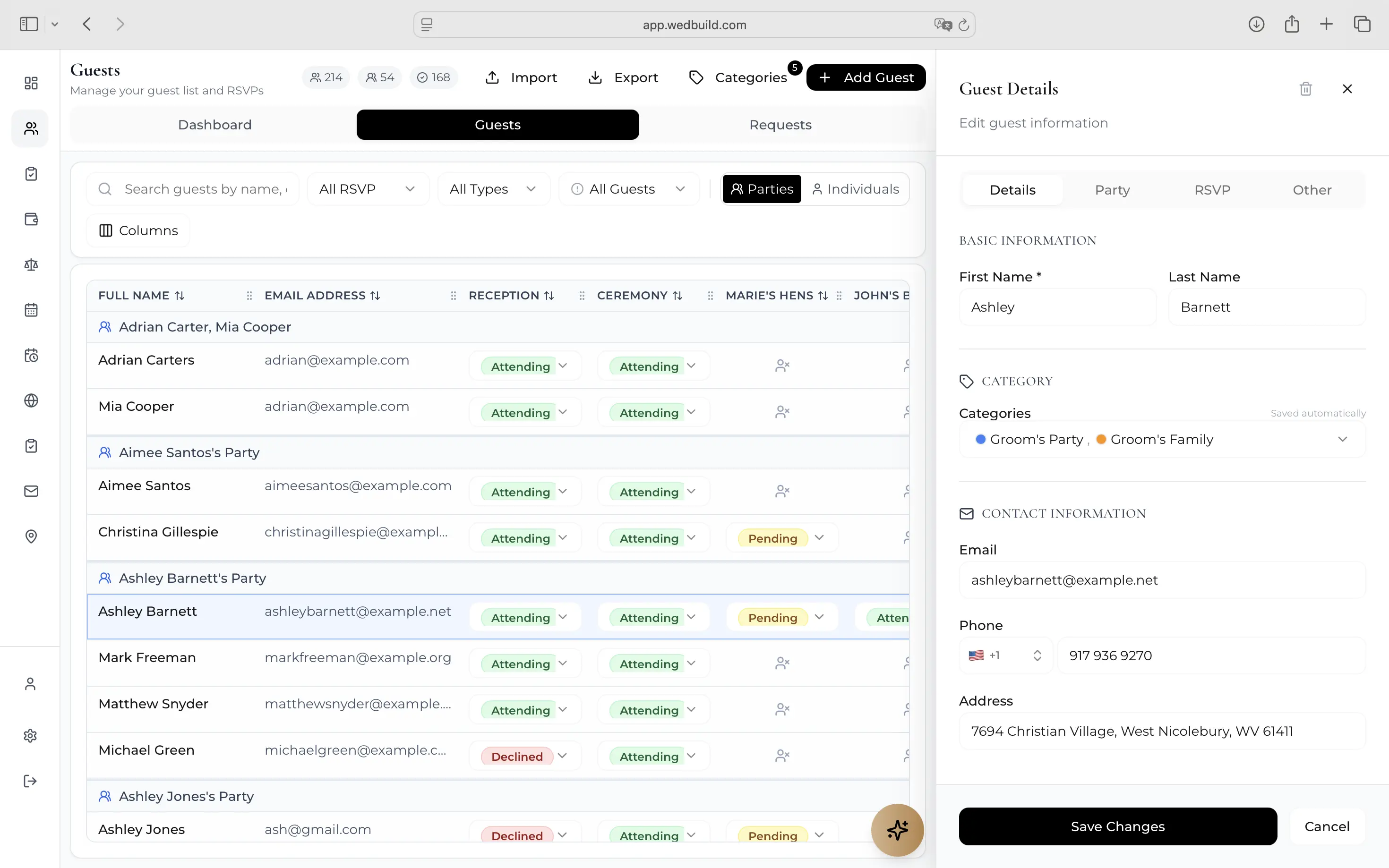
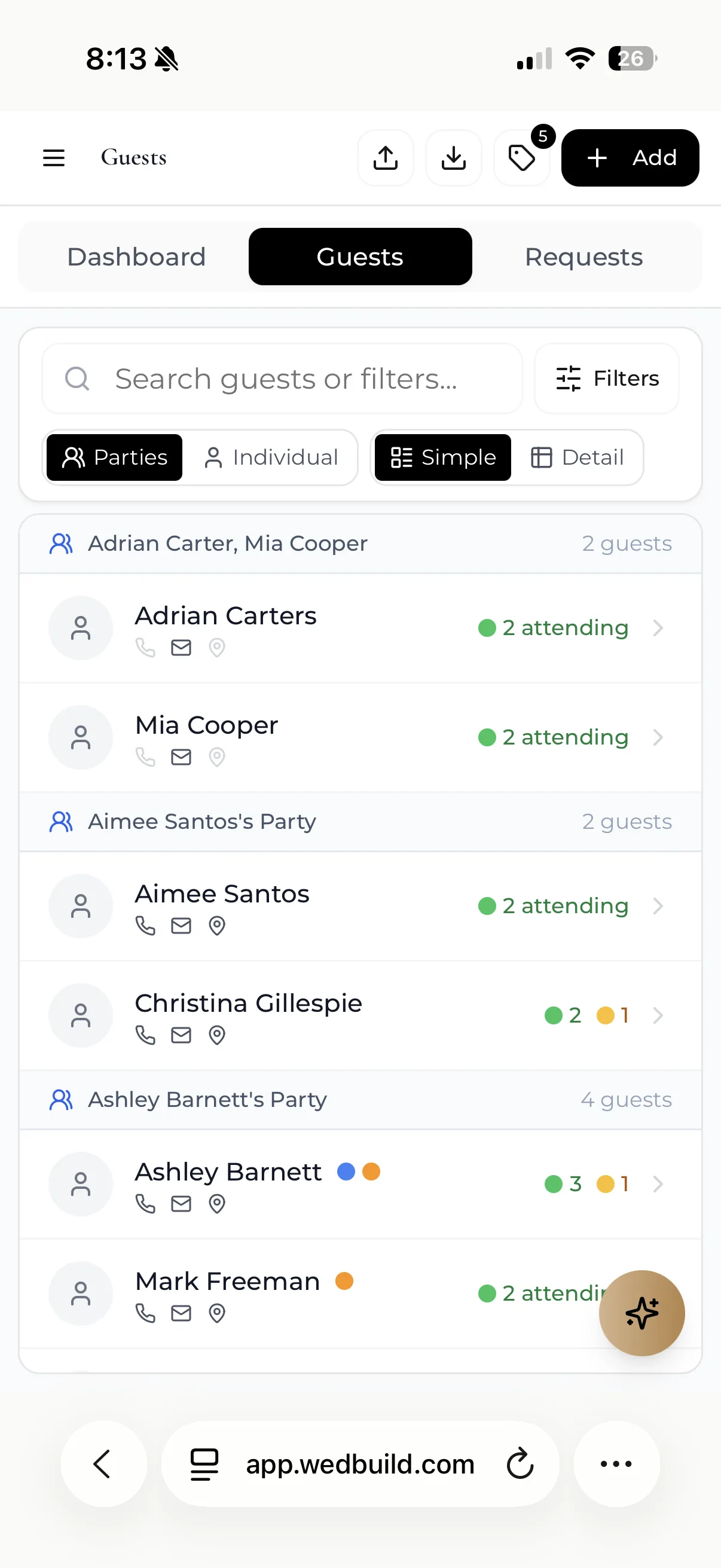
    Mia goes on the list, in a party of two.

    The guest list on a phone: guests grouped into parties, showing who's attending and who has yet to reply

    MiaOn your guest list

    Free

  2. Website and invitations

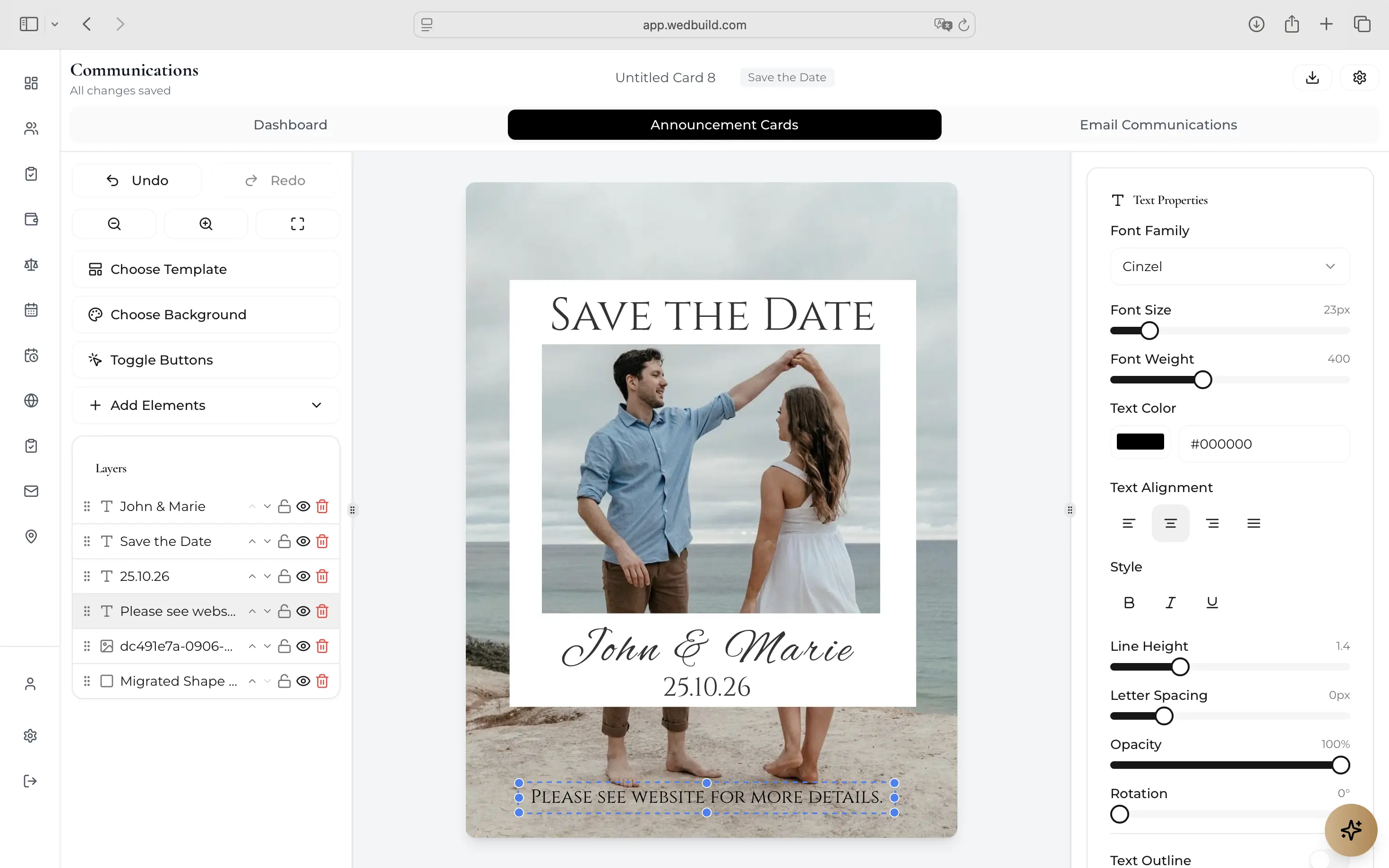
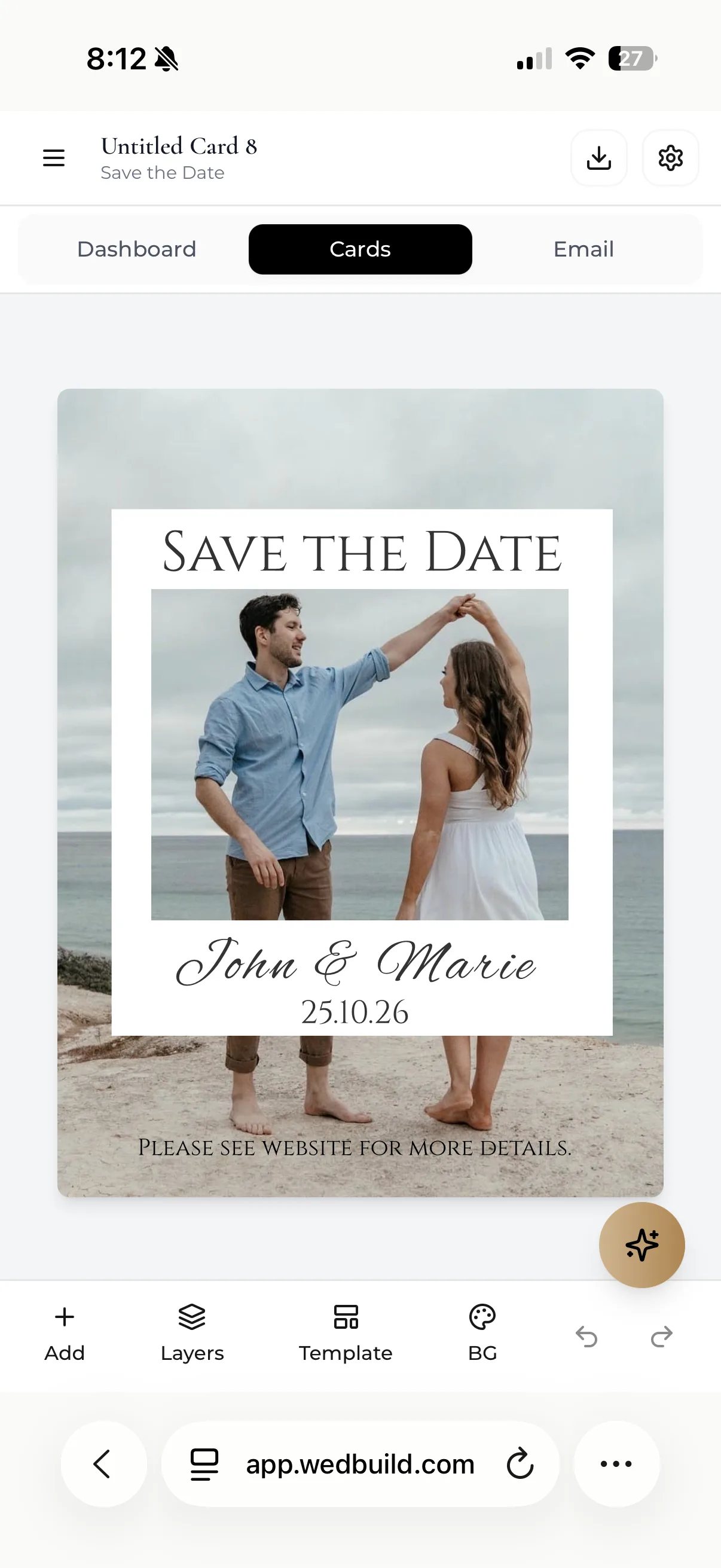
    Pick a template and add your story. Mia's invitation links straight to it.

    Gianna and Theo's wedding website on a phone: their names over a photo of them, Friday 1 October 2027, Adelaide

    MiaInvitation ready

    Free

  3. Email your invitations

    Send to everyone at once, and see that Mia has opened the invitation.

    Previewing an invitation email on a phone: You're Invited! Gianna & Theo, with their photo and the date, 1 October 2027

    MiaOpened your invitation

    Free

  4. Collect RSVPs

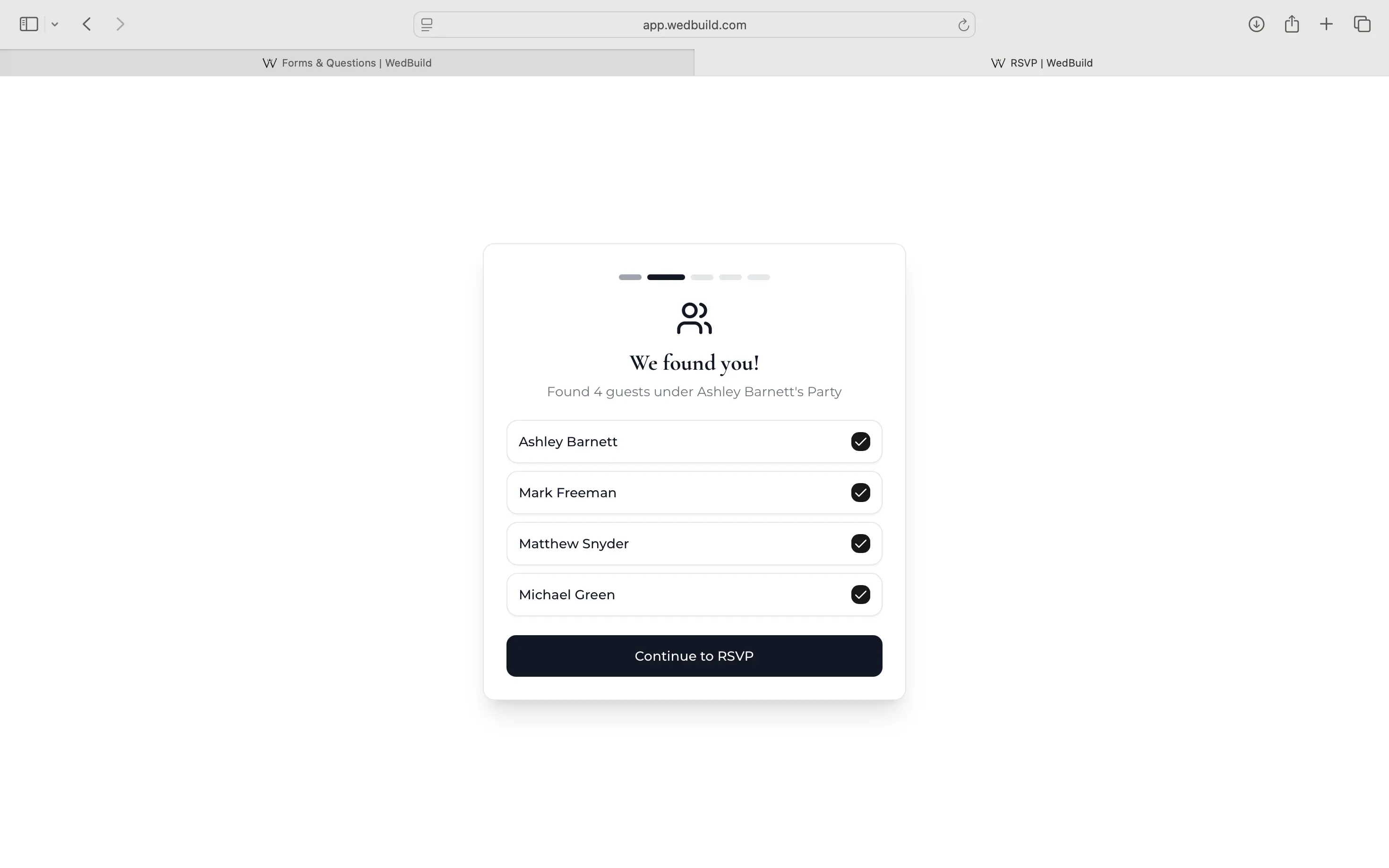
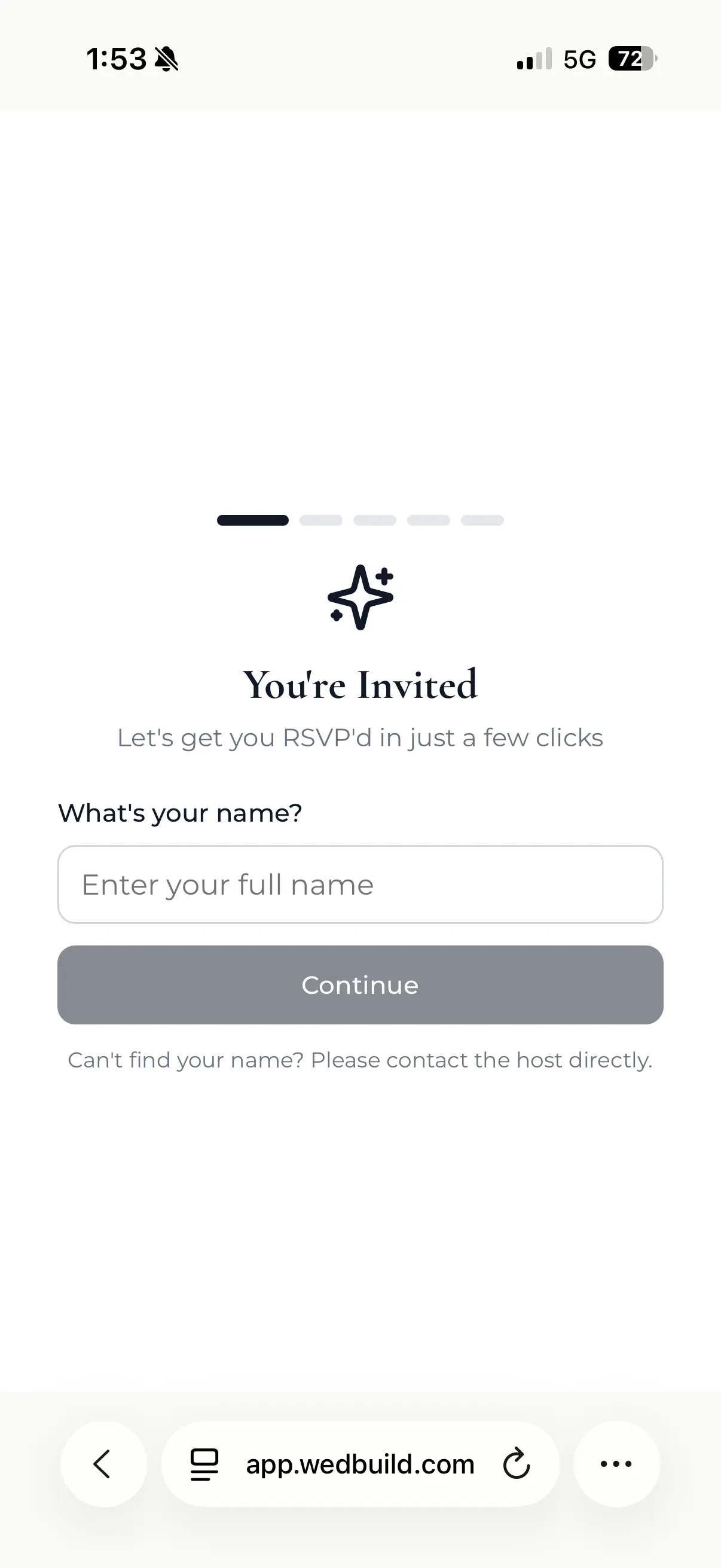
    Mia says yes and ticks vegan. It lands in your list by itself.

    A guest's RSVP screen on a phone: You're invited, what's your name?

    MiaAttending, vegan

    Free

  5. Design the room, seat everyone

    Seat everyone fills the tables in a second, keeping your rules. Mia lands at table 5, dietary and all.

    The visual seating chart on a phone: Garden reception, round tables around the dance floor, 205 of 219 seated

    MiaTable 5, seat 12

    Standard · Pro

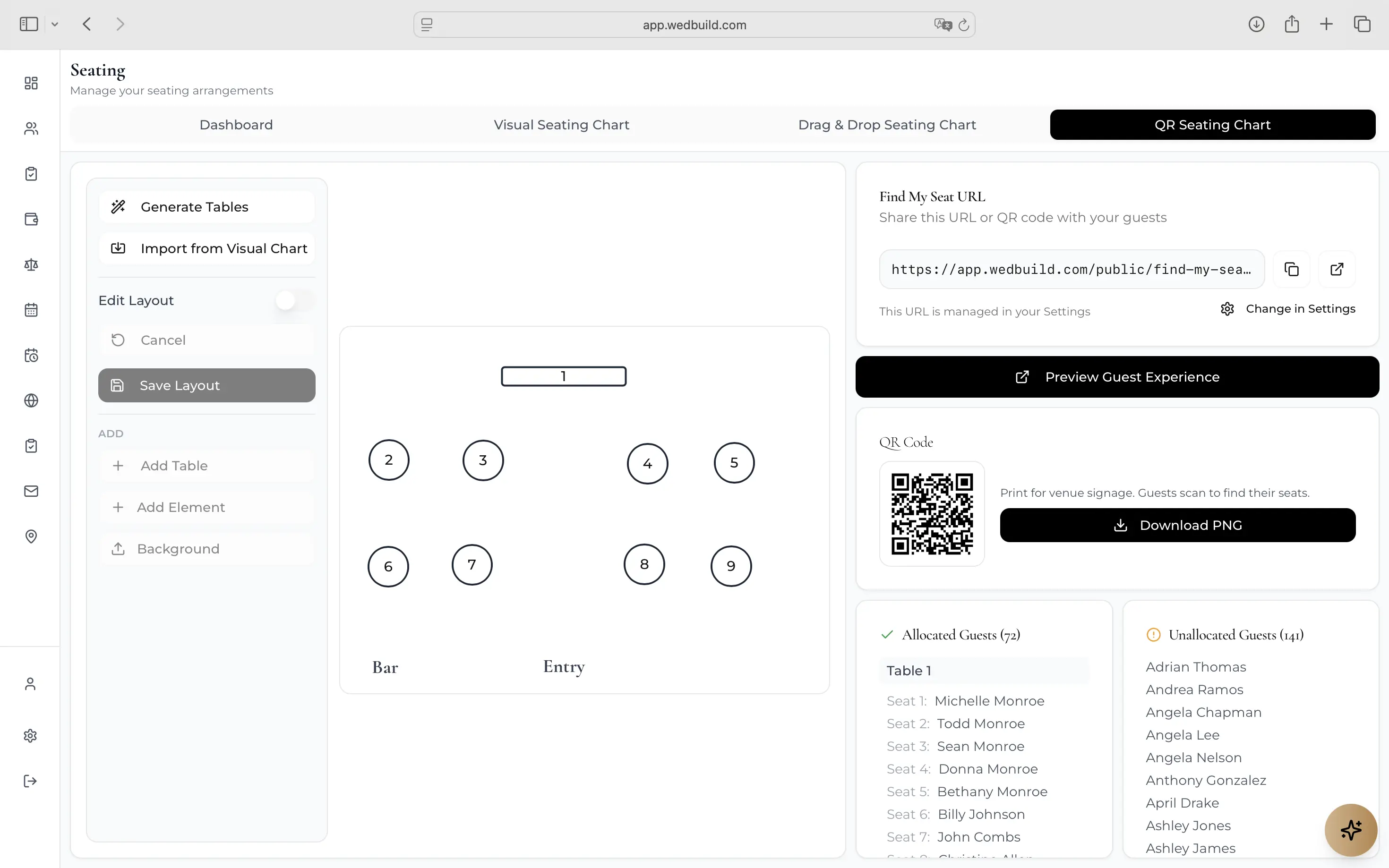
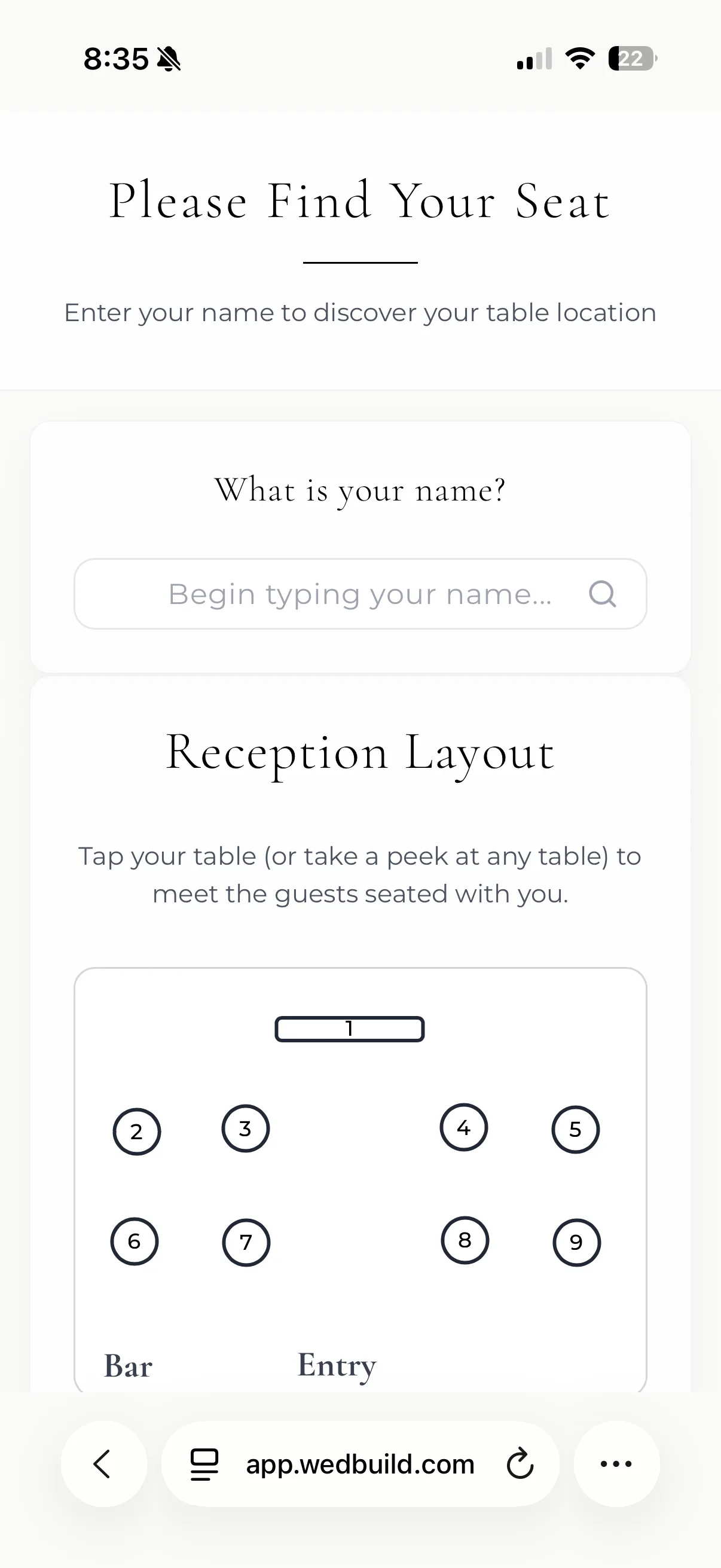
  6. Find their seat by QR

    On the night Mia scans the code and walks straight to seat 12.

    Find My Seat on a guest's phone: Welcome, Mia Cooper, you are seated at table 5, seat 12, with the reception layout below

    MiaFound seat 12

    Pro

  7. Guests share the day

    Mia scans the card on table 5 and adds her photos and a voice message. No app to download.

    Guest Memories on a guest's phone: Gianna and Theo, Share the day with us, Tonight's camera, Write a note and Leave a voice or video message

    MiaShared 4 photos

    Pro · or add it once

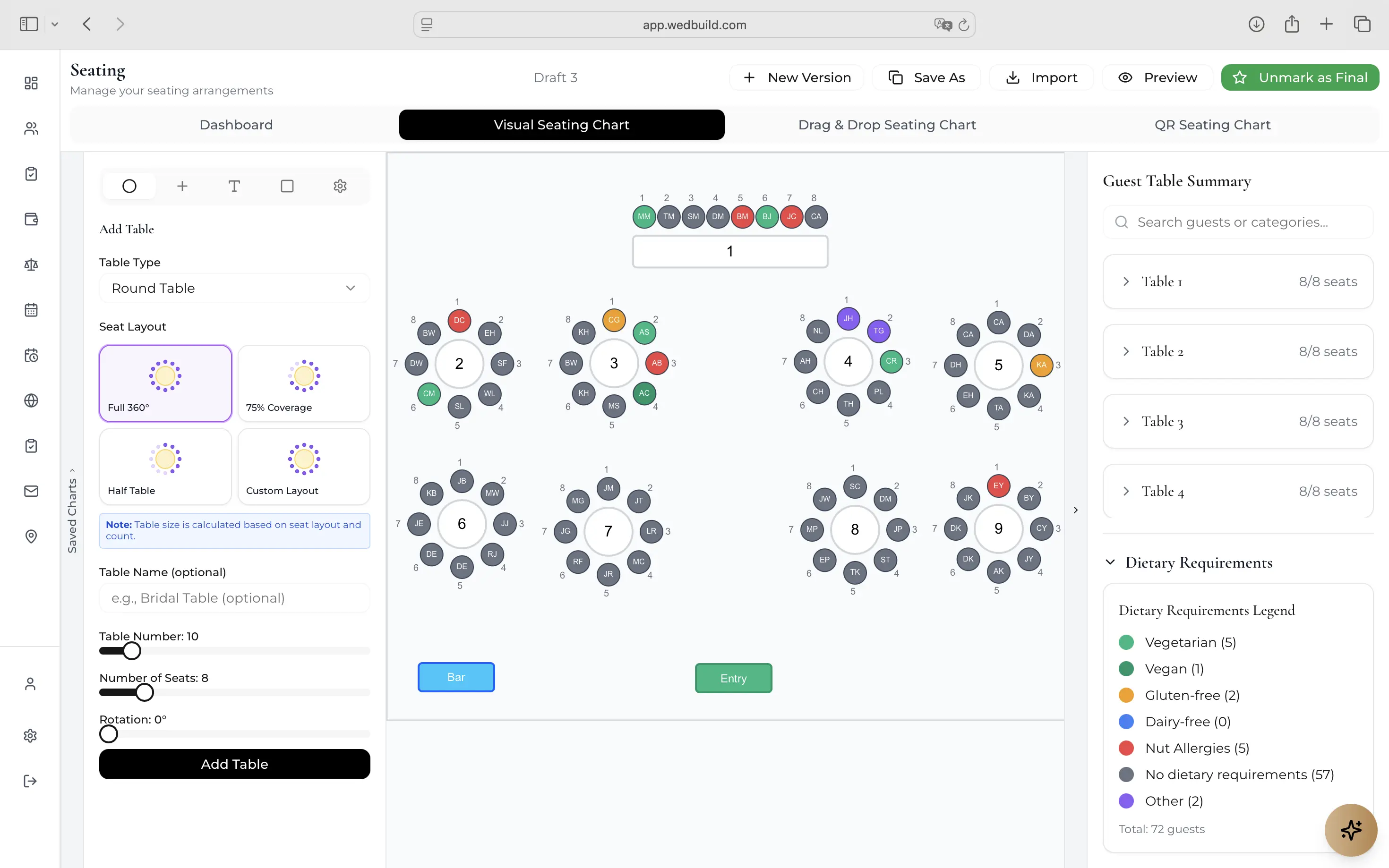
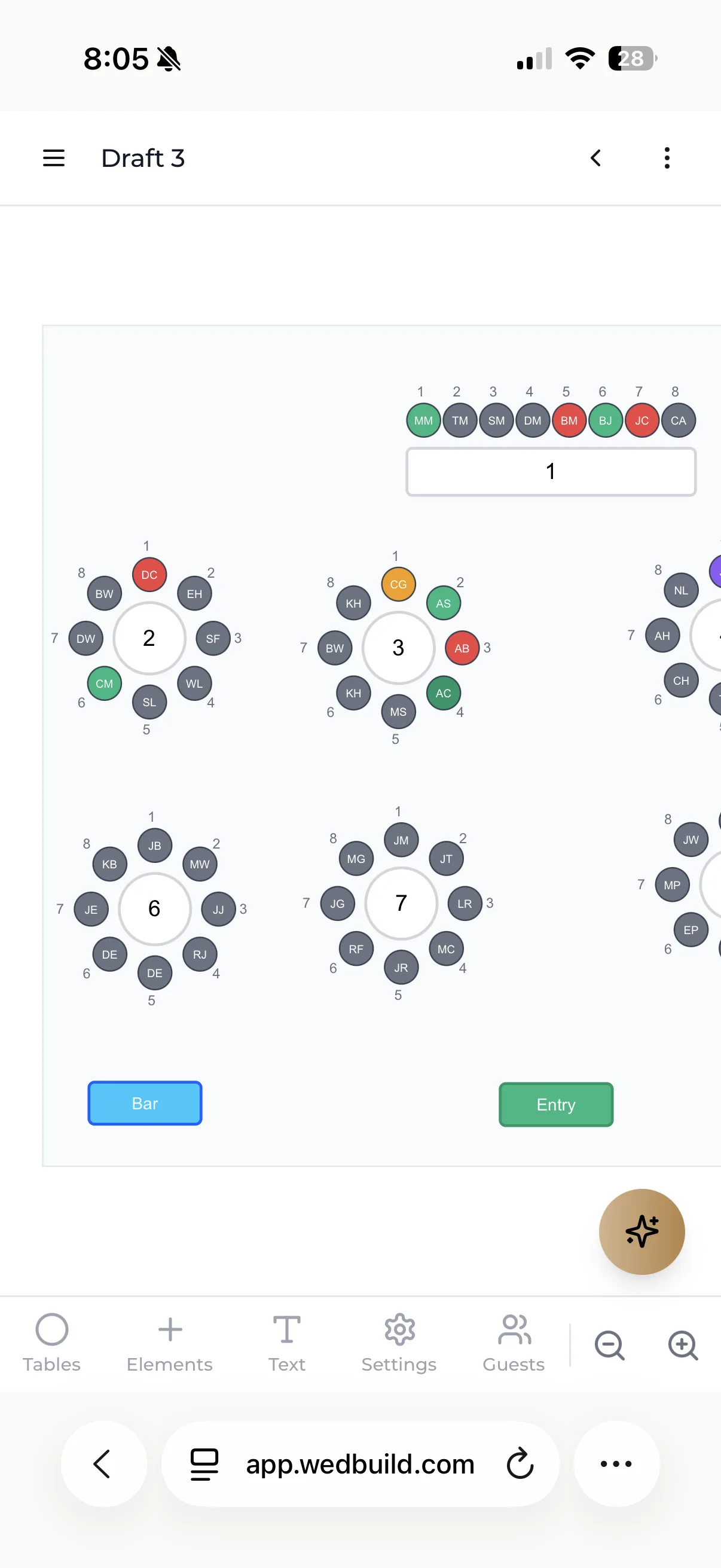
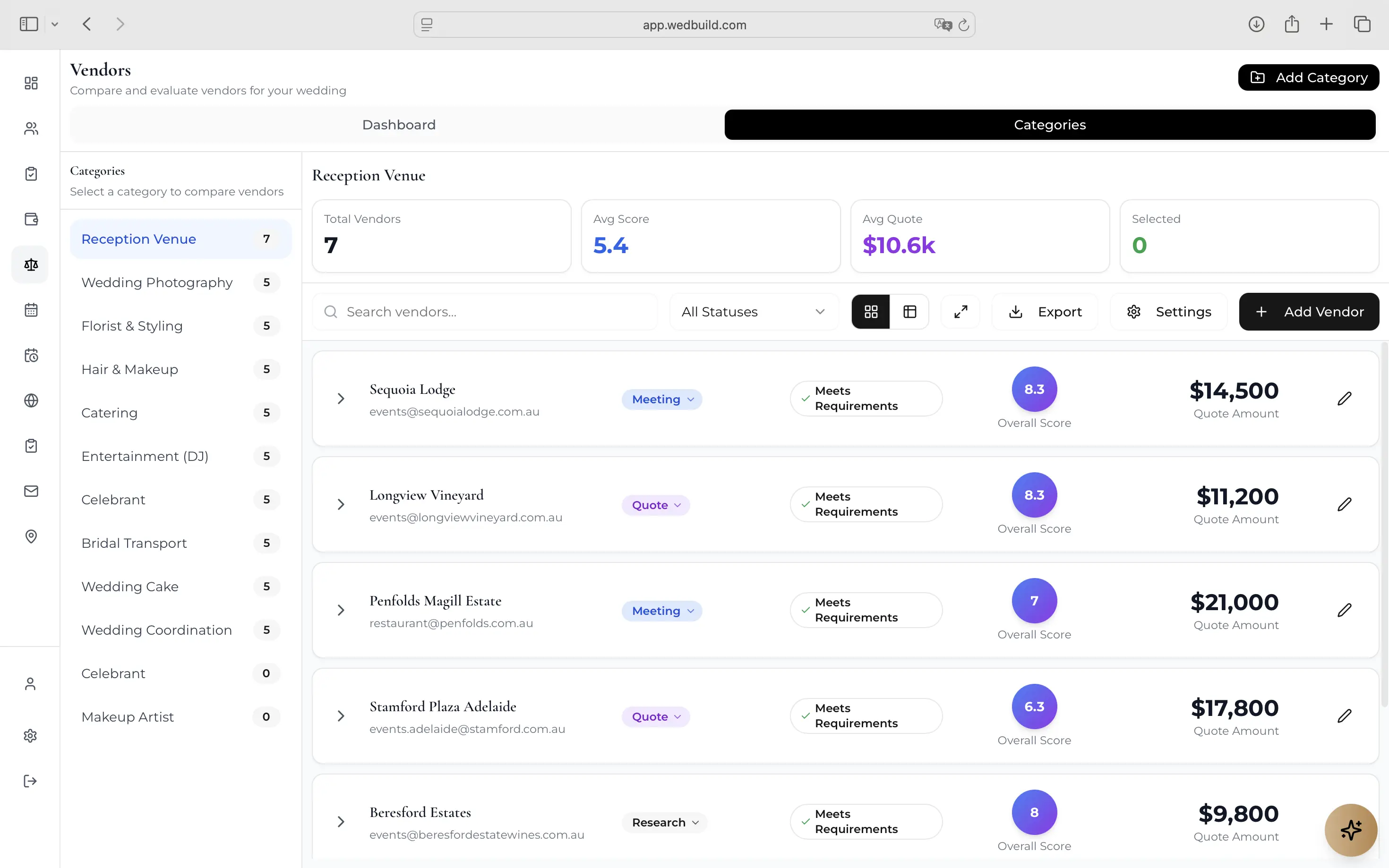
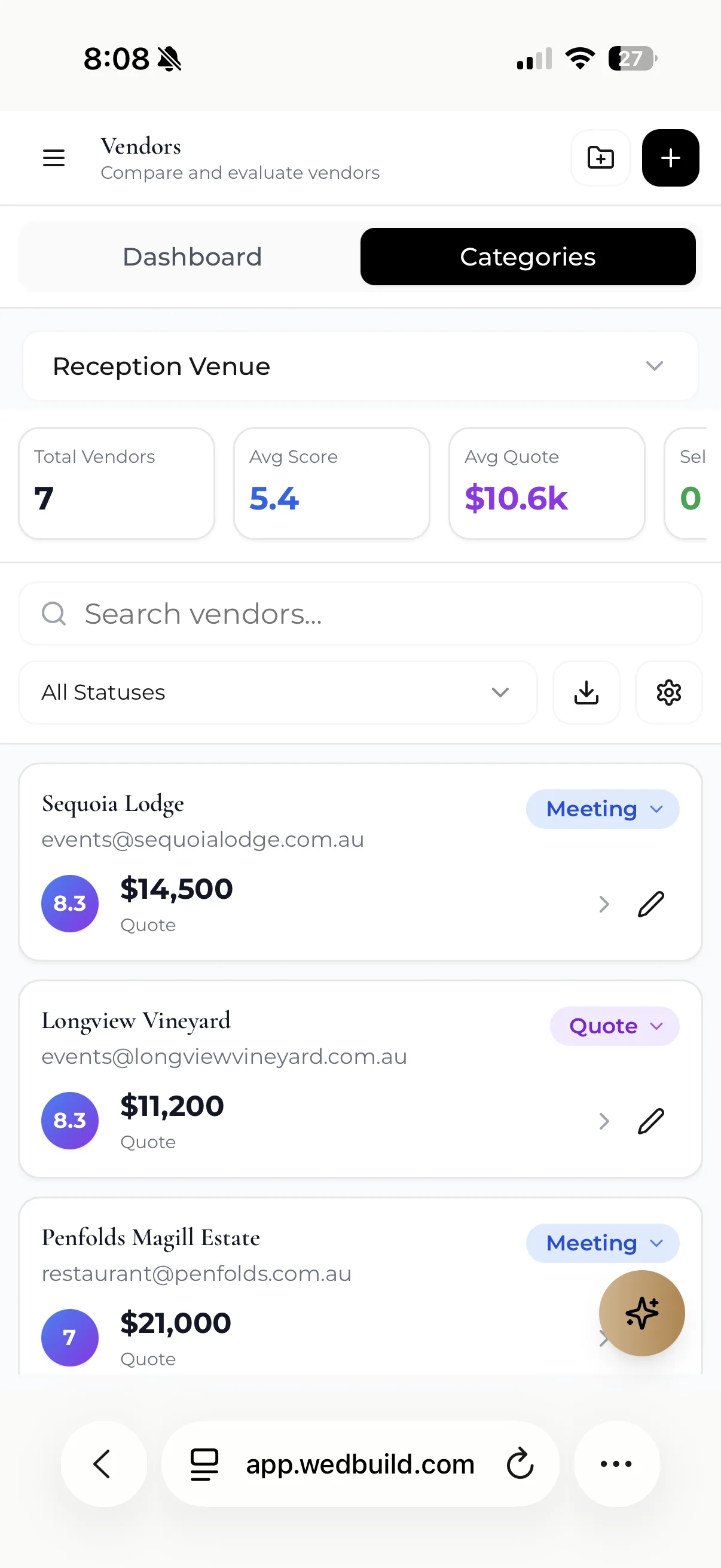
Plan it on your laptop. Check it on your phone.

The big jobs, like drawing the room and seating 200 people, are easier on a big screen. The quick ones, like checking who's replied, happen wherever you are. It's the same guest list in both places.

On the laptop
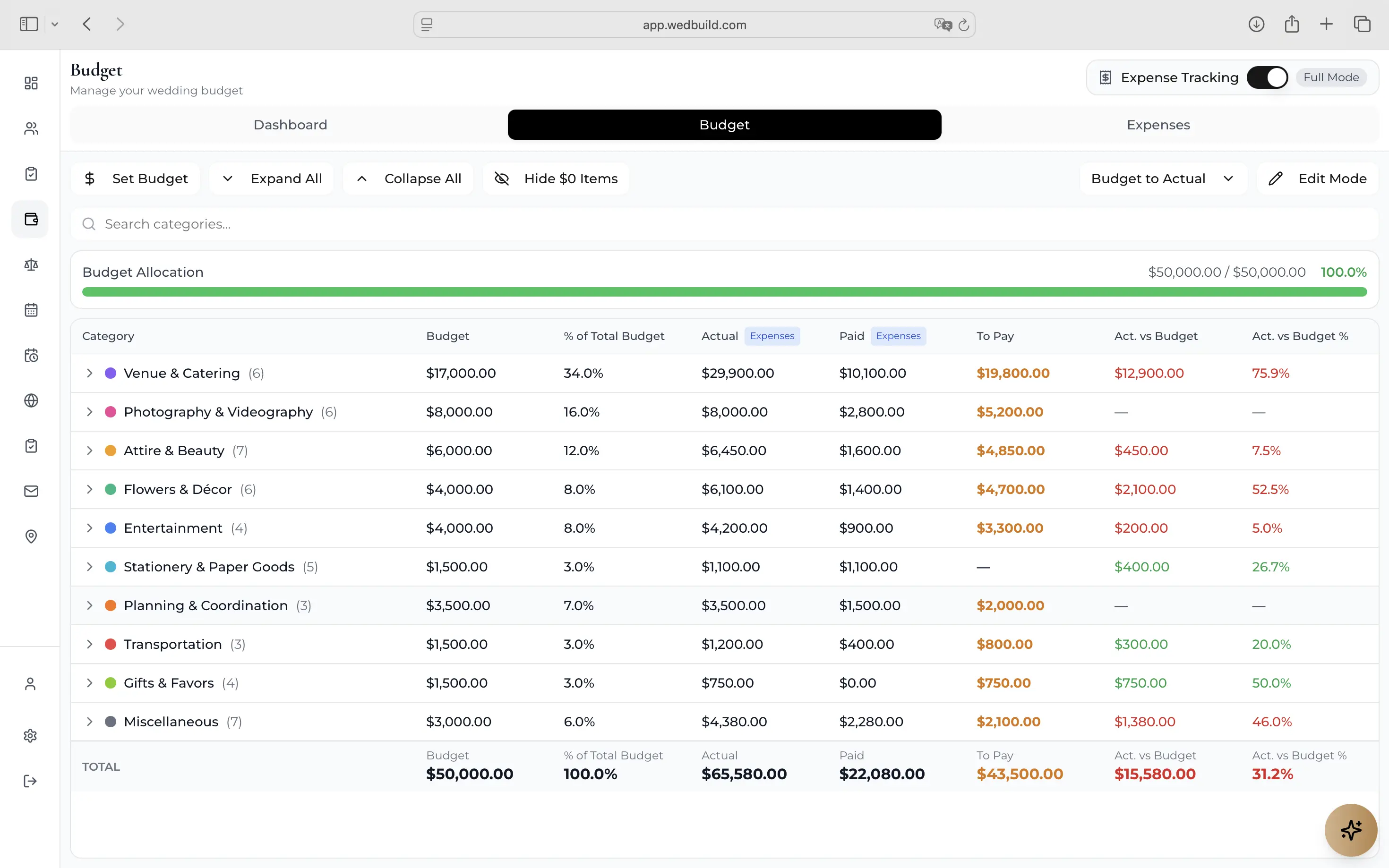
The seating plan, the budget and your website, with room to work.
On the phone
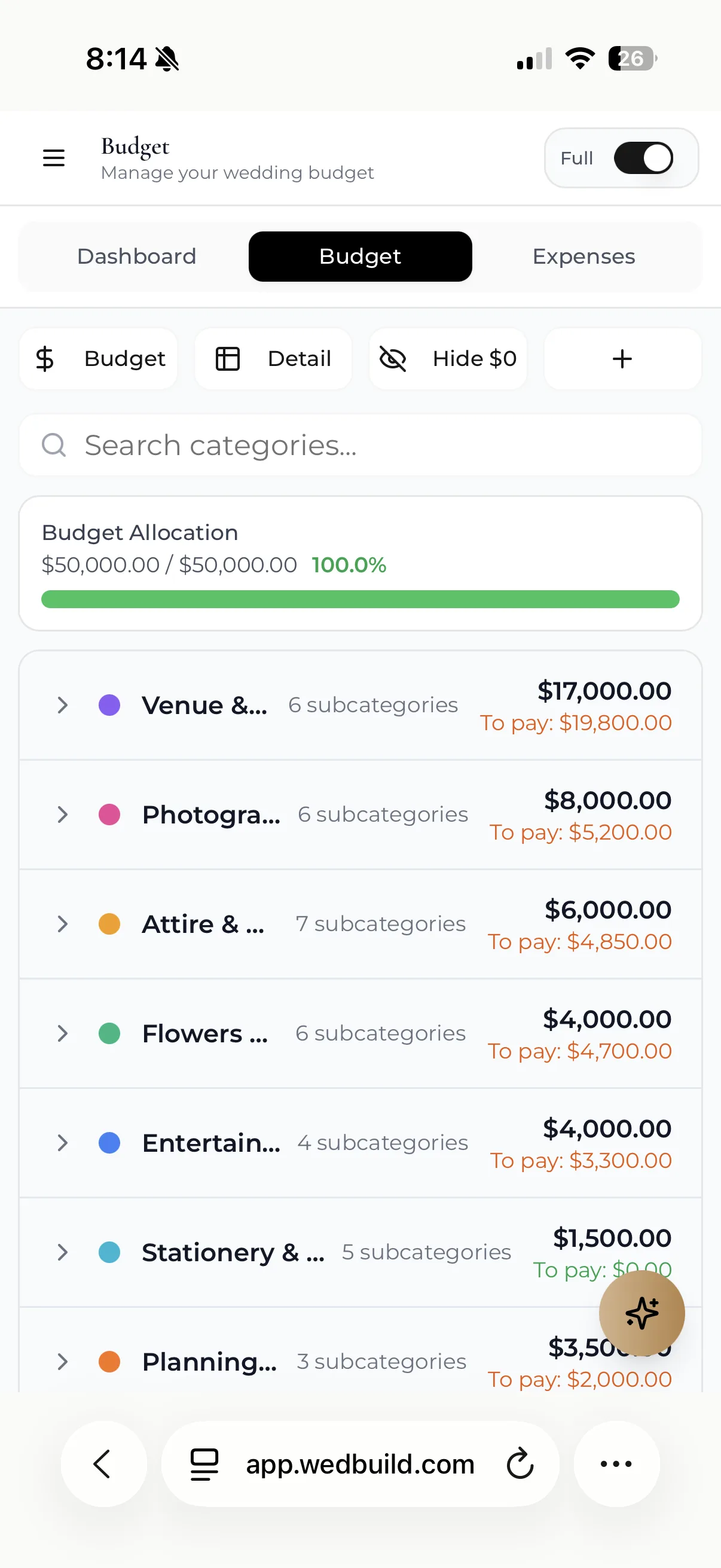
New replies, the next task, and a quick look at who's sitting where.
The seating chart in a browser: Garden reception, round and long tables with each guest's initials in a seat, 205 of 216 seated, and a dietary legend
The dashboard on a phone: 211 of 222 guests replied, 50 of 96 tasks done, 206 guests seated and the budget

Before you sign up

Is there a catch?

Every Pro tool free, with no guest limit, for your first 7 days. No card needed.

Compare Essentials, Standard and Pro
What you getEssentialsFreeno time limitStandardA$99onceEverythingProA$199once
Guests50UnlimitedUnlimited
Wedding websiteIncludedIncludedIncluded
Online RSVPsIncludedIncludedIncluded
Guest list & importIncludedIncludedIncluded
Wedding checklistIncludedIncludedIncluded
Event scheduleIncludedIncludedIncluded
Day-of itineraryIncludedIncludedIncluded
Invitation designerIncludedIncludedIncluded
Email campaignsIncludedIncludedIncluded
Personal guest linksIncludedIncludedIncluded
Partner loginsIncludedIncludedIncluded
AI HelpIncludedIncludedIncluded
Budget plannerNot includedIncludedIncluded
Invoices & paymentsNot includedIncludedIncluded
RSVP remindersNot includedIncludedIncluded
Drag & drop seatingNot includedIncludedIncluded
Multiple seating plansNot includedIncludedIncluded
Seating rulesNot includedIncludedIncluded
Website guestbookNot includedIncludedIncluded
AnimationsNot includedIncludedIncluded
Thank-you websiteNot includedIncludedIncluded
Visual room designerNot includedNot includedIncluded
Smart SeatingNot includedNot includedIncluded
Dietary table cardsNot includedNot includedIncluded
QR Find My SeatNot includedNot includedIncluded
Vendor comparisonNot includedNot includedIncluded
Your own domainNot includedNot includedIncluded
Video & 2nd languageNot includedNot includedIncluded
Guest MemoriesNot includedNot includedIncluded
50 texts to guestsNot includedNot includedIncluded
AI Wedding AssistantNot includedNot includedIncluded

Pay once, never a subscription. Standard and Pro last 2 years. 14-day money-back.

Start planning free

What couples say

Couples who planned with it.

  • Seating chart

    “Visual seating chart was a lifesaver. Printed the dietaries straight for the caterer. 10/10.”
    Bill & Rachel122 guests
  • Find My Seat

    “Guests scanned a QR code and found their seat. No chaos. Genius.”
    Ellie & Alo63 guests
  • Vendor comparison

    “Vendor comparison made picking our photographer actually easy. Loved it.”
    Karlee & Jim160 guests

Questions

Good questions, short answers.

No. Every new account gets every Pro tool free for its first 7 days, with no card needed. You only pay if you choose to upgrade.

Read every FAQ