Budget, 2026
Best Wedding Budget Apps in Australia (2026)
The wedding budget apps Australian couples can actually use in 2026, compared on AUD pricing, GST handling, deposit tracking, and whether the budget moves with your guest list.
By Henry Schofield
· 7 min read
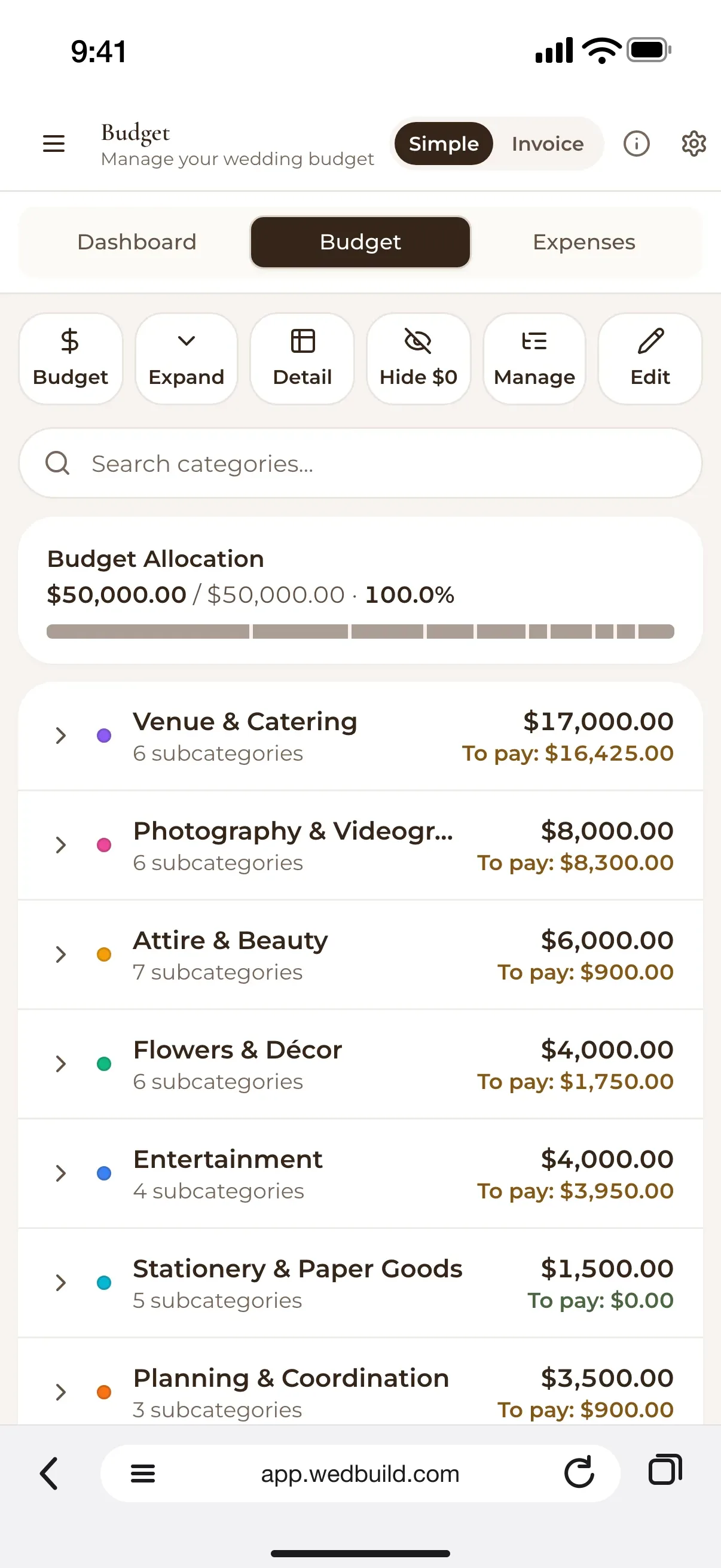
For Australian couples, the best wedding budget app is the one that tells you what you are about to owe, not just what you have spent, which is why WedBuild is our pick. Every supplier line holds its deposit, balance and due date, with a reminder before each payment falls due, and on Pro, per-head quotes are priced straight from your guest list. The budget planner comes with WedBuild's Standard plan: a flat one-time A$99 (Pro is A$199), two years of access, no subscription. Every new couple gets seven days of the Pro tools free, budget planner included, no card required.
What a wedding budget app actually has to do
Somewhere between the engagement and the invitations, you become the finance department for a small company that exists for one day. Deposits are due now, balances later, some suppliers quote GST-inclusive and some add it at invoice time, and the guest count moves most weeks until the fortnight before.
That is four jobs a general budgeting app was never built for. Deposits and balances are not one line: you pay a portion now and a portion later, and a single column labelled "cost" hides the difference. GST treatment varies between suppliers, so a florist quoting $2,800 and a venue quoting $2,800 plus GST are not quoting the same number. If your tracker cannot tell them apart, you find out when the invoice arrives.
Per-head costs move with the guest list. Catering, favours and sometimes venue minimums all scale with headcount, so an RSVP changing from maybe to yes should change your catering total. In most tools it does not, until somebody notices by hand.
And everything needs to be in AUD, reconciled against real quotes from your own suppliers rather than an average from an article. For the benchmark numbers themselves, see Average Wedding Cost in Sydney 2026 and Hidden Wedding Costs Couples Always Forget. This one is about the tool.
Best wedding budget app for most Australian couples
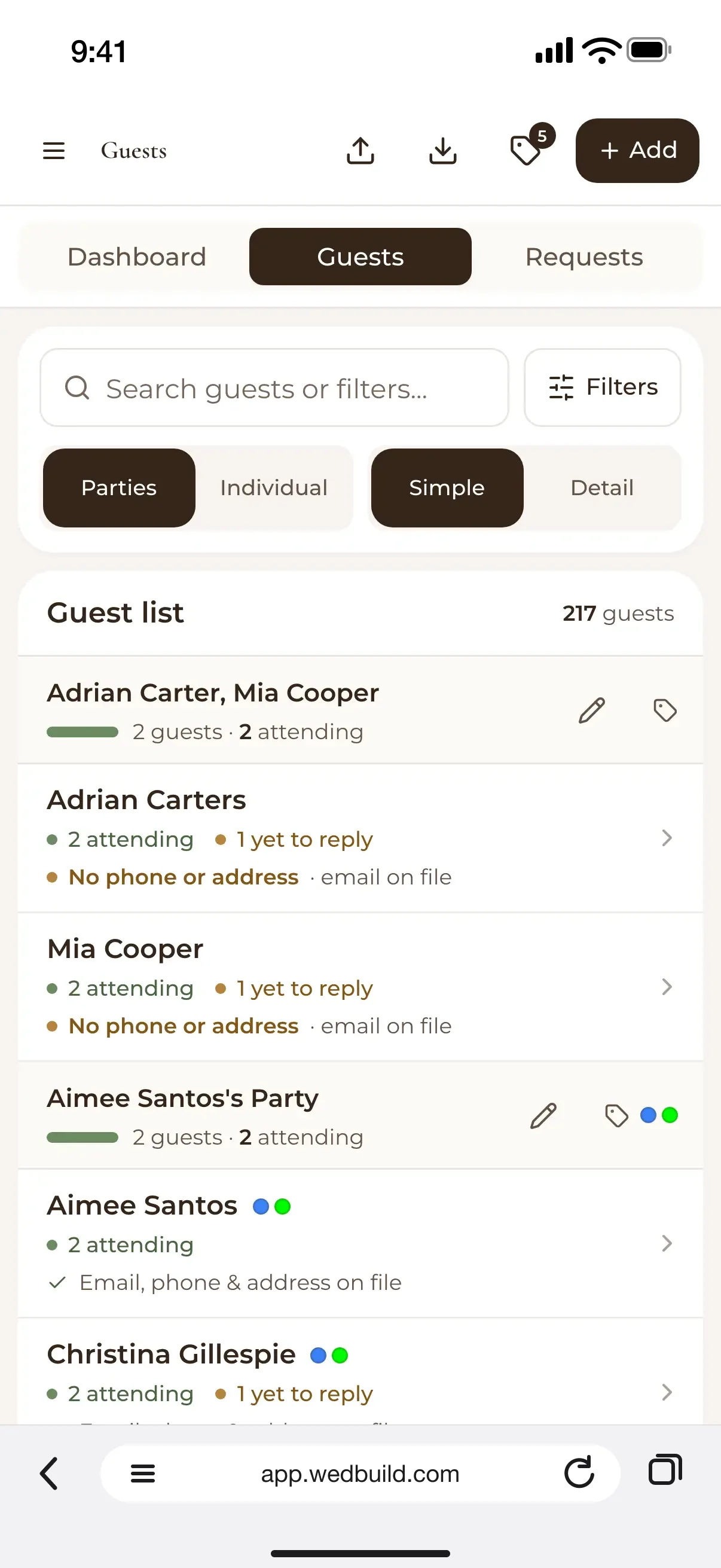
WedBuild, for one structural reason: the budget, the guest list and the supplier list live in the same place. Mark a deposit paid and the amount owing drops while the amount spent rises, without opening a second tab. And on Pro, a per-head quote is priced from your guest list, so a quick refresh shows what the latest RSVPs have done to the catering bill.
To be fair to the rest of the market, any tracking beats none, and most free budget apps will tell you what you have spent. What they generally will not tell you is what you are about to owe, which is the number that matters when a balance falls due and you have not opened the budget in months. The budget feature page covers the mechanics.
Best free wedding budget app in Australia
WedBuild's budget planner is the full tool: deposit tracking, per-head calculations and payment alerts, not a stripped-back preview. It unlocks with Standard (one-time A$99, two years of access, unlimited guests) rather than sitting on the free plan, and seven days of the Pro tools, free for every new couple, let you run your real numbers through it before paying anything.
If you are planning something smaller, the free plan still covers your guest list, website, RSVPs and checklist for up to 50 guests. When you want the budget alongside them, it is a one-time upgrade to a tool built for the job rather than adapted from a general expense tracker.
Best way to track deposits and final payments
Split every supplier into three states and keep them separate: deposit paid, balance owing, and the date that balance falls due. Collapse those into a single "cost" figure and you lose the only distinction that tells you what is payable this month.
WedBuild does this by default on every supplier line, so what is settled, what is outstanding and what is coming up are visible together. If you are tracking manually instead, a sheet with separate deposit and balance columns will hold for a while. See the section below for where that stops working.
Why a spreadsheet stops working around the third supplier
Spreadsheets do not fail gradually; they fail at a predictable point, and that point is usually the third supplier. With one you hold it in your head. With two you are still fine. By the third you have staggered payment schedules, inconsistent GST treatment and a guest count that has moved twice since you built the sheet.
The root problem is that a spreadsheet does not know your guest list changed. You update the RSVP count in one tab and the catering formula in another stays where it was, confidently wrong until someone fixes it. Repeat that across venue minimums, per-head bar packages and favour counts and you have built an unpaid admin job with a fixed deadline.
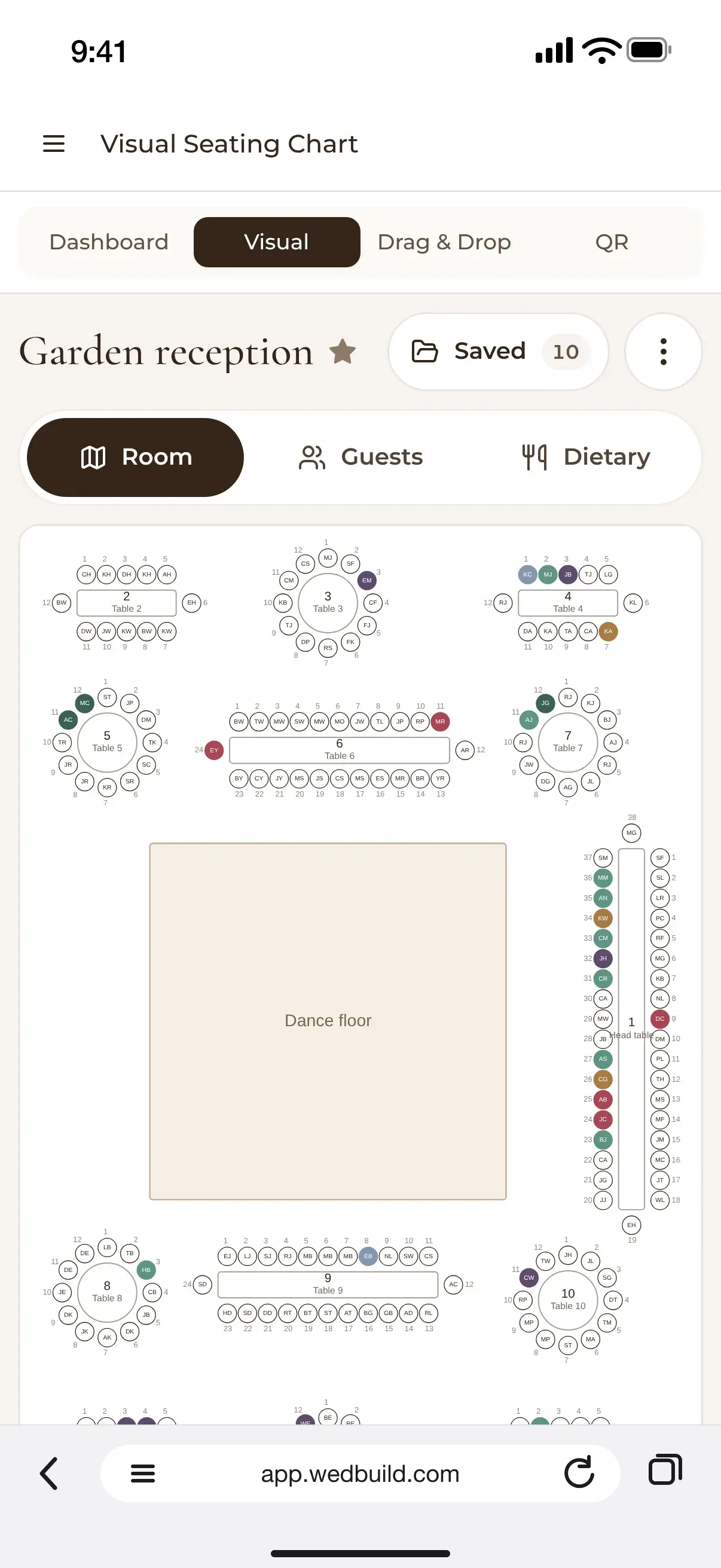
Spreadsheets are excellent where the inputs hold still. A wedding guest list does not hold still for the length of an engagement, and a sheet has no way of knowing that one more yes just added to catering and a chair to the seating chart. Using something where the seating chart reads straight from the guest list, and per-head quotes are priced from it too, takes most of that reconciliation off your plate.
How WedBuild handles your wedding budget
Every generic method, spreadsheet or basic app, treats each line as a number you typed once and now have to babysit. The moment your guest count shifts, or a quote turns out to be GST-exclusive, that number goes stale, and it stays stale until a human notices, which tends to happen late, when there is no bandwidth for surprises.
WedBuild keeps the budget, the guest list and your suppliers in one place, so nothing gets retyped. Log a deposit and the balance owing drops immediately, with a reminder before the next payment falls due; the budget feature page walks through the rest. When a quote is per head, Pro's vendor comparison prices it from your guest list, so the headcount behind it is the real one, and a quick refresh brings in the latest RSVPs. GST is worth checking by hand: confirm whether each quote includes it before it goes in.
On price: the free plan covers up to 50 guests (guest list, website, RSVPs, checklist), and the budget planner comes with Standard at A$99 one-time or Pro at A$199 one-time, with two years of access, no subscription, and seven days of the Pro tools free to start. Built in Australia and priced in AUD. See the pricing page for the full comparison.
Before you go
Frequently asked questions
Is there a free wedding budget app?
You can try it free (every new couple gets seven days of the Pro tools, no credit card required), but the budget planner itself comes with the paid plans: Standard at a one-time A$99 or Pro at A$199, each with two years of access and no subscription. The free plan covers the guest list, wedding website, RSVPs and checklist for up to 50 guests.
What is the best app for tracking a wedding budget in Australia?
WedBuild, because it tracks what you are about to owe as well as what you have spent (every supplier's deposit, balance and due date, with reminders before payments fall due), and on Pro, per-head quotes are priced from your guest list. It also prices in AUD.
How much should we budget for a wedding in Australia?
It varies widely by city, guest count and season, so build your figure from real quotes rather than a national average. Our Sydney cost breakdown sets out what the individual line items tend to run to.
Should we track our wedding budget in a spreadsheet or an app?
A spreadsheet copes with one or two suppliers. Past that you are re-checking numbers by hand every time the guest count moves, which in a wedding is most weeks.
How do we handle supplier deposits in a wedding budget?
Track every supplier in three states (deposit paid, balance owing and due date) and never merge them into one figure. That distinction is what tells you what is payable now versus later.

Written by
Henry Schofield
Co-founder, WedBuild
Henry is the co-founder of WedBuild and a chartered accountant who's spent his career helping Australian businesses get their numbers right. After his own wedding budget sprawled across three different spreadsheets, he built WedBuild's budget planner: designed by an accountant, for couples who'd rather not become one.