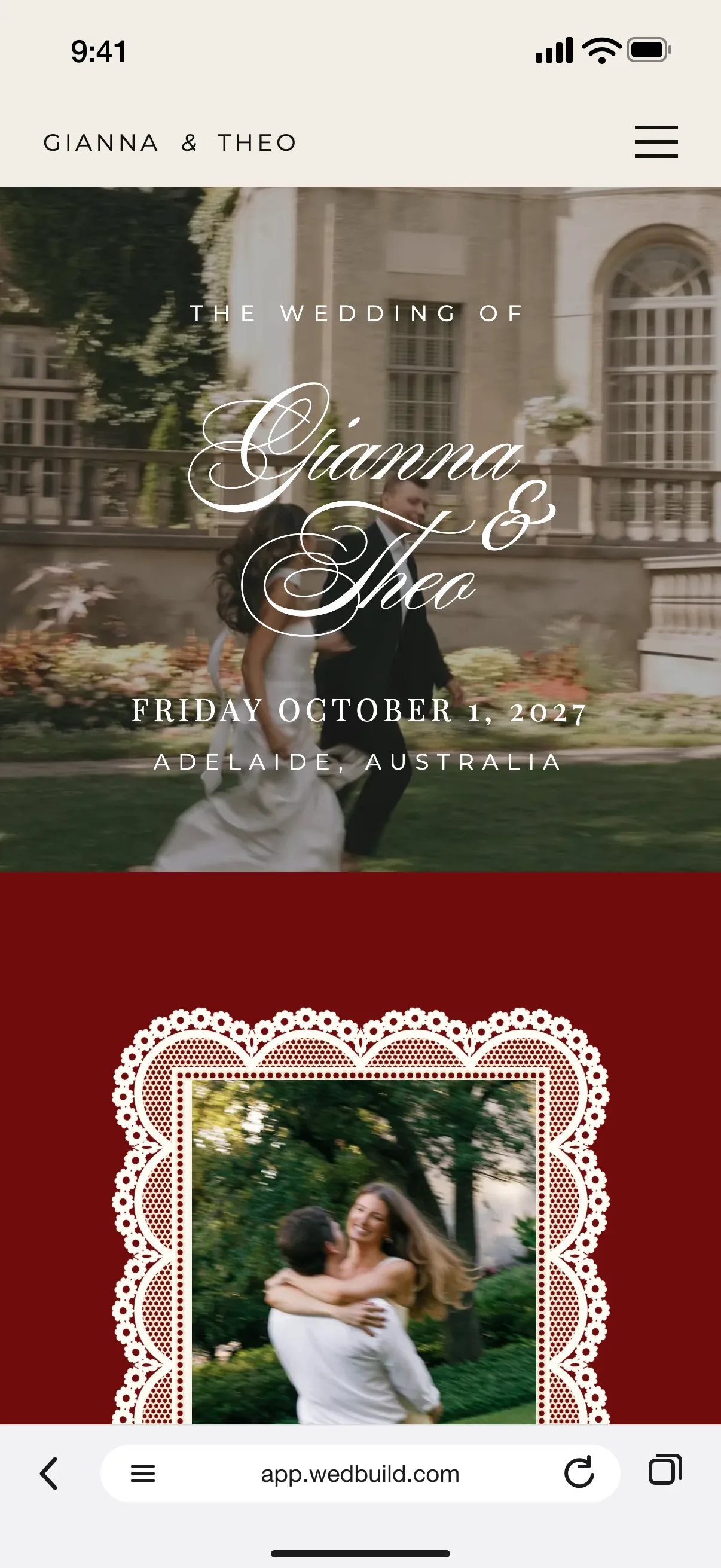
Download your Canva design as a PowerPoint file and import it. Each page becomes a section of a real wedding website, photos and all, and it's free to publish.
Every Pro tool and no guest limit, free for your first 7 days. No card needed.
FreeImporting a design, the website and RSVPs
StandardAnimations of your own
Canva is a lovely place to design. But a design on its own can't collect RSVPs, keep your schedule up to date or greet each guest by name. WedBuild takes the design you already love and turns it into a wedding website that can.
There's no copying and pasting, and no starting again. Download your design from Canva as a PPTX file, import it into WedBuild's website editor, and each page arrives as its own section with every layer in place, ready to edit.
Free on Essentials, with no time limit. Every new account also gets every Pro tool for 7 days.
EssentialsFree
Import a PPTX from Canva or PowerPoint
Each slide becomes its own section, up to 20
Every layer in place, photos uploaded for you
Words come across as text you can edit
A phone layout set automatically
See what came across before anything is added
Undo the whole import in one step
Standard addsA$99 once
Animations of your own, in the order you choose
In your 7-day free Pro trial too. No card needed.
Up close
Keep the design. Add everything else.
01
Every page becomes a section
In Canva, choose Share, then Download, then PPTX. In WedBuild, choose Import a design under Sections and drop the file in. Each slide becomes its own section, up to 20 of them, scaled to the width of your page with your photos uploaded for you, and nothing is added until you've seen what came across.
FreeImporting a design
02
Phones are taken care of
If your design still reads well at a phone's width, like a portrait invitation, phones show it exactly as you made it, scaled down. If it was made for a wide screen, WedBuild lays it out for phones so the words stay readable. Either way you can switch it, or arrange the phone version by hand.
Their reply
Your guest list
03
Then add what a design can't do
Your imported sections sit beside WedBuild's own: an RSVP that files every reply in your guest list, and a schedule and countdown that update themselves. Your names and date fill in from your plan, and personal links greet each household by name. Add a password if you'd like the site kept private.
Made your wedding invitation in Canva as well? Import the same kind of file into a WedBuild card and the first slide becomes the card, at its own size. Then email it to your guest list and see who has opened it.
How do I turn a Canva design into a wedding website?
In Canva, open your design and choose Share, then Download, then PPTX. In WedBuild's website editor, choose Import a design under Sections and drop the file in. Each slide becomes its own section, up to 20, and you see what came across before anything is added.
What comes across from Canva, and what doesn't?
Your layout comes across: words as text you can edit, photos, shapes and frames, each in its place with its colours and stacking kept. Fonts WedBuild has come across as they are, while Canva's own licensed fonts are swapped for the closest match, and the import names each one. Animations and links don't come across, and tables and charts are left out, so add links and WedBuild's own animations afterwards.
Can I import my Canva wedding invitation?
Yes. Open a card in WedBuild and import the same kind of PPTX file: the first slide becomes the card, at the slide's own size. It replaces what's on the card, and undo puts it back.
Will my Canva design look right on phones?
Yes. A design that still reads well at a phone's width shows on phones exactly as you made it, scaled down. A design made for a wide screen gets a phone layout that keeps the words readable, and you can switch between the two or arrange the phone version by hand.
Is importing from Canva free?
Yes. Importing a design, building your site and publishing it are all free on Essentials, with RSVPs for up to 50 guests. Animations are on Standard, and uploading a font you own is on Pro.
Do I need to connect my Canva account?
No. WedBuild isn't connected to Canva in any way: it reads the PPTX file Canva lets you download, so there's nothing to link or sign in to. A file made in PowerPoint works the same way.