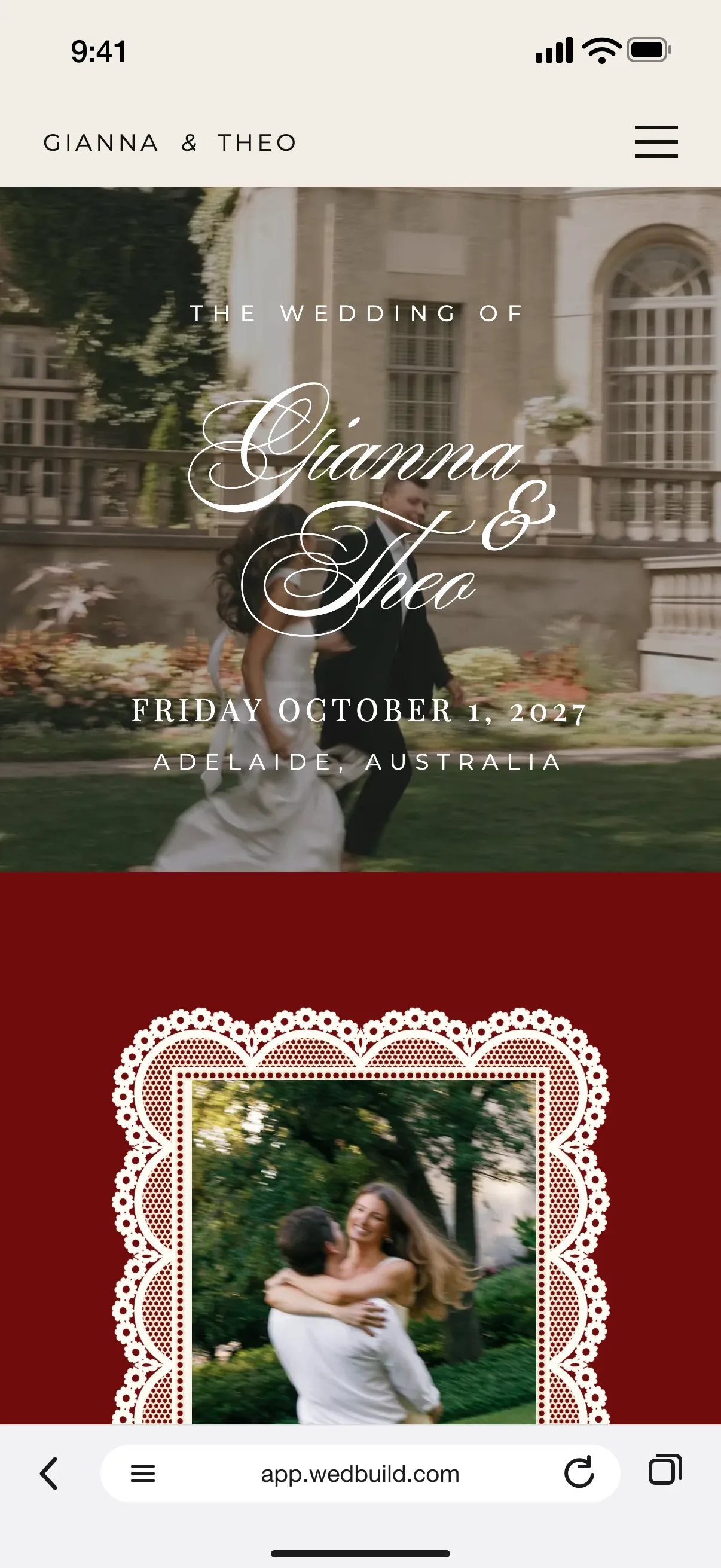
Every guest gets their own link. Let WedBuild text it to them, or send it on WhatsApp from your own phone, and their RSVP opens on them: no name search, no password, no email address needed.
Every Pro tool and no guest limit, free for your first 7 days. No card needed.
FreePersonal links, Send one by one, Text these and QR codes
StandardUnlimited guests, and reminder emails before your reply-by date
Pro50 texts to your guests included
Plenty of wedding websites assume every guest has an email address and checks it. Some of yours won't, and the ones who do may find your invitation in their spam folder. A text from you gets read.
WedBuild gives every guest their own RSVP link. We can text it to them for you, or you can send it on WhatsApp from your own phone, and when they tap it, your website greets them by name with their RSVP ready to go.
Free on Essentials, with no time limit. Every new account also gets every Pro tool for 7 days.
EssentialsFree
A personal link for every guest, greeting them by name
Their RSVP opens on them: no name search, no password
WedBuild texts each guest their own link, in your names
Their replies to your texts land in your Inbox
Or send one by one on WhatsApp, from your own phone
A short code for each household, and QR codes to print
See who opened their link, and how often
Standard addsA$99 once
Reminder emails 3 weeks, 1 week and 2 days before your reply-by date
In your 7-day free Pro trial too. No card needed.
Up close
A text they'll actually open.
01
Let WedBuild text them for you
Choose who to text and WedBuild sends each guest their own text with their link, starting with your names so they know it's from you. Their replies land in your Inbox, and you see what a send uses before anything goes. Pro comes with 50 texts and packs work on any plan. Texts reach Australian mobile numbers for now, with more countries on the way.
FreePacks of texts
Pro50 texts included
WhatsApp or a text, with their link ready
02
Or send one by one, from your own phone
Send one by one opens WhatsApp, or a text, with the message and that guest's link ready. You press send, come back, and the next guest is waiting. It comes from your own number, for free, so it reads like a note from you, not a marketing email.
Their link
Your guest list
03
Their RSVP opens on them
Each link knows who it's for. Your website greets them by name and their RSVP opens on them, with no name search and no password, and their answers land against them in your guest list. They see a summary of their answers with an Edit button on each, and if they lose the link, they can tap Email me my link.
04
Paper invitations, QR codes and guests with no email
Each household gets a short code to print on paper invitations, and your QR codes page has codes for your RSVP form and your website. Text these lists the households with no email, each with a WhatsApp and a text button. And you can see who has opened their link, and how often.
Turn on reminders and WedBuild emails the households who haven't replied three weeks, one week and two days before your reply-by date, in a Gentle, Friendly or Firm tone. You see the words before anything goes, and they go in your names. WedBuild can text the households with no email with each reminder too, or they wait in Text these, ready for a message from you.
FreeText these
StandardReminder emails
“Visual seating chart was a lifesaver. Printed the dietaries straight for the caterer. 10/10.”
Bill & RachelAdelaide, SA, 122 guests
“Vendor comparison made picking our photographer actually easy. Loved it.”
Karlee & JimAdelaide, SA, 160 guests
“Guests scanned a QR code and found their seat. No chaos. Genius.”
Yes, through a link they get by text. Every guest has their own RSVP link: WedBuild can text it to them, or you can send it from your own phone, and when they tap it your website greets them by name with their RSVP ready. Their answers land in your guest list.
Does WedBuild send the texts for me?
It can. Each guest gets their own text from WedBuild, starting with your names, and their replies land in your Inbox. Pro comes with 50 texts and packs work on any plan, or send them free from your own phone with Send one by one.
Which guests can WedBuild text?
Texts reach Australian mobile numbers for now, with more countries on the way. Guests with a number from anywhere else still get their link on WhatsApp or by email, so nobody misses out.
Do I need every guest's email address?
No. A phone number is enough to send a guest their link, and a guest with neither can use the short code on their paper invitation. Text these lists every household with no email, so nobody slips through.
How does a wedding RSVP QR code work?
Your QR codes page has a code for your RSVP form and one for your website, ready to print on invitations or a sign. Guests scan it, then find themselves by name or type the short code from their invitation.
Can guests change their RSVP after replying?
Yes. They see a summary of their answers with an Edit button on each, and their own link opens their answers again later. If they lose the link, they can tap Email me my link and it goes to the address you have for them.
How do I remind guests who haven't replied?
On Standard, reminder emails go to the households who haven't replied three weeks, one week and two days before your reply-by date, in a Gentle, Friendly or Firm tone, and WedBuild can text the households with no email too. On every plan, Text these lists the households with no email, with WhatsApp and text buttons.
Personal links, Send one by one and Text these are on the free Essentials plan, and texts from WedBuild come in packs on any plan. No card needed, and nothing for your guests to download.