Guest List & RSVPs
Save the Dates in Australia: Digital vs Printed
Digital save the dates let guests click to your wedding website, while printed cards are a keepsake. See which suits your guests and when to send them.
By Elise Schofield
· 5 min read
Photo by Annie Spratt on Unsplash
A save the date asks guests to keep your wedding day free before the invitation comes. Australian couples generally send it months ahead, with more notice for destination weddings. Digital and printed options differ most in cost and whether guests can click straight through to the wedding website. Choose with your guests’ needs as the priority.
When to send save the dates in Australia
For the full month-by-month timeline, see when to send wedding invitations and save the dates. Travel changes the calculation. Interstate guests may need to book travel and a place to stay, while destination guests have more to sort out before they can say yes.
For peak-season weddings, guests’ other plans also matter, and how much notice they need will vary. Give guests more notice when they have more to plan. Your guests can get their save the dates at different times. A local guest and someone coming from overseas have different journeys to the same dance floor.
Digital vs printed save the dates: what each gives you
The real difference is format. Digital save the dates let guests click through to the wedding website. Printed save the date cards give them a physical keepsake, but a printed web address is not a clickable link. The cost of the website is in addition to the cost of the save the date itself.
Best save the date option for each kind of wedding
For a budget, digital is the best starting point, though it is not a promise of a particular saving. With digital, the announcement can go out without a physical card. For guests who live overseas, digital also lets them use the website link straight away.
For keepsake value, printed cards are the better fit. Paper wins when paper is the point. For a short engagement, digital is the more direct choice because the email can contain both the announcement and the website link. A mixed approach also fits a mixed guest list, with printed cards for guests who value them and digital notices where the clickable link is more useful.
Worked example: one couple's save the date timeline
Take a couple with a 14-month engagement and 120 guests, three of them overseas. In this example, the rest of the guests are treated as local.
In month 2 of the engagement, the couple sends the three overseas guests a digital save the date linking to the wedding website. They get their notice 12 months before the wedding. In month 8, the local guests get printed cards with the website address, six months before the wedding.
How to send a save the date by email
Including “Save the date”, your names and the wedding date in the subject line lets guests recognise the message without opening it. Keep the body just as clear. Include your names, the wedding date, the city, the wedding website link and a note that the formal invitation will follow. Make the link easy to spot, unobscured by a decorative image. With a WedBuild wedding website, that link can point to the same site that later collects RSVPs.
Short wording is enough for this first announcement. For example, “Please save the date for the wedding of [names] on [date] in [city]. Find the wedding information at [wedding website link]. Formal invitation to follow.” The placeholders are there for the couple’s details.
What to put on a save the date (and what to leave off)
The essentials are your names, the date and the city, with a wedding website link if you have one. A save the date does not need to do the invitation’s whole job, so leave the fuller details for that invitation and the website.
Couples can choose whether to include a hashtag. Couples who want one can use the free wedding hashtag generator without an account. It can go on the save the date as long as the date stands out more.
Where WedBuild fits in
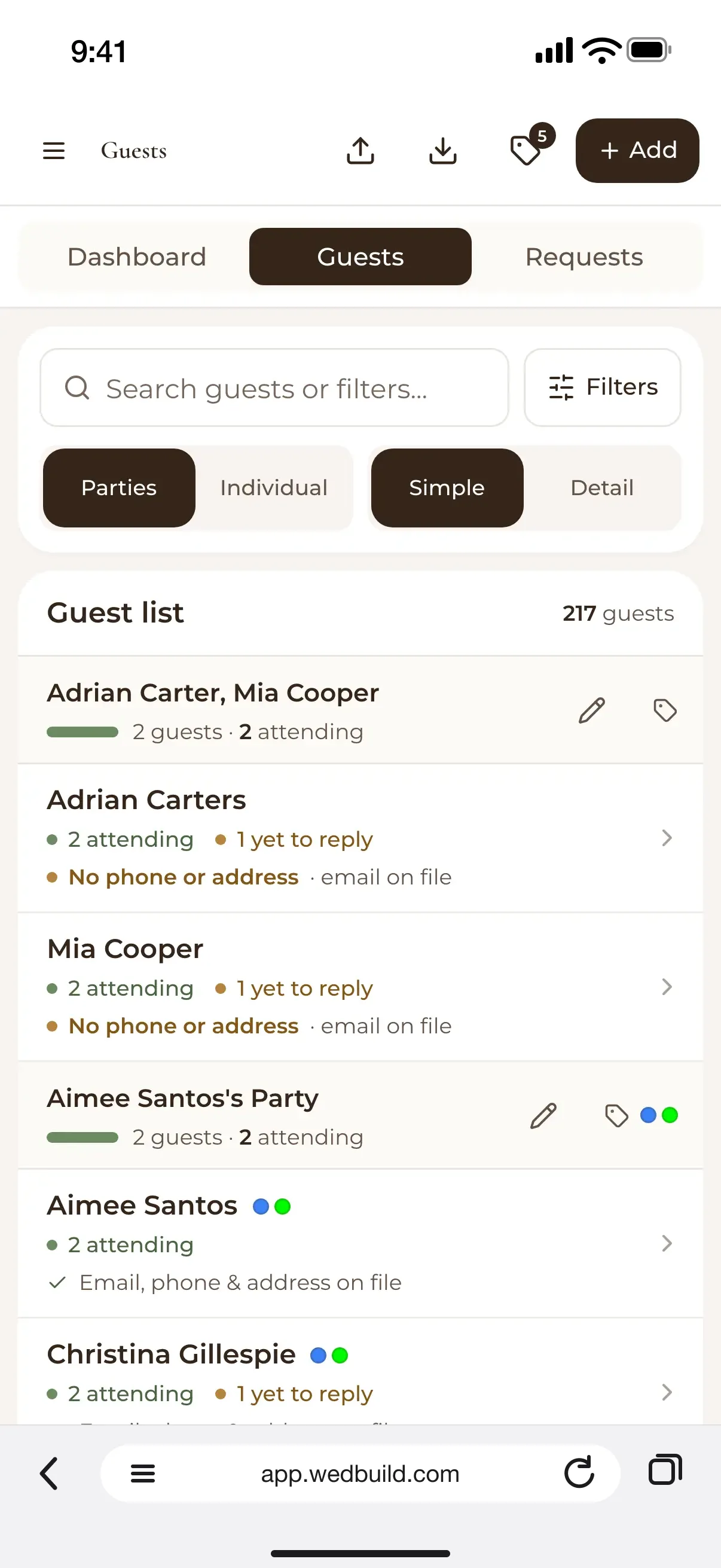
A save the date goes from one app, the wedding website lives in another, and the guest list sits in a spreadsheet. Addresses and replies can then drift apart. Those records need to stay in step from the first notice to the RSVP.
WedBuild puts the wedding website and guest list in one place. The link in a save the date can therefore point to the same site that later collects RSVPs.
WedBuild’s free plan covers weddings up to 50 guests with the wedding website, online RSVP, guest list with import and export, checklist and event schedule, with no time limit. WedBuild Standard is A$99 and Pro A$199, both one-time payments with two years of access and no subscription.
Before you go
Frequently asked questions
Can you link your save the date to a wedding website?
Yes. A digital save the date can include a clickable wedding website link, while a printed card can show the web address. WedBuild puts the wedding website and guest list in one place, and the site can later collect RSVPs.
Do I need to pay for a wedding website to send a digital save the date?
Not necessarily. WedBuild’s free plan covers weddings up to 50 guests and includes the wedding website, online RSVP and guest list, with no time limit.
Are printed save the dates worth it?
They are the better choice when a physical keepsake is part of what you want. Digital works better for guests who want to click straight through to the wedding website.
Should overseas guests receive their save the date before local guests?
Guests who have more travel to plan can use the extra notice. In the worked example, overseas guests get a digital notice first, and local guests get printed cards later. Other weddings can use their own schedule.
Is a save the date the same as a wedding invitation?
No. A save the date asks guests to reserve the day before the formal invitation arrives. Its job is to communicate the date and location clearly.

Written by
Elise Schofield
Co-founder, WedBuild
Elise is the co-founder of WedBuild and a newlywed who knows exactly what it’s like to be buried in wedding spreadsheets. Frustrated with outdated websites and messy planning tools, she helped build WedBuild so couples can plan their weddings with less chaos and more “this actually feels fun".