Collect guests' photos

A QR code for wedding photos the whole family can use

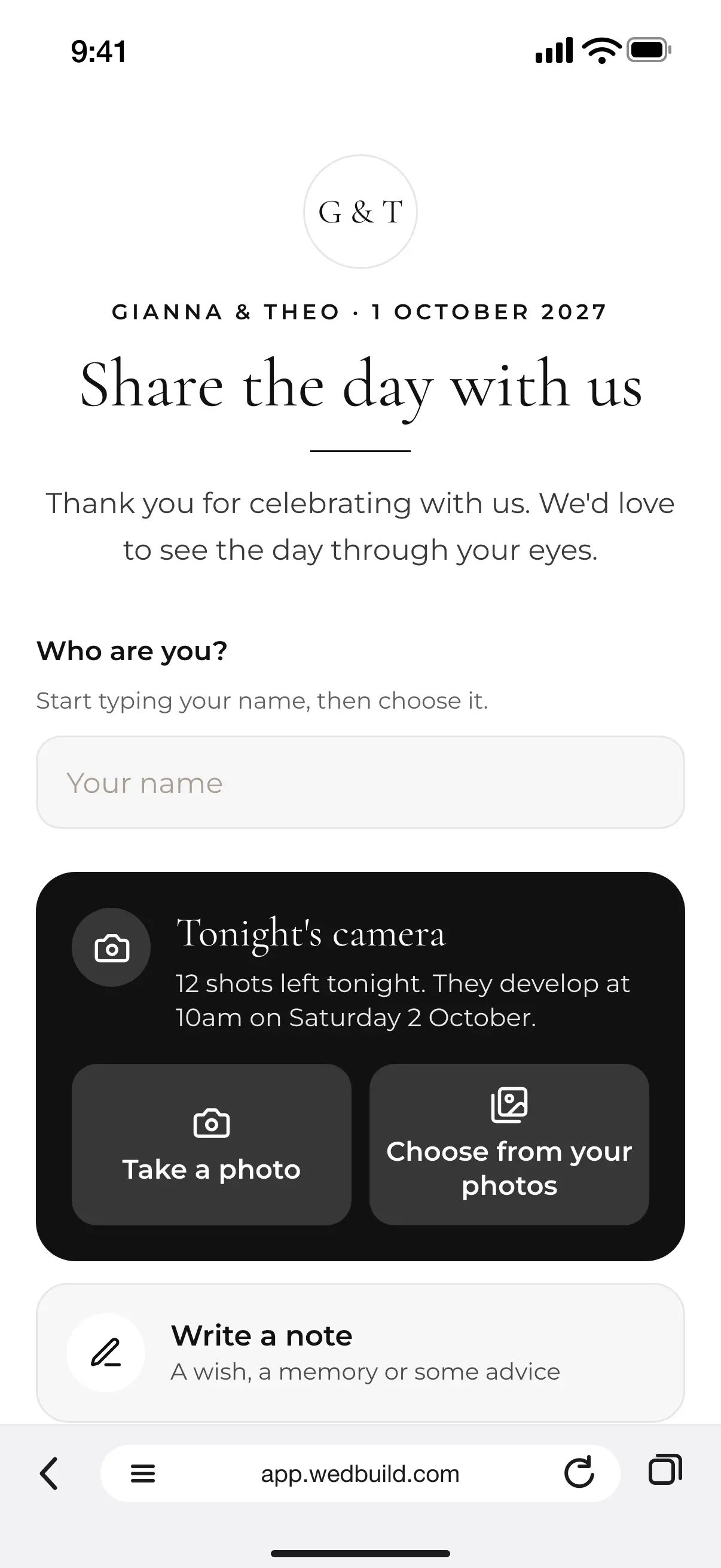
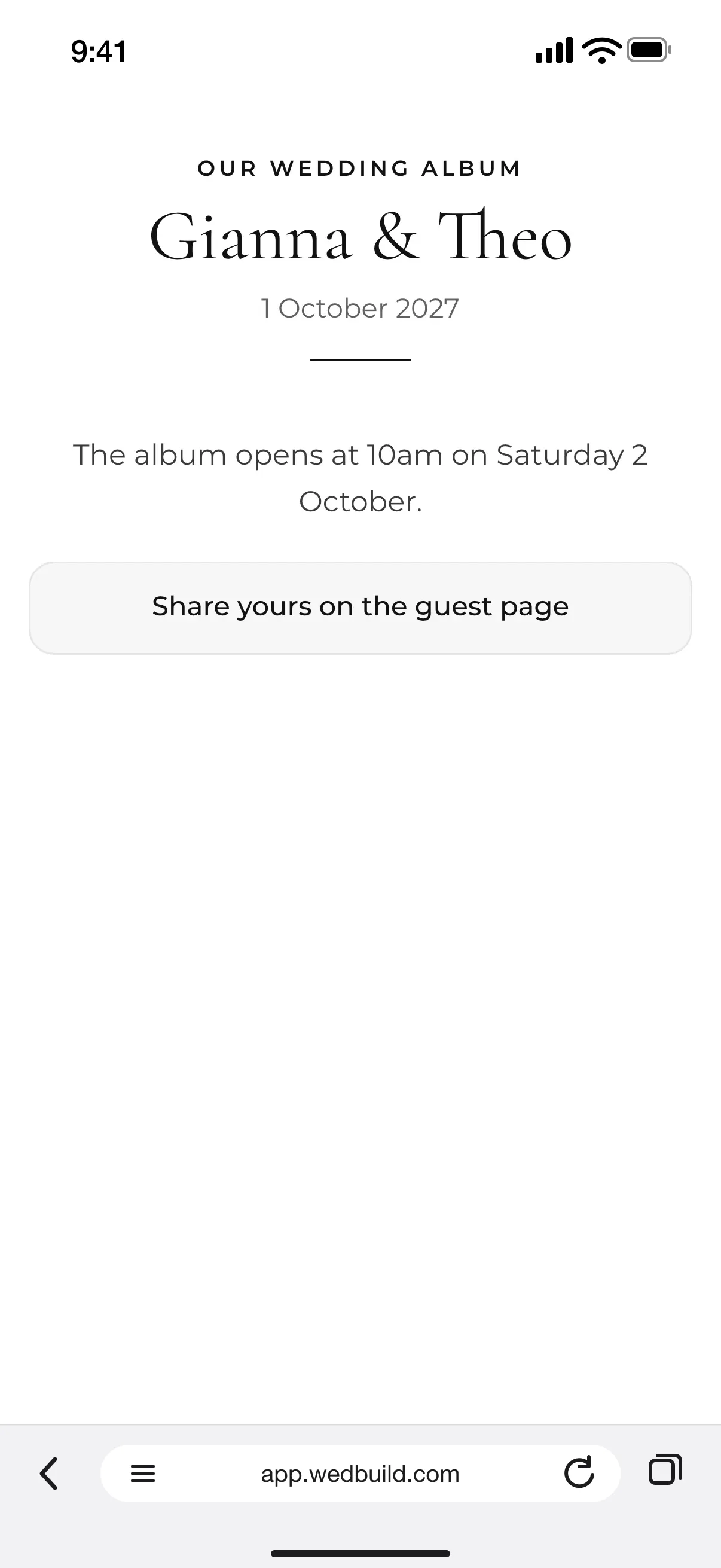
The page guests open when they scan: Share the day with us, a Who are you? name box, Tonight's camera with Take a photo and Choose from your photos, and Write a note
No app, no account

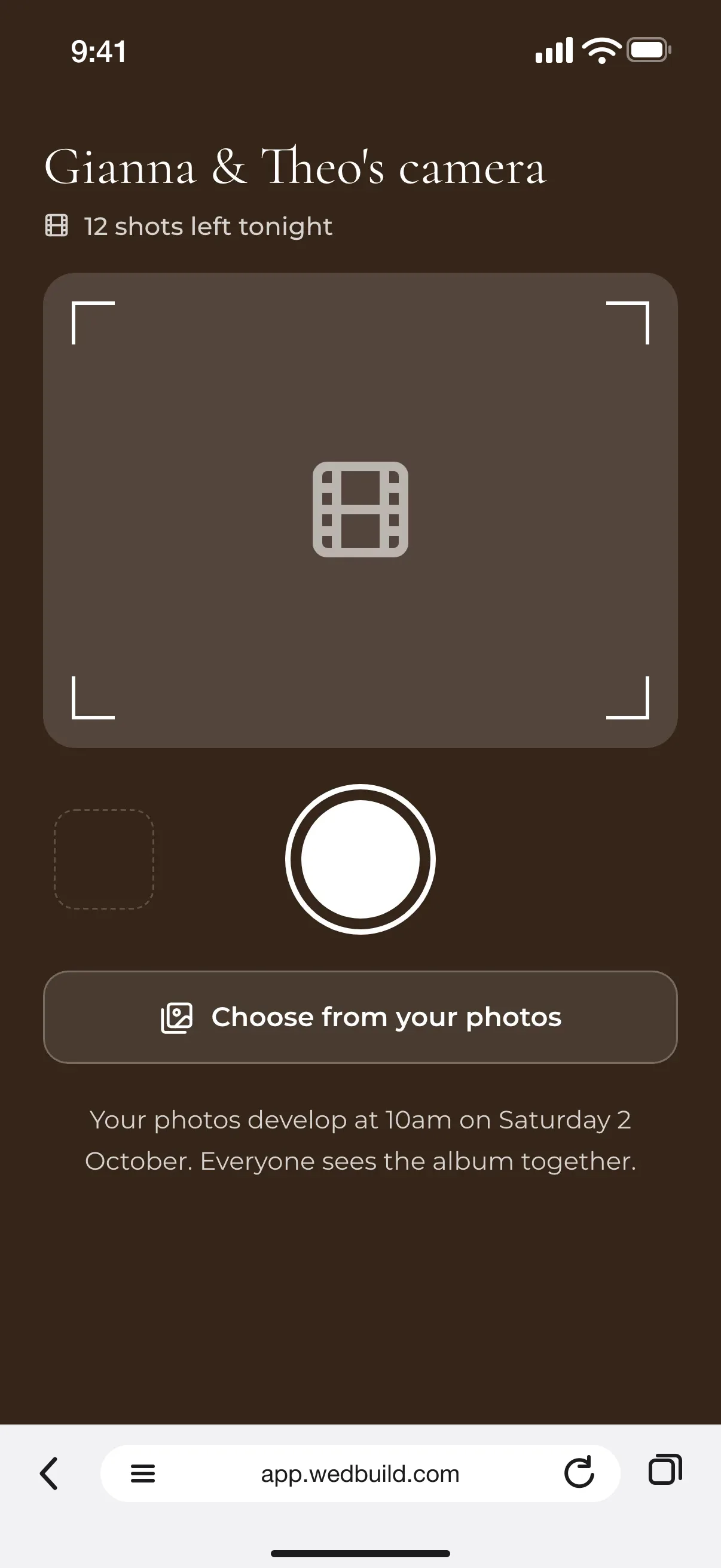
Put a QR code on every table and guests scan, type their name and share. No app, no account, and every photo lands in one album for you by the morning after.

Every Pro tool and no guest limit, free for your first 7 days. No card needed.

  • ProPart of Guest Memories. Or add it once to Essentials or Standard

The best photos of your wedding are on your guests' phones, and a QR code is the easiest way to bring them home. Guests already know how to scan one, and it takes them straight to a page where they can share.

Here's how to set one up with WedBuild's Guest Memories, where to put the codes so people actually see them, and how to make sure the older relatives can join in too.

How it fits together

One part of Guest Memories

This QR code opens Guest Memories, which also gives guests a disposable camera, voice and video messages and notes. If guests already scan a code to find their seat, they can share from that page too, and your wedding website gets a photo page that fills the same album. See all the wedding planning tools for the rest of the day.

What you can do

One code, every way to share.

Every part of it is in your 7-day free trial. After that it comes with Pro, or you can add it to an Essentials or Standard wedding once, as a one-off add-on.

ProA$199 once
  • QR table cards from 3 ready-made designs in Studio
  • The web address printed under the code, for anyone who can't scan
  • No app and no account: guests just type their name
  • Photos, and videos up to 30 seconds, from camera or camera roll
  • Check each photo first, or let them go up straight away
  • A small code on the live slideshow, so more guests join in
  • One album the morning after, kept for at least 2 years

All of it is in your 7-day free Pro trial. No card needed.

Up close

From the table to your album.

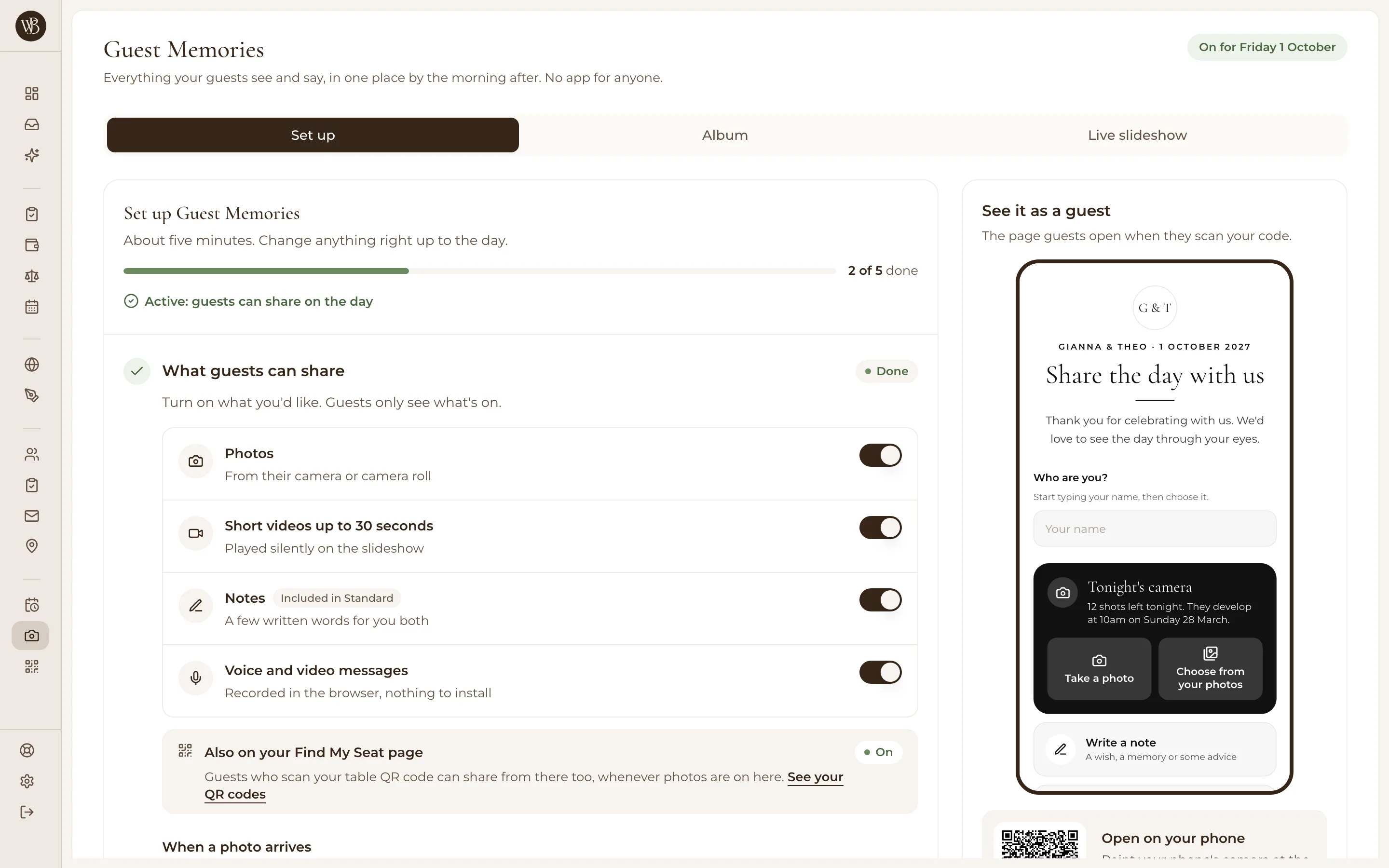
WedBuild's Guest Memories setup, 2 of 5 steps done: switches for photos, short videos up to 30 seconds, notes, and voice and video messages, beside a preview of the page guests see when they scan

Set it up in about five minutes

Turn on Guest Memories and walk through five short steps: what guests can share, your greeting, the night itself, your cards and the morning after. Choose whether each photo waits for your OK in your Inbox or goes up straight away. 'See it as a guest' shows you exactly what people will see when they scan.
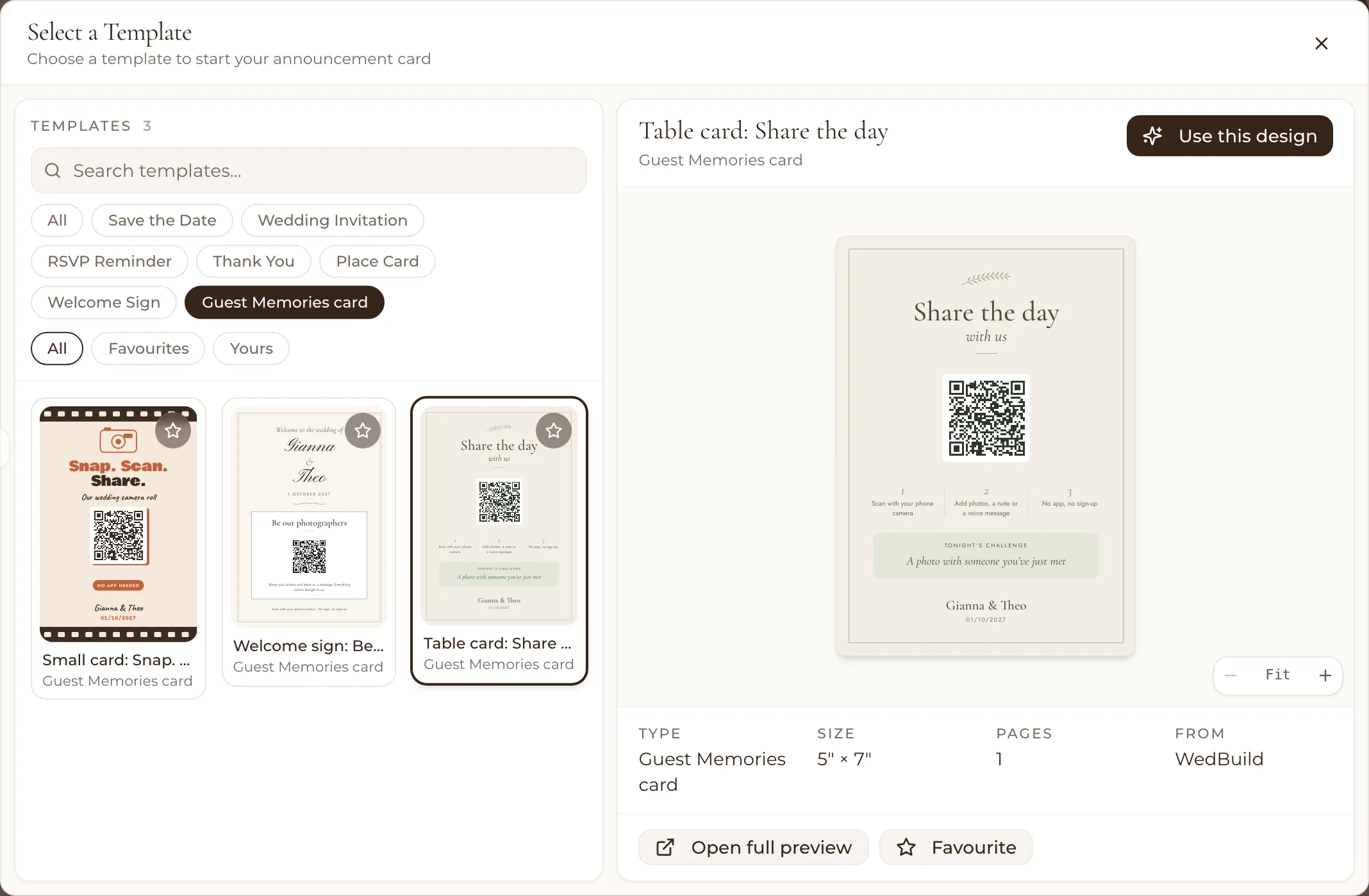
Studio's template picker with the three Guest Memories cards: a small card, a welcome sign and a table card, each with its QR code, made out for Gianna and Theo, 01/10/2027

The three ready-made Guest Memories cards in Studio, already in your names.

Put the codes where phones come out

A card on every table works best, because it's right there between courses and speeches. Print one of the 3 ready-made Guest Memories cards from Studio, or download the code for your own welcome sign or bar. The live slideshow shows a small code in its corner too, and if you use Find My Seat, guests who scan to find their table can share from that page.

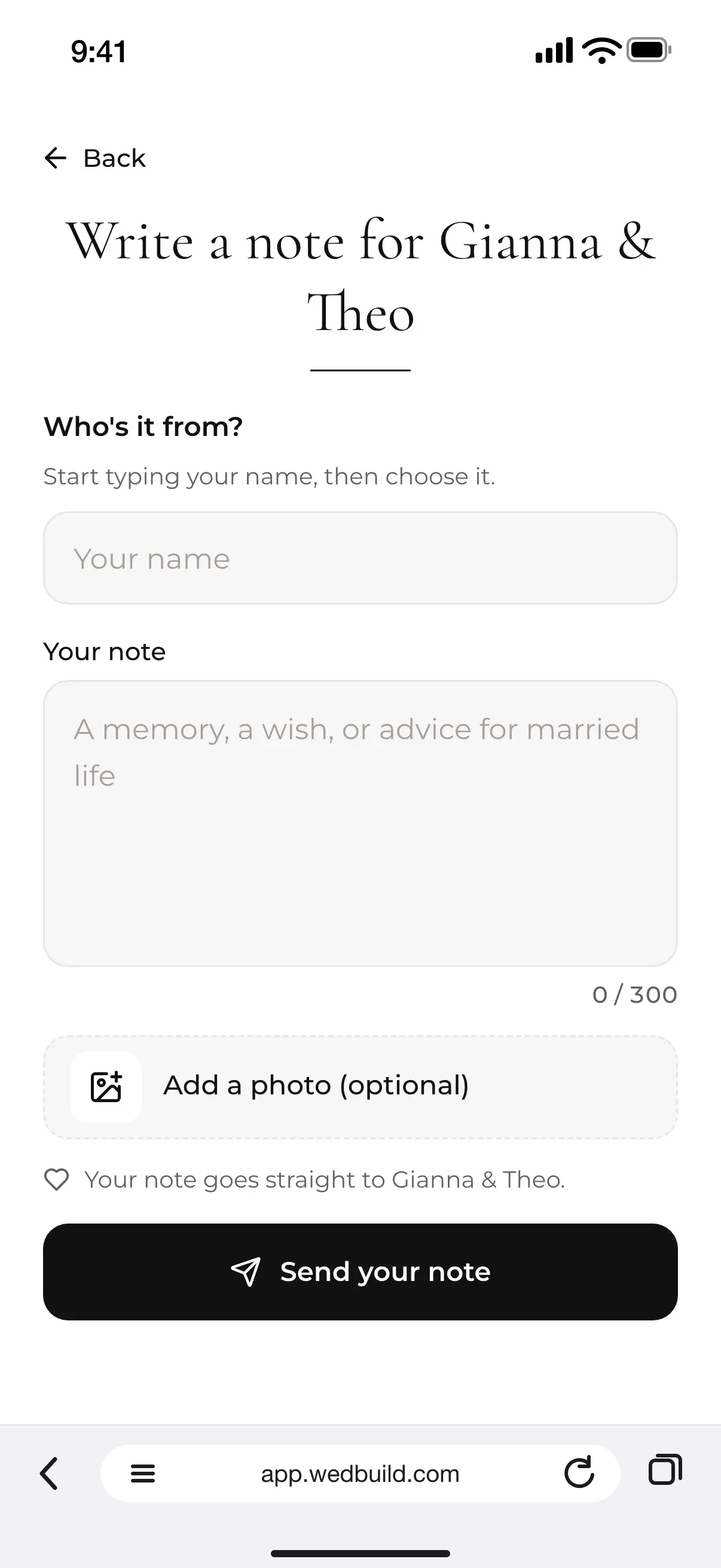
Write a note for Gianna & Theo on a guest's phone: Who's it from? with a name box, Your note, Add a photo (optional), and a Send your note button

Make sure older guests can join in

Turn on the web address under the code in Studio, so anyone whose phone won't scan can type it in instead. There's no app and no password, only their name, and they can pick photos already on their phone. Ask your MC to mention it early in the reception (WedBuild's run sheet suggests the moment and the words), and lend a grandparent a hand with their first one.

Most photos arrive the morning after

Plenty of guests share once they're home, so every household that said yes gets an email the morning after with its own link, and a second note a week later if they haven't shared yet. When the album is ready, they hear about that too. You get everything in one place, ready to download and kept for at least 2 years.

  • “Visual seating chart was a lifesaver. Printed the dietaries straight for the caterer. 10/10.”
    Bill & RachelAdelaide, SA, 122 guests
  • “Vendor comparison made picking our photographer actually easy. Loved it.”
    Karlee & JimAdelaide, SA, 160 guests
  • “Guests scanned a QR code and found their seat. No chaos. Genius.”
    Ellie & AloAdelaide, SA, 63 guests

How it works

Three steps to a full album.

  1. Turn on Guest Memories

    Choose what guests can share and whether you check each photo first. It takes about five minutes.

  2. Print the cards

    One for every table from Studio, or download the code for your own sign. Add the web address under it.

  3. Collect everything

    Photos land in your Inbox on the night, the morning-after email brings in the rest, and the album opens for everyone.

Which plan has it

Pay once, never a subscription.

  • Pro

    A$199once, for 2 years

    Part of Guest Memories. Or add it once to Essentials or Standard

All of it is in your 7-day free Pro trial. No card needed. 14-day money-back guarantee on paid plans.

Compare every plan

Questions

Before you print the codes.

How do I make a QR code for wedding photos?

Turn on Guest Memories in WedBuild and your QR code is made for you. Print it on one of the ready-made table cards in Studio, or download it for your own sign. Every code opens the same page, where guests type their name and share.

Where should the QR code go at a wedding?

On every table, where phones come out between courses and speeches. Add one to the welcome sign or the bar, and the live slideshow can show its own small code in the corner. If you use Find My Seat, guests can share from that page too.

What if older guests can't scan a QR code?

Print the web address under the code so they can type it in instead. There's no app and no account, only their name, and they can choose photos already on their phone. A word from your MC early in the reception helps everyone get started.

Do guests need an app or an account?

No. Their phone's camera opens the page, they type their name so you know who sent what, and they share from the browser. Nothing to install and nothing to sign up for.

Can guests share videos too?

Yes, short videos up to 30 seconds as well as photos. On the live slideshow they play silently between the photos, and they're in the album with everything else.

How much does it cost?

Guest Memories is included in Pro, and every part of it is in your 7-day free trial. On Essentials or Standard, add it to your wedding once as a one-off add-on, with no subscription and a 14-day money-back guarantee; our pricing page shows the price in your currency.

Guides to go deeper

Read up, then plan.

Still deciding? Compare wedding planning apps in our guide to the best ones in Australia, WedBuild included.

Seating guests with a QR code as well? Make a QR code seating chart.

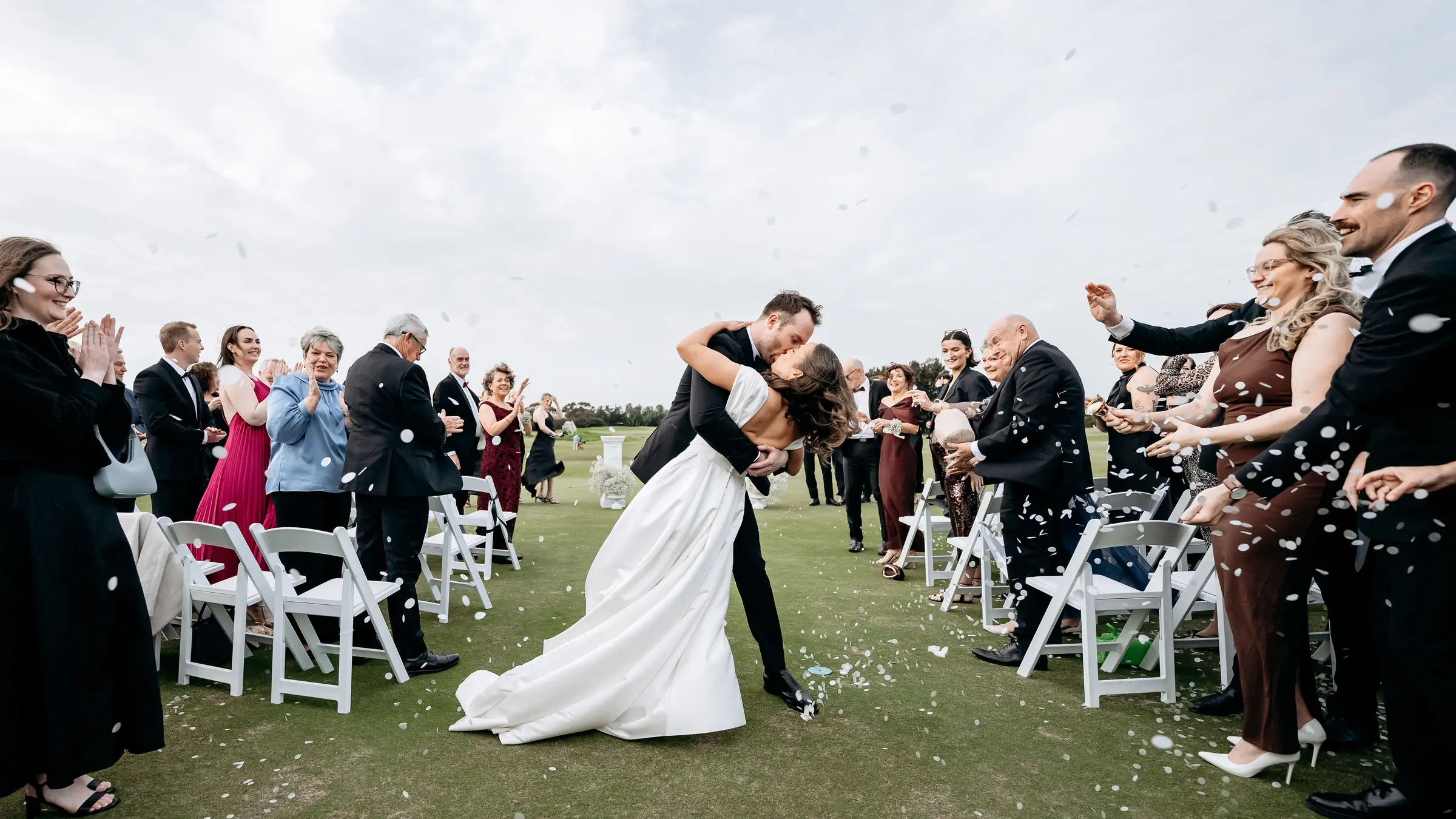
A bride and groom kiss in the aisle as their guests throw confetti

Ready when you are

Every photo from the day, in one place.

Turn on Guest Memories, print your table cards and let your guests do the rest. There's nothing for them to download.

Every Pro tool and no guest limit, free for your first 7 days. No card needed.
Pay once if you upgrade, never a subscription.