Wedding Planning
Wedding Apps for Guests on the Day
Guest apps should help people find their seat, see the schedule and share photos, and the best need no download or login. Read on to see how to choose.
By Elise Schofield
· 11 min read
Photo by Hameen Reynolds on Unsplash
Wedding apps for guests on the day should do three things well, namely help people find their seat, see the schedule and share photos. The best guest experience needs no download or login. A couple’s planning app has a different job, but those simple day-of tools need accurate guest list and seating data from it to give people the right answers.
Why guest-facing wedding tools are a different category from planning tools
A budget tracker, vendor comparison and planning checklist serve the couple over months. With no need to see any of them, guests arrive as participants, and their questions are immediate. A planning app can be excellent at organising the wedding and still do nothing useful for someone standing in a foyer looking for table seven.
The distinction is between managing work and getting an answer. Couples need a place to write down what they decide, compare their choices and keep records as their plans take shape. Guests need an easy way to see the parts of those plans that affect them, without having to learn how the whole system works. That gives guest-facing tools three clear jobs. Orientation answers where to go, information explains what happens when, and participation gives guests a way to contribute photos from their phones.
Why requiring a download or login loses guests before the day begins
A guest-facing tool has to work on the phone already in someone’s pocket. Guests must be willing to download an app, and an account requirement adds another hurdle before they can do something brief and simple. Older guests, international guests and people who ignore app-store prompts can all drop out of that process.
Couples have a reason to tolerate that work. They may use their planning app every day for months, so they will keep using the account they set up. A guest might use a seat finder only once. Asking that person to adopt an app treats a momentary need as an ongoing commitment, even though the wedding offers no second chance to bring a reluctant user back through setup.
A QR code that opens a page in the phone’s browser removes the install step. When the page also requires no login, guests can reach the answer without creating an identity for the occasion. Browser access is the baseline for guest tools. It removes two avoidable reasons for someone to give up before reaching the useful part.
WedBuild gives every guest a personal link to the couple’s wedding website, and QR Find My Seat for guests is on the Pro plan. Each side sees what it needs. For couples choosing tools, the practical test is whether a guest can reach the answer without first becoming a user of the planning system.
Helping guests find their seat without a printed chart or a stressed coordinator
Finding a seat is the first job at reception arrival, and a slow process creates a bottleneck just as the event gets moving. A printed board gives everyone one place to look. With a staffed table plan, a coordinator has to answer guests’ questions. Both are harder to manage when the final seating plan differs from the one on the board or in the coordinator’s hands. A QR seat finder lets guests look up their own place.
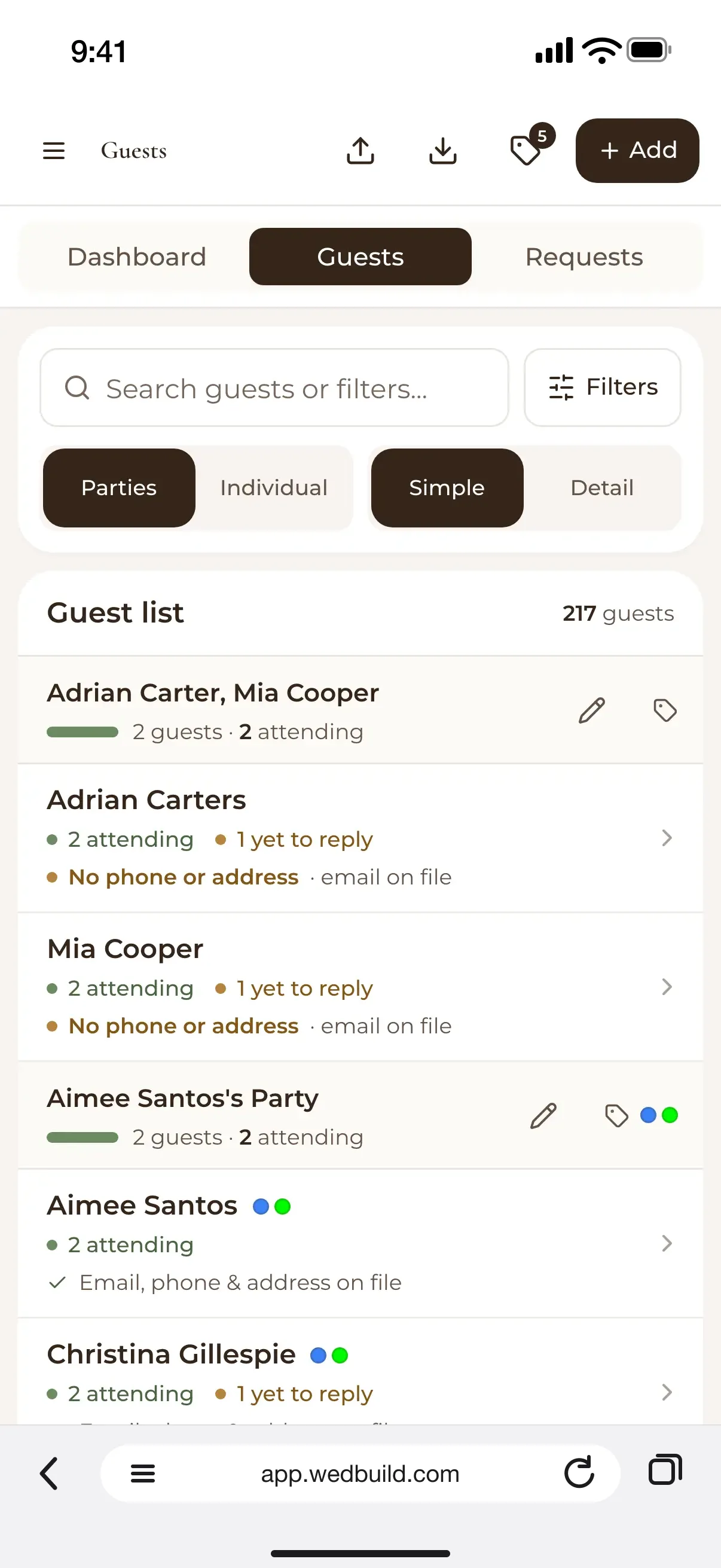
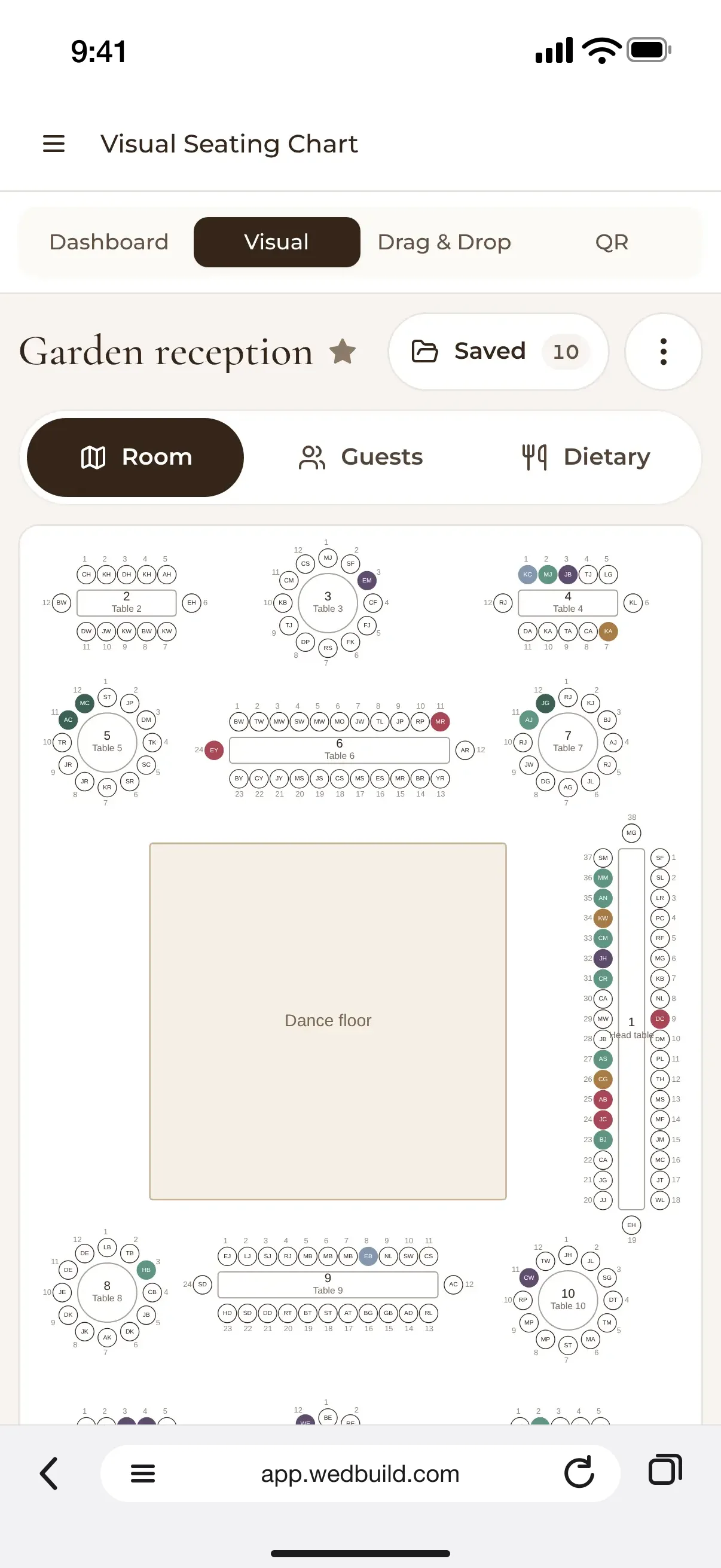
The code itself is only the entrance. In WedBuild, online RSVP replies go into the guest list, the drag-and-drop seating chart is on the Standard and Pro plans, and QR Find My Seat for guests is on Pro.
The kitchen needs the same data on where guests sit. Venues commonly ask for the seating chart ahead of the event, with dietary requirements marked next to each guest’s name, so the right meal reaches each guest. Helping guests find their seats and getting meals to them go hand in hand.
To support both tasks, the seating record needs Guest Name, Table Number, RSVP Status, Dietary Requirements and Group/Side. Meal Choice, Accessibility Notes and Plus-One Name make it more useful to the caterer and venue coordinator as well as the couple. The guest’s seat finder and the kitchen handoff serve different readers, but neither should depend on someone maintaining a second version of the same names and tables.
For a small wedding, a digital finder may seem like more than is needed. That is a fair objection to adding technology for its own sake. A connected seating tool lets information entered once serve multiple jobs. A short guest list can still contain a changed RSVP, a plus-one or a dietary requirement. The benefit is less about replacing a printed board than avoiding disagreement between the plan, the guest’s answer and the kitchen’s instructions.
Giving guests the day's schedule without a paper programme they will lose
Once guests know where to sit, they need to know what happens next. A wedding website gives that information a place they can reach before the day and again at the venue. The same link can show the schedule, travel directions, places to stay and parking details. This is particularly useful for guests travelling from interstate or overseas, whose questions begin well before arrival. A QR code at the venue then provides another route to information they may already have used.
The schedule needs more than the ceremony time. It should include the gap between ceremony and reception, what guests can do during it, and when the reception starts. Speeches and formalities need timings too, so guests can understand the shape of the day. The same page should explain parking, accessibility and where to enter the venue. A time is not a complete answer if someone still does not know where to enter.
The gap between events deserves particular attention because it is part of the guest’s day even when nothing formal is happening. A couple may know exactly how that interval is meant to work. Guests do not share that background knowledge. Making the gap explicit avoids leaving them to work out whether they should travel, wait or follow another part of the plan. The schedule’s job is to explain the transitions as well as the events.
A live link also handles changes that paper cannot absorb. A wet-weather venue shift or a delayed ceremony can be reflected on the website, whereas a printed programme stays as it was. For that to help, guests need to have the link before the day. A page they do not know exists cannot answer their questions. Browser access removes the setup burden, but the route to the page still has to be available.
Won’t guests just ask someone instead? Often, that someone is the couple or the bridal party. The point of a shared schedule is not to stop guests speaking to people, but to stop routine logistics becoming the couple’s repeated responsibility during the wedding.
Guest photo sharing without an app download or a private camera roll
Guests take photos of candid moments the professional photographer cannot catch, but those photos can stay scattered across private camera rolls. Taking a photo and sharing it are separate actions. A guest who happily does the first may never get around to the second if it requires setup or a task after the wedding. The useful tool is the one guests can use while the moment is still in front of them.
Browser-based QR tools make that handoff short. Guests scan a code on the table with their phone camera and upload through the browser without installing an app or creating an account. This has become the baseline design for the job. The guest is contributing something rather than looking up information, but the access principle stays the same.
Not every option follows that model, and the differences deserve a plain comparison. Some photo apps are free for the couple but ask guests to install the app and enter an album code. That makes them a fit only when guests are willing to install. Free access for the couple does not remove the participation cost for the guest, so price alone cannot settle the choice.
Some upload tools suit couples whose workflow is already in Google Drive, while others are free only for small gatherings. These are different reasons to choose a tool. One fits an existing way of handling files, while the other depends on the size of the event.
The other important distinction comes after the wedding. Some apps delete galleries after a few days, so the period for accepting uploads is not enough to judge them. Couples who want to revisit photos for months need to check the storage window before choosing a platform. Vendors can blur upload and storage periods, although they answer different questions. A tool may be easy to use during the reception yet unsuitable for how long the couple wants the photos to remain available.
How the couple's planning choices on the seating chart determine what guests experience on the day
A QR seat finder is only as accurate as the seating data behind it. If someone has to match RSVP responses by hand against another list, they have to do that extra work with every later change too. Dietary requirements copied by hand create the same dependency. A simple guest-facing page can confidently display an out-of-date answer.
That is hardest to deal with in the final week. The couple may be matching two lists while the caterer waits for a final headcount, because responses and seating assignments were never kept together. A browser page presents the result of the process behind it. Couples choosing a planning platform should examine how an RSVP becomes a seated guest.
An RSVP with a plus-one and dietary note can feed the guest list and seating chart, ready for the couple to place the guest at a table. The resulting assignment then supplies the seat finder and the kitchen handoff from the same data. Integration removes a category of error caused by copying information that was already collected.
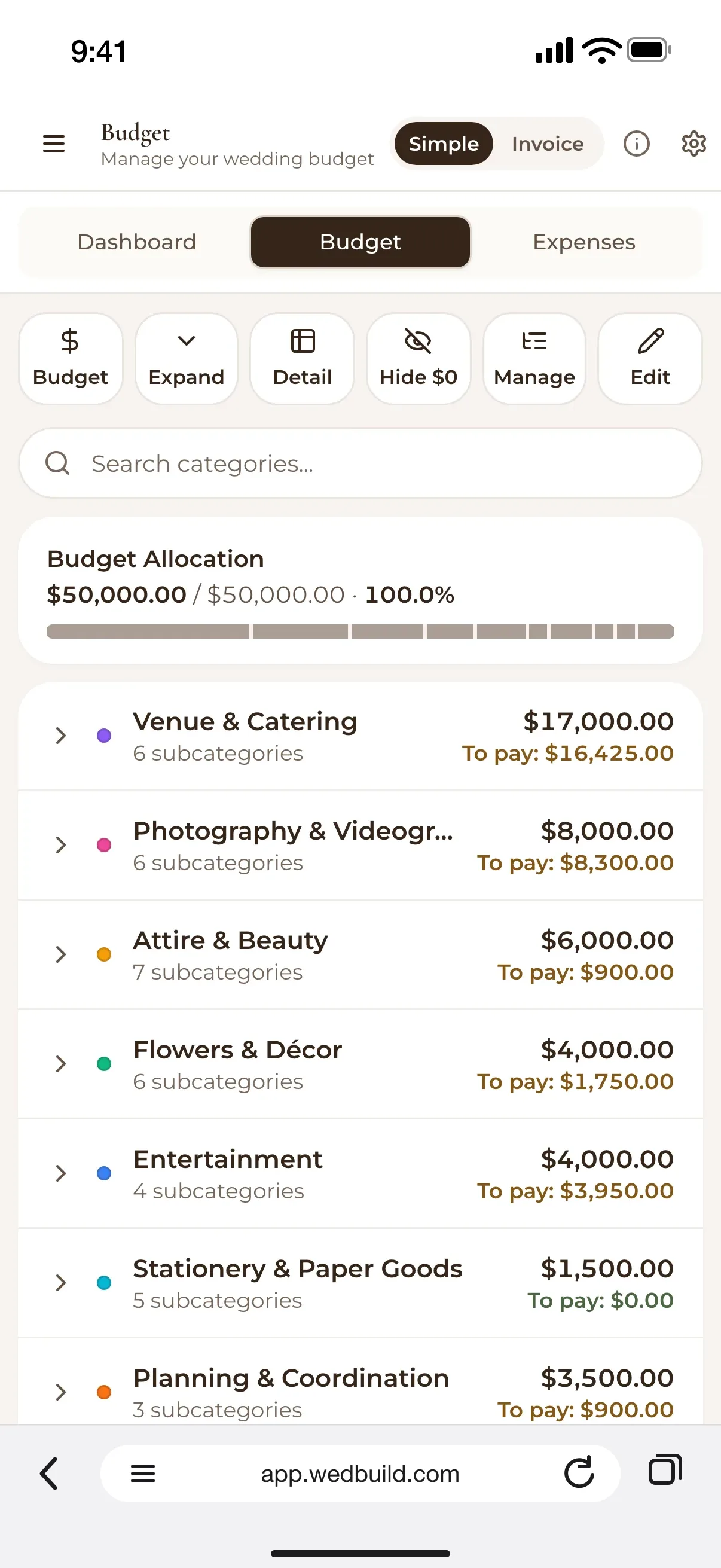
An all-in-one planner such as WedBuild illustrates the split between the work the couple does and the outputs guests see. The couple uses the planning app for the guest list, with the budget planner and seating chart on the Standard and Pro plans, while guests use the wedding website and, on Pro, QR Find My Seat. WedBuild’s free plan covers weddings up to 50 guests with the wedding website, online RSVP and guest list, with no time limit, so couples can set up the website before deciding whether a paid upgrade is worth it. That starting price is a separate consideration from whether the workflow fits.
For a small wedding, manual reconciliation may remain manageable. As the guest count grows, it helps more to enter each detail once because there are more responses, seating assignments and guest requirements to keep in step. Guests still need clear ways to reach the schedule and photo tool, with each set up to suit its job, but the seat finder relies on what the couple decided and recorded months earlier. By the time a guest scans the code in the foyer, the work that makes the answer reliable should already be done.
Before you go
Frequently asked questions
What should wedding apps for guests do on the day?
They should help guests find their seat, see the schedule and share photos. The best guest experience needs no download or login.
Do guests need to download an app to find their seat?
Not when the tool runs in the browser. A QR code that opens a page in the phone’s browser removes the install step, and when the page also requires no login, guests can reach the answer without creating an account.
What information should a wedding seating record include?
Guest Name, Table Number, RSVP Status, Dietary Requirements and Group/Side. Meal Choice, Accessibility Notes and Plus-One Name make it more useful to the caterer and venue coordinator as well as the couple.
How can guests share wedding photos without installing an app?
Browser-based QR tools let guests scan a code on the table with their phone camera and upload through the browser without installing an app or creating an account. Couples who want to revisit photos for months should check the storage window before choosing a platform.

Written by
Elise Schofield
Co-founder, WedBuild
Elise is the co-founder of WedBuild and a newlywed who knows exactly what it’s like to be buried in wedding spreadsheets. Frustrated with outdated websites and messy planning tools, she helped build WedBuild so couples can plan their weddings with less chaos and more “this actually feels fun".