Wedding Planning
How Automatic RSVP-to-Seating Sync Eliminates Dietary Reconciliation at Your Wedding
One shared guest record keeps allergies attached to the right seat.
By Elise Schofield
· 9 min read
Automatic RSVP-to-seating sync solves a specific wedding planning problem. When dietary answers and table assignments are in the same guest record, nobody has to copy the requirements from one list to another. The benefit is not just less admin for the couple, but a caterer briefing that connects each guest’s needs to their seat.
Why dietary reconciliation fails between RSVP and seating chart
A week before the wedding, the couple sits down with two lists that do not quite match. One contains RSVP answers and dietary notes. The other shows who sits where, including a late plus-one who has no dietary record. Someone now has to compare them, name by name, while working out whether the gluten-free note on a paper reply made it into either file. This is the reconciliation step, and it is where dietary information is most likely to disappear or be mis-transcribed.
The lists were never designed to stay in sync. An RSVP might arrive through a form, an email or a paper card, with its dietary answer recorded separately before someone transfers it to the seating plan. Even if someone checks the lists carefully the first time, they fall out of date when a guest sends a later change. The caterer then receives a briefing that describes an earlier version of the guest list.
How dietary diversity has made the reconciliation problem materially worse
Australian weddings now often have guests with a wider range of dietary requirements than they did a decade ago. Vegetarian, vegan, gluten-free and dairy-free meals sit among requirements such as halal, kosher, nut-free and low-FODMAP, as well as children’s meals and medical allergies. Each new type of requirement adds details that must make it from the RSVP answers to the seating chart and then to the caterer briefing.
The consequences also differ between requirements. At multicultural weddings, a dietary need may have religious significance as well as personal importance, so a transcription error is not merely inconvenient. Serious allergies add a safety dimension that makes accurate information non-negotiable. Treating all these answers as loose notes creates more work precisely where the process is already weakest.
The architecture that eliminates the hand-off: one data model, one guest object
With a single data model, the RSVP and seating tools use the same guest record. The technical shorthand is a “guest object”. In plain language, it is one record holding a guest’s name, RSVP status, dietary notes, table assignment and plus-one record.
The contrast with a disconnected workflow is straightforward. In that workflow, the guest exists in the RSVP tool, with a dietary answer in a field there. Someone exports the answer and matches it to the guest in the seating chart. That matching step requires human work, and the resulting document can become stale before it reaches the caterer. If an answer changes later, someone has to transfer it again.
With one shared record, there is nothing to copy. A dietary update made through the RSVP is reflected in the seating chart and in exports produced from the updated data. If a guest changes a plus-one, the seating plan reflects that change without someone re-entering it in another file. The chart is therefore a live view of the guest list, arranged by table, rather than a separate document assembled at the end of planning.
That distinction also defines what automatic sync can solve. It removes the need to keep two versions of a dietary answer aligned, but the caterer still needs a final briefing delivered on time. An export is a document produced from the records at that point. To prepare it, nobody has to link the guests to their requirements and tables all over again.
What this looks like in practice: how connected platforms handle the RSVP-to-seating flow
Simplify Tables fills the dietary field in the seating chart with the answers guests give in their RSVP. Those needs also appear as a column in its guest list export, available in Excel or CSV for the caterer. The answer does not need to be typed again. Its free tier is available for smaller events, so this connected approach is not confined to large weddings.
SeatCanvas takes a different route through Excel and CSV imports. Couples maintain a spreadsheet from their RSVPs, and the “Meal” and “Allergy” columns pass through as guest notes. A column missed on the first import can be added in approximately two minutes. The hand-off is partly reduced because the dietary information still comes from a separately maintained file. It is free up to a limited number of seated guests, with a one-time fee for unlimited use.
WeddingWire offers a free seating tool that syncs with its guest list. Its page does not, however, establish whether RSVP status feeds the chart or meals and dietary needs appear on guest cards. For Australian couples, its US-only vendor directory and cash registry requirement for a US bank account are separate limits, rather than evidence about how its seating tool handles dietary information.
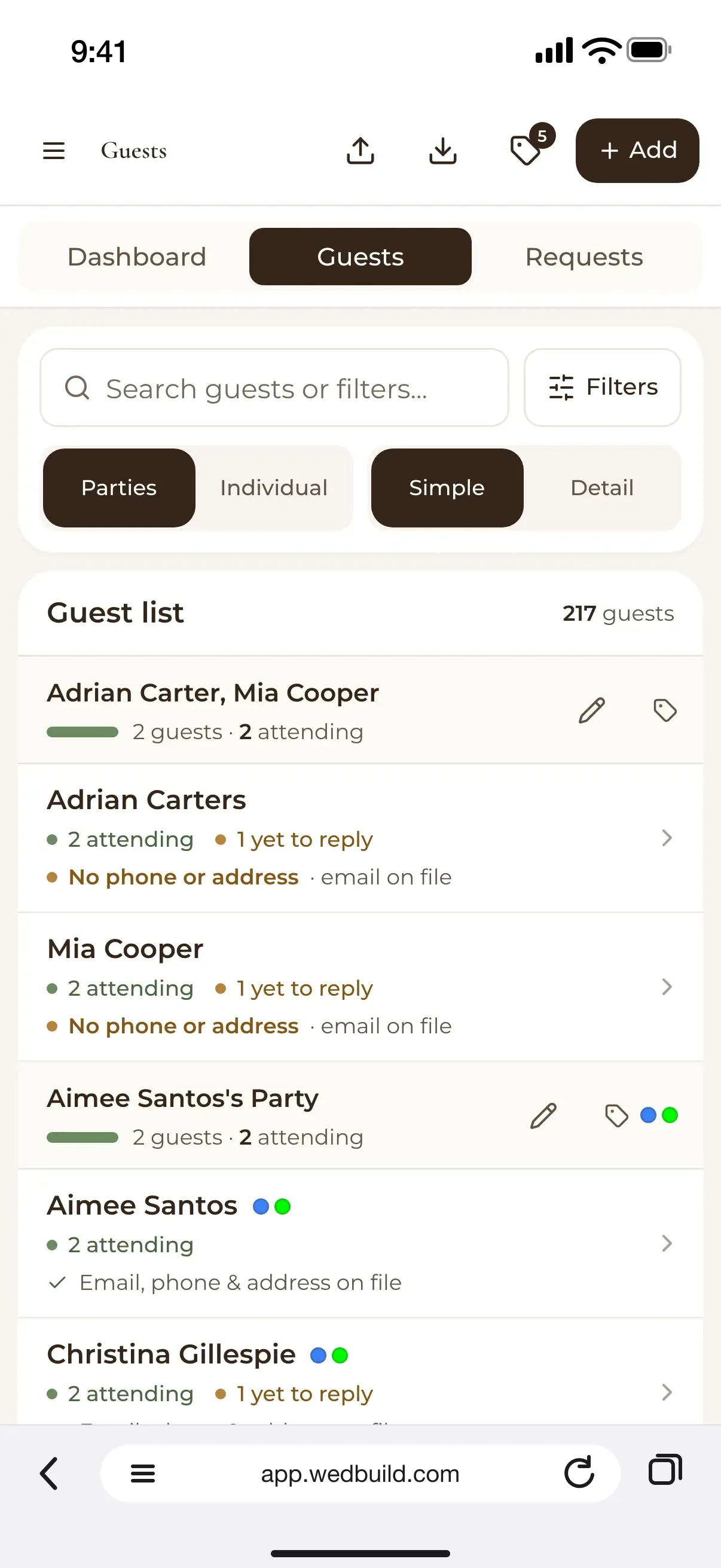
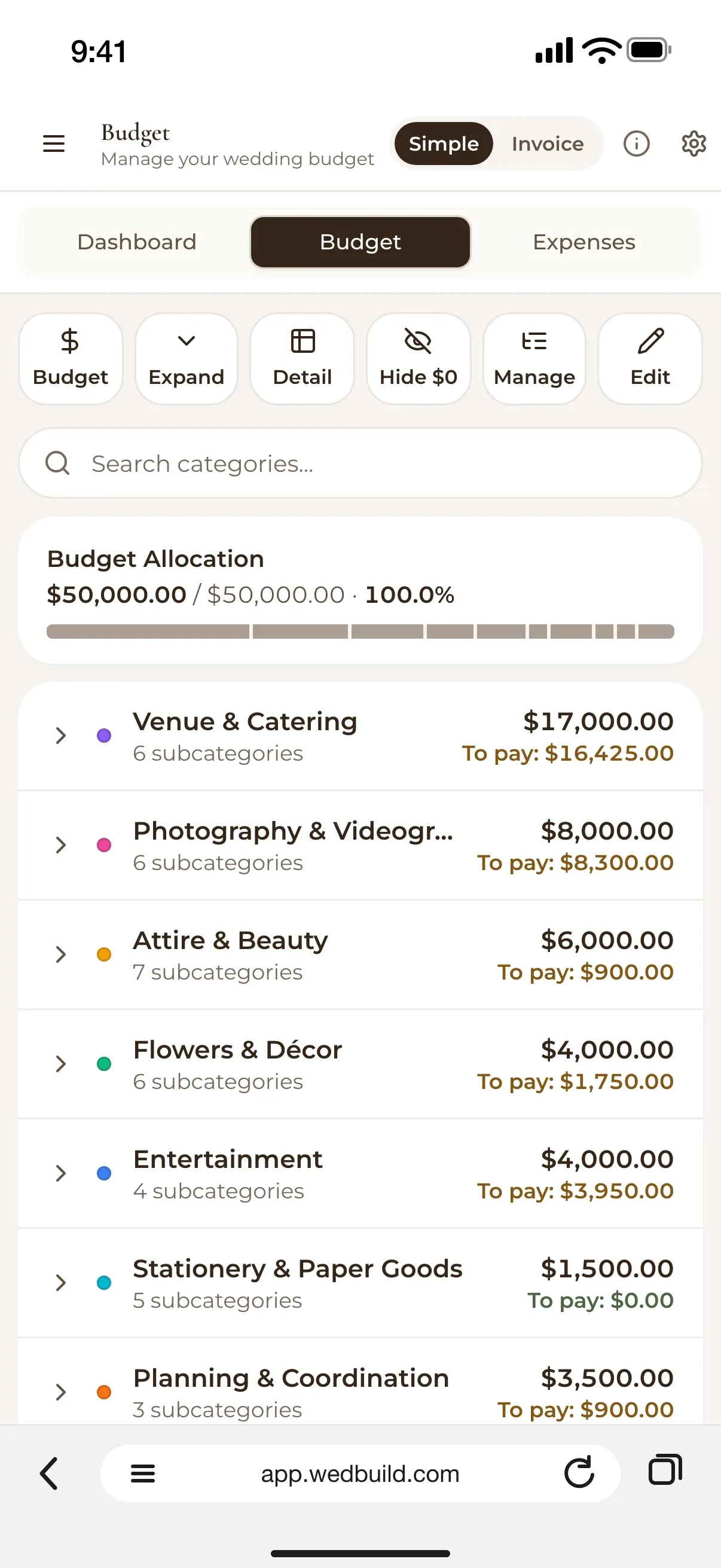
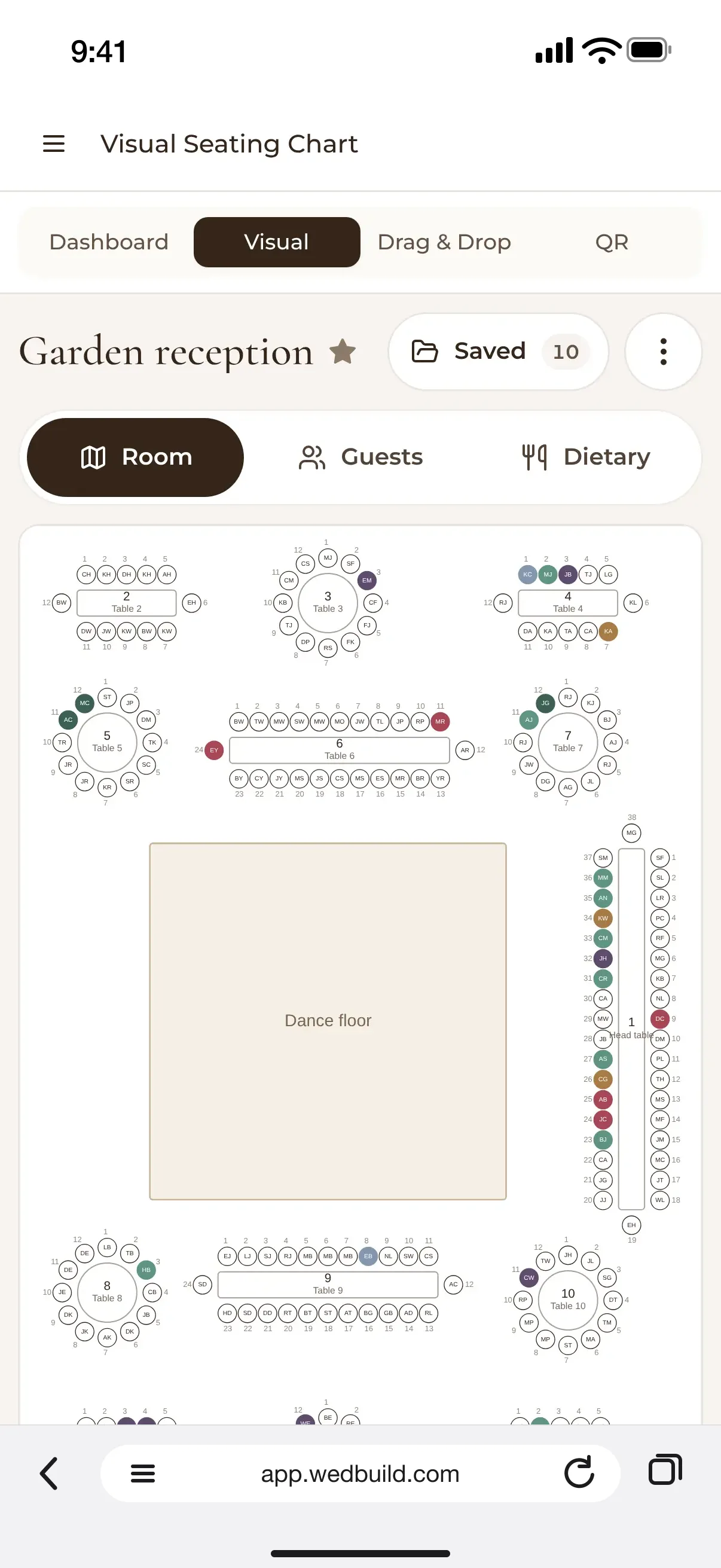
Wedbuild, an Australian-made planner built by a couple who had to reconcile separate spreadsheets themselves, connects RSVPs to the guest list, seating chart and table cards with dietary legends, while its QR “Find My Seat” page works in a guest’s phone browser without an app download. It is free to start, with the seating chart and budget planner on paid plans offering a seven-day free trial and a one-time fee for two years of access, but it has no vendor directory and is web-based.
The honest case for a spreadsheet at smaller weddings — and where it breaks down
A single shared spreadsheet is a legitimate solution for a small wedding. With columns for guest name, table number and dietary requirements, it can serve as one source of truth. Every vendor and coordinator can open it, it exports readily, and it costs nothing. There is least need for integrated software when one person can keep the file up to date without its versions drifting apart.
A guest might update a dietary requirement two weeks before the wedding, and the RSVP platform records the answer correctly. The spreadsheet does not receive it automatically. Unless someone checks for changes and re-enters the answer, the seating file still contains the old information, even though both documents look orderly.
As the guest list grows, those checks add to the work of keeping track of RSVPs, dietary requirements and seating, and checking that the budget figures match. A spreadsheet can hold enough rows, but someone has to keep them up to date while doing everything else. Software handles that volume of connected work better, especially when the next person to use the information is a caterer working to a deadline.
What the caterer actually needs and when they need it
Caterers in Sydney, Melbourne, Brisbane and Perth typically require final numbers one to two weeks before the event. That deadline makes the briefing an operational document. The caterer needs to know how many meals are required and where the guests needing them will sit. A correct headcount alone is not enough.
The most useful single document is a seating plan that maps dietary requirements clearly to table numbers. It also needs allergy severity flagged separately from preferences, children’s meals identified and total counts per meal type. A guest list in one file and dietary notes in another simply pass the reconciliation job downstream.
A connected system can export a final guest list that shows dietary requirements, seating preferences and who has confirmed they will attend. That reduces an evening of manual compilation to minutes, because the underlying records are already joined. The useful output is a table-mapped dietary briefing. This is where the choice of planning tool becomes practical for the vendor.
Premium Australian venues in places such as the Barossa Valley, Noosa and the Blue Mountains are used to dealing with complex dietary requirements. They need the information organised so they can act on it. A clear briefing lets their experience go into preparing and serving the right meals.
Where RSVP collection fits in the Australian wedding timeline
In the standard Australian planning timeline, couples decide on the budget, guest numbers, venue and celebrant 18–12 months before the wedding. In the 3–1 months before it, couples deal with RSVPs, the seating plan and run sheet, and confirm plans with suppliers. The final month includes final numbers, dietary requirements and payments.
The RSVP deadline should be three to four weeks before the wedding date. That allows time to follow up with non-responders, finalise the headcount with the caterer and complete the seating chart. The replies have to come in before the numbers can be settled, and the table assignments have to be ready for the caterer’s briefing in the same roughly three-to-four-week window.
With separate systems, that is also when manual reconciliation lands. The couple must compare dietary answers with the seating file while handling final payments, confirmations and logistics. A late reply or updated requirement creates another piece of checking at the busiest point.
Have the dietary data accurate and exportable before that window opens. In a shared data model, confirmed RSVPs already populate the seating chart, so the final work is review and export. Someone still has to decide who sits where and follow up with non-responders.
What the day looks like when the dietary data has been handled correctly
The caterer arrives with a dietary sheet that shows who sits at each table, made from the final confirmed guest list. Table cards show dietary legends, giving waiting staff the information they need to put the right plate in the right place without asking guests to repeat their requirements. Where a QR seat finder is available, guests can find their seats on their phones without a staffed table or a printed board that may miss late changes. The work on the day is execution.
The venue coordinator does not need to call them to ask which guest at table seven has the nut allergy, because that detail is already connected to the table assignment. The requirements have not become simpler. They have been handled before the meal, leaving the couple more room to be present and enjoy their wedding.

Written by
Elise Schofield
Co-founder, WedBuild
Elise is the co-founder of WedBuild and a newlywed who knows exactly what it’s like to be buried in wedding spreadsheets. Frustrated with outdated websites and messy planning tools, she helped build WedBuild so couples can plan their weddings with less chaos and more “this actually feels fun".